

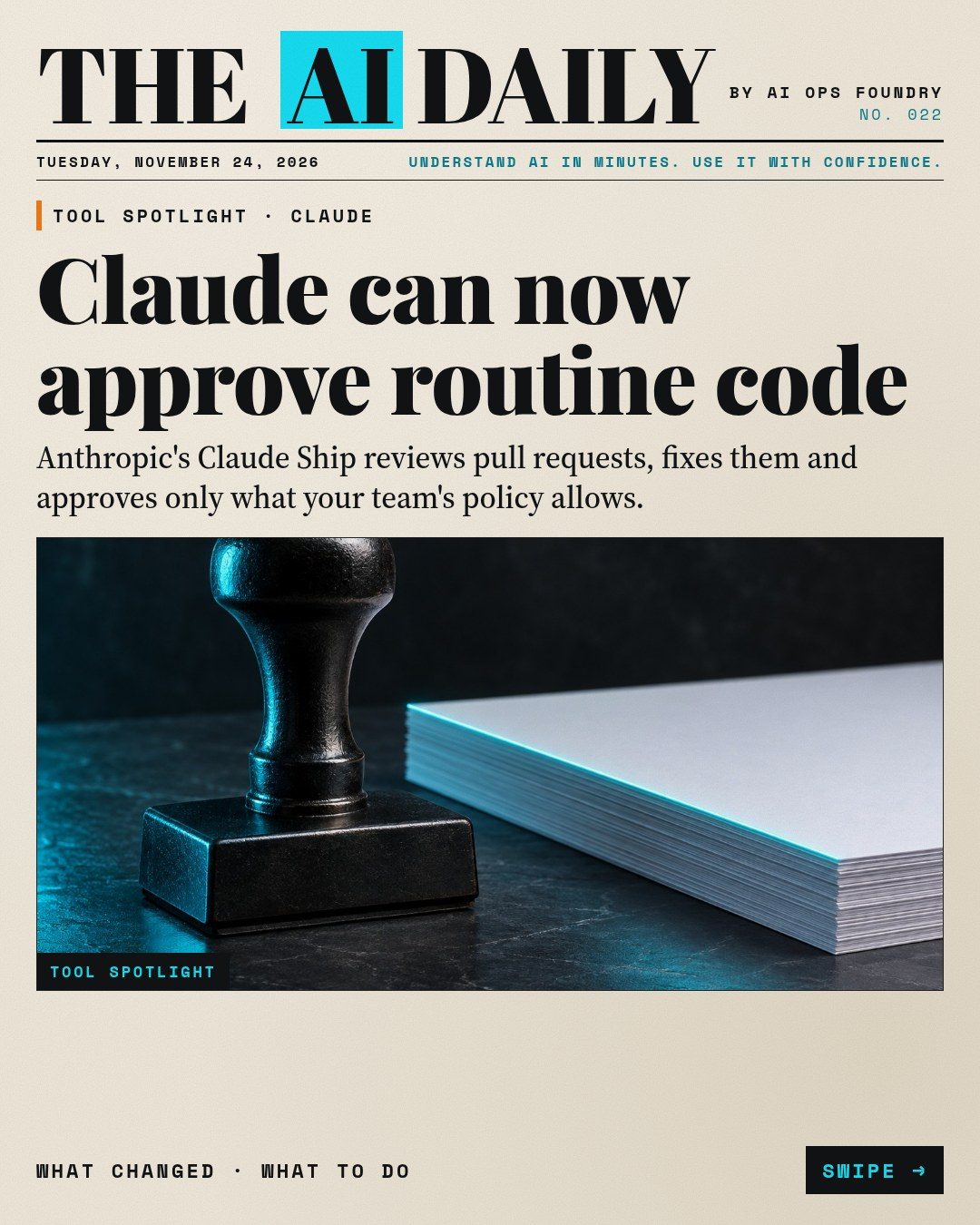
Claude Ship reviews, fixes and approves code
On November 23, Anthropic introduced Claude Ship, available in beta. It takes a pull request (a proposed code change) through three steps: a review, fixes, and an approval decision based on rules your team writes. Anthropic's pitch is that many developers now build with AI agents, so code is written faster than people can review and approve it. Teams stay in control of where Claude Ship runs and which changes still need a person. (Claude blog)
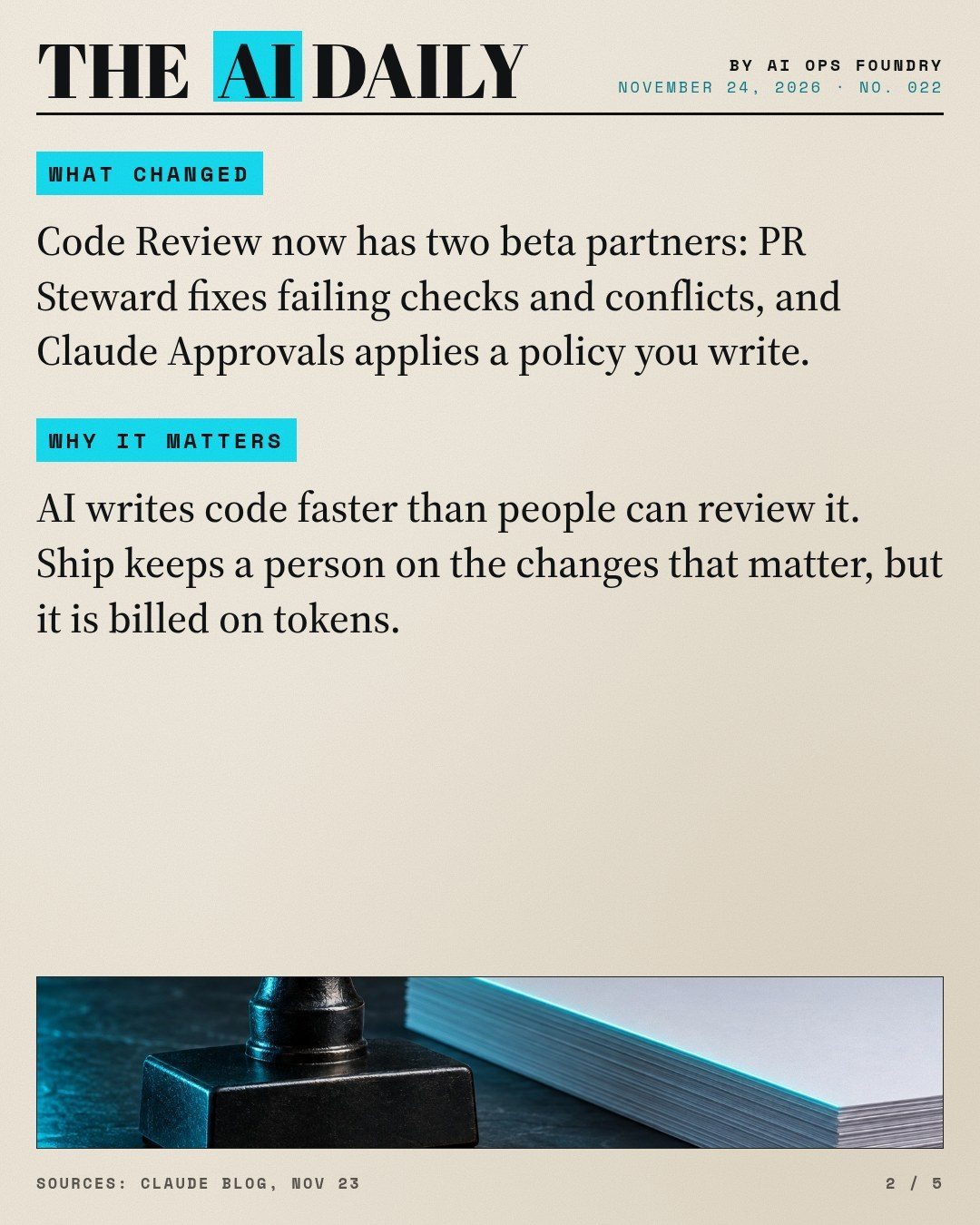
Claude Ship has three parts. Code Review, which was already generally available, reviews a pull request against the codebase and posts its findings, with a choice of Quick, Standard or Deep review for each repository. PR Steward, new and in beta, jumps in on failing checks, merge conflicts and review feedback, and after every push it comments with what it changed and how to undo it. It is designed not to approve or merge. Claude Approvals, also new and in beta, applies an approval policy your team writes as a file in the repository: Claude can approve routine changes on its own if the policy allows it, or require a person to sign off. (Claude blog)
What changed
- Fixes, not just comments. PR Steward works on failing checks, merge conflicts and review feedback. You can steer it with an
@claudecomment, or tell it@claude stop. (Claude blog) - Approvals follow your written rules. Claude Approvals reads a policy file on the repository's default branch. Anthropic recommends starting in observe-only mode before branch protection requires its approval. (Claude blog)
- A new
/shipcommand. In Claude Code,/shippushes a finished change, opens the pull request, reviews it and works on feedback and failing checks. What can merge still depends on your permissions and the repository's branch rules. (Claude blog) - Who can use it. Claude Team and Enterprise plans, for repositories on GitHub. It is not available to organizations with Zero Data Retention, the HIPAA configuration or customer-managed encryption keys. (Claude blog)
Why it matters
If an agency, freelancer or in-house developer builds your website or app with AI, the slow part is often no longer writing the code but checking it. Claude Ship moves routine checks to an agent while you decide, in writing, what always needs a human. It is not free to run: Anthropic says usage is billed on tokens, and the cost depends on how many pull requests it covers, the review level, how often reviews run and how much fixing PR Steward does. Admins can set spend limits for Code Review and PR Steward. (Claude blog)
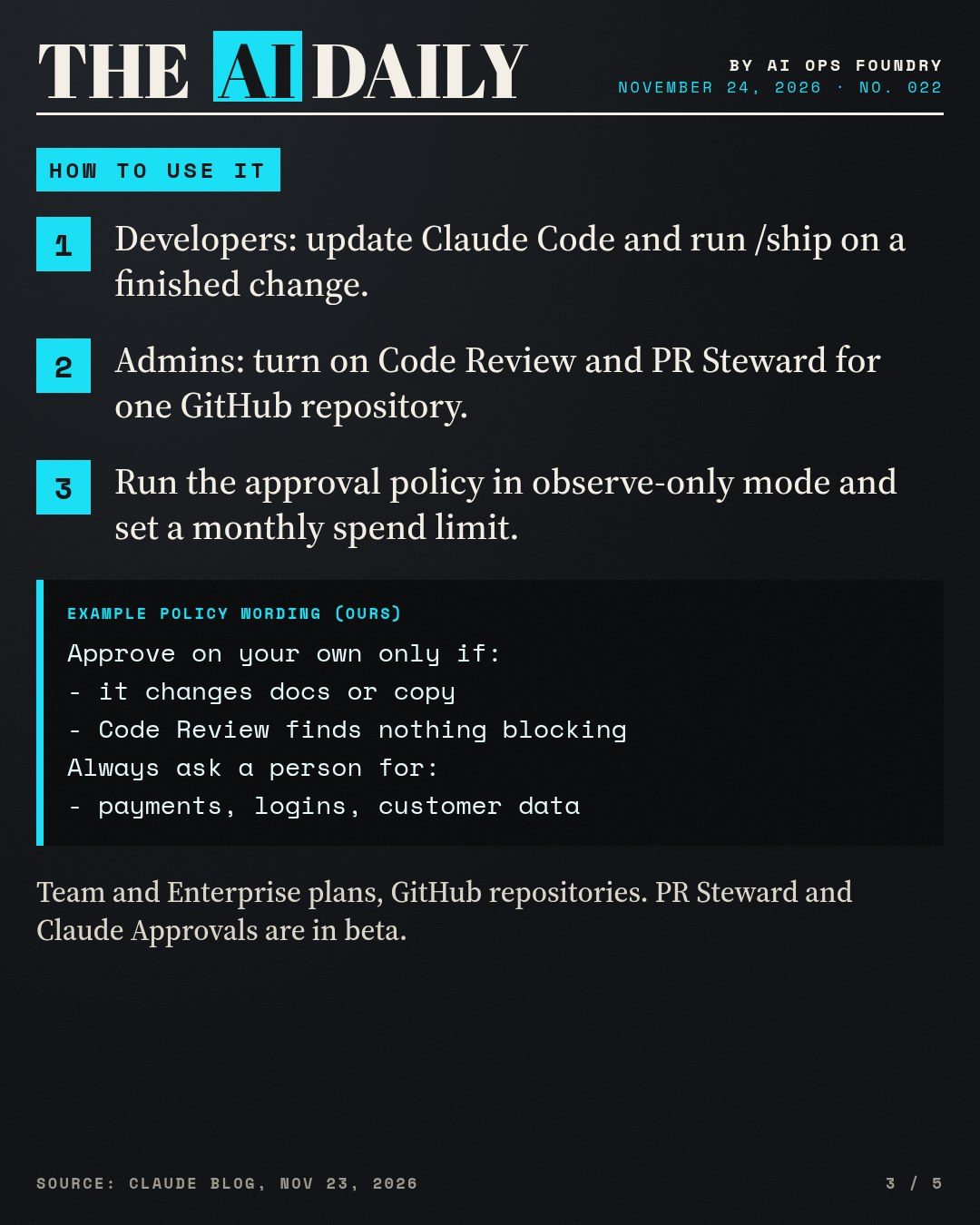
How to use it
- Try it on your own change first. Developers can update Claude Code and run
/shipon the next finished change. Running/shipcounts as regular Claude Code usage. (Claude blog) - Turn it on for one repository. An admin turns on Code Review and PR Steward per repository and picks the review level (Quick, Standard or Deep), when reviews run and a monthly spend limit. (Claude blog)
- Write the approval policy in plain language. For example (our wording, not Anthropic's format):
Approve on your own only if:
- it changes docs or copy
- Code Review finds nothing blocking
Always ask a person for:
- payments, logins, customer data- Run it in observe-only mode. Let Claude Approvals show what it would have approved for a few weeks before you let it count toward merging. Note that a policy that uses Claude's review triggers a billed Code Review, even in observe mode. (Claude blog)
- If you hire a developer, ask one question: "Which changes to our site does a person still read before they go live?"
Also today
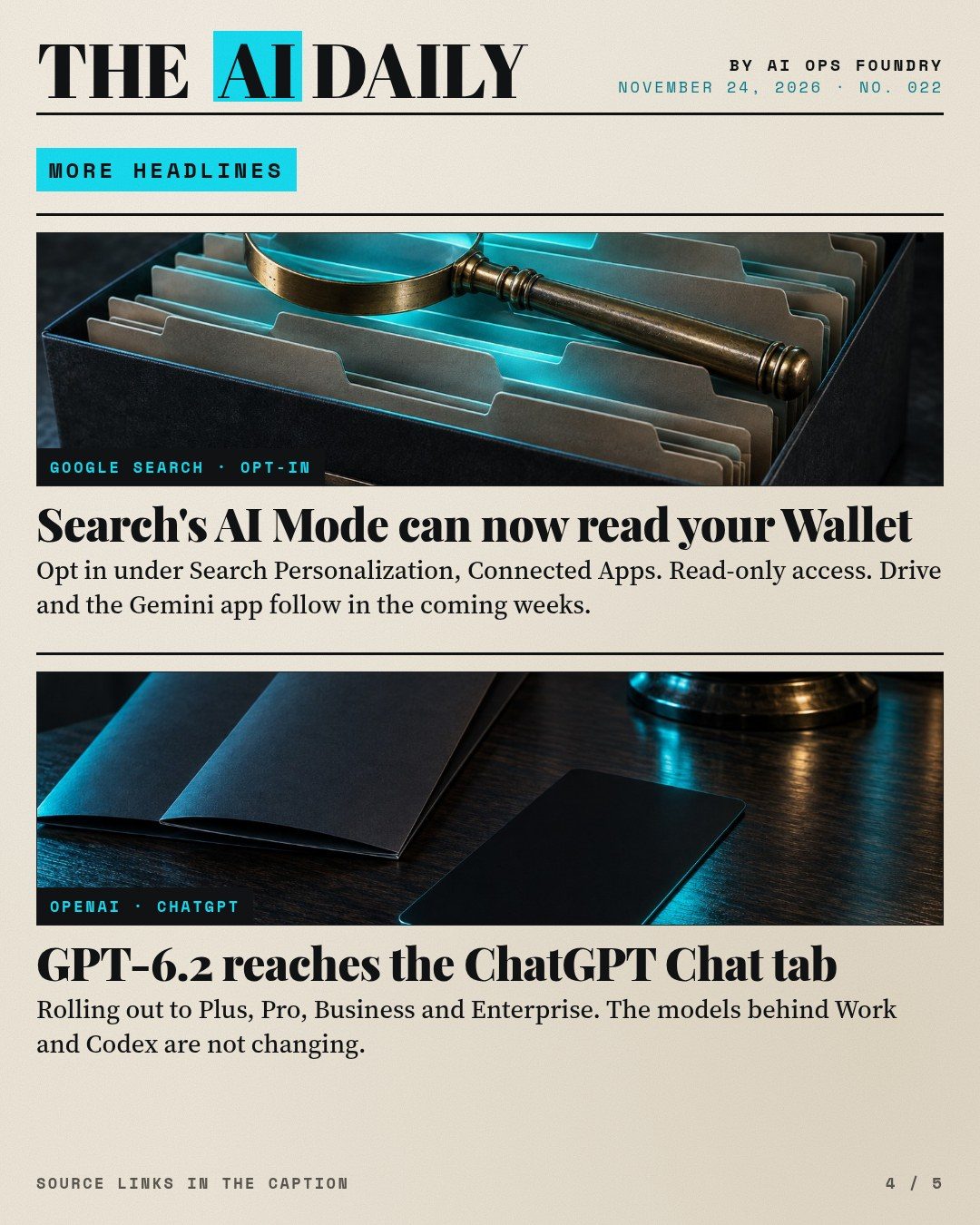
Search's AI Mode can now read your Google Wallet
On November 23, Google began rolling out the option to connect Google Wallet to Personal Intelligence in AI Mode in Search, with Google Drive and the Gemini app following in the coming weeks. These join Gmail, Calendar and Photos. To connect apps, open Search Personalization, select Connected Apps and choose the apps you want. Google says that with Wallet connected, AI Mode can only read information from your accounts; it can't move, manage or invest your money. You can turn connections off at any time. (Google blog) This is separate from connecting Wallet inside the Gemini app, which we covered on November 16.
What to do: before you connect Wallet or Drive, decide which questions you actually want Search to answer from your spending or documents, and leave the rest off.
GPT-6.2 reaches the ChatGPT Chat tab
On November 23, OpenAI began rolling out a version of GPT-6.2 tuned for everyday conversation in ChatGPT's Chat tab, for Plus, Pro, Business and Enterprise. It is powered by a version of GPT-6.2 Sol. Enterprise availability depends on workplace admin settings, and the models behind Work and Codex are not changing in this release. OpenAI says it is better at following detailed instructions, finding information online and answering questions about images you share. (ChatGPT release notes)
What to do: rerun one prompt you use every week, such as a long instruction-heavy email or a photo of a document, and compare the answer with what you got last week.
Recommended tools for today
- Claude Code
/ship: for developers who want one command from finished change to reviewed pull request. - Search Personalization, Connected Apps: where you choose which Google apps AI Mode can read.
- ChatGPT Chat tab: where the new GPT-6.2 version is rolling out.
What to try today
Write your own approval rule in one sentence: which AI-drafted work can go out without you, and which always needs your eyes.
The edition in slides
The same story as the Instagram and Facebook carousel. Swipe or scroll; select a slide to open it full size.
Sources
Every fact is from the official sources listed above, checked on the day of publication. See how we label AI news.