

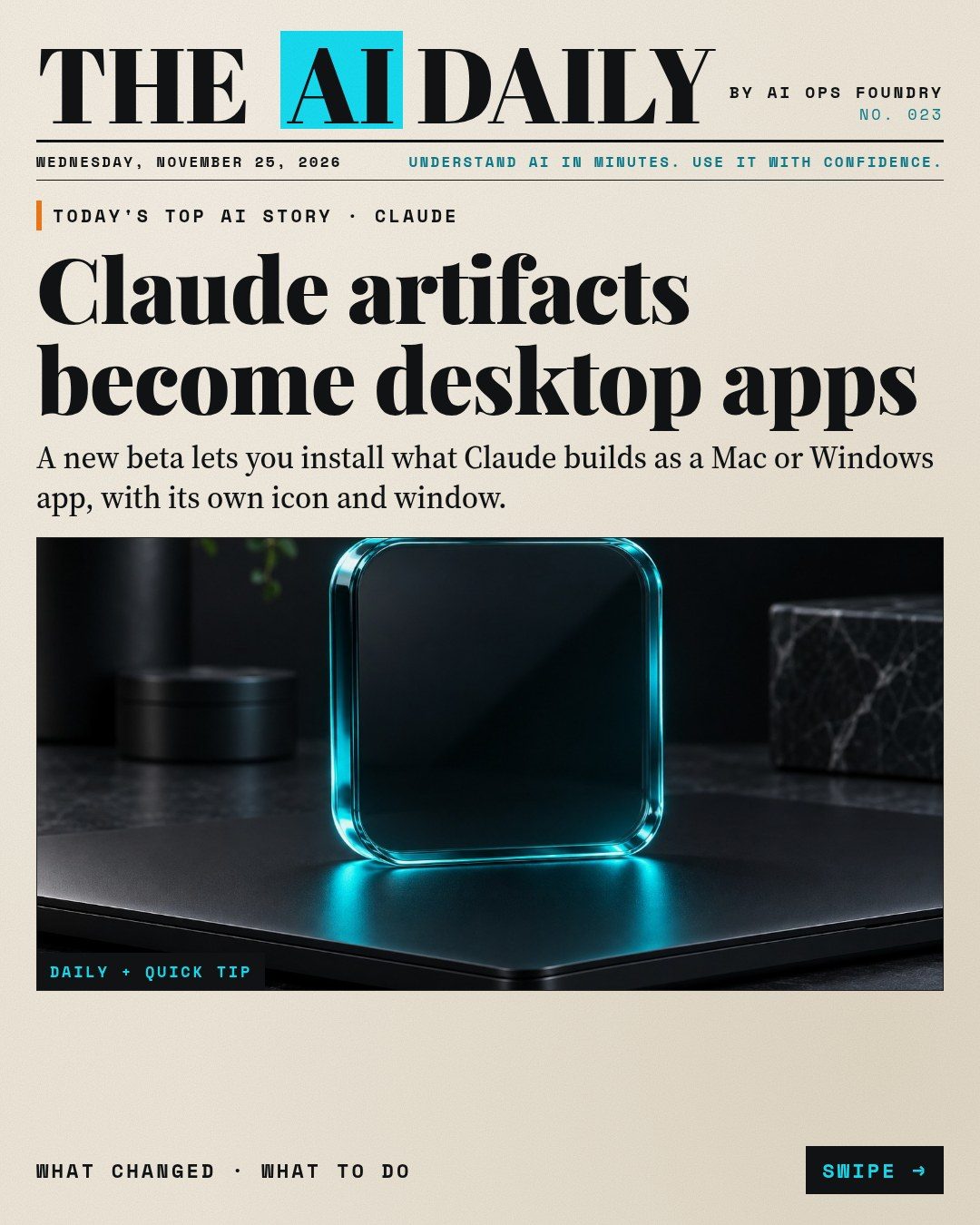
Claude can turn an artifact into a desktop app
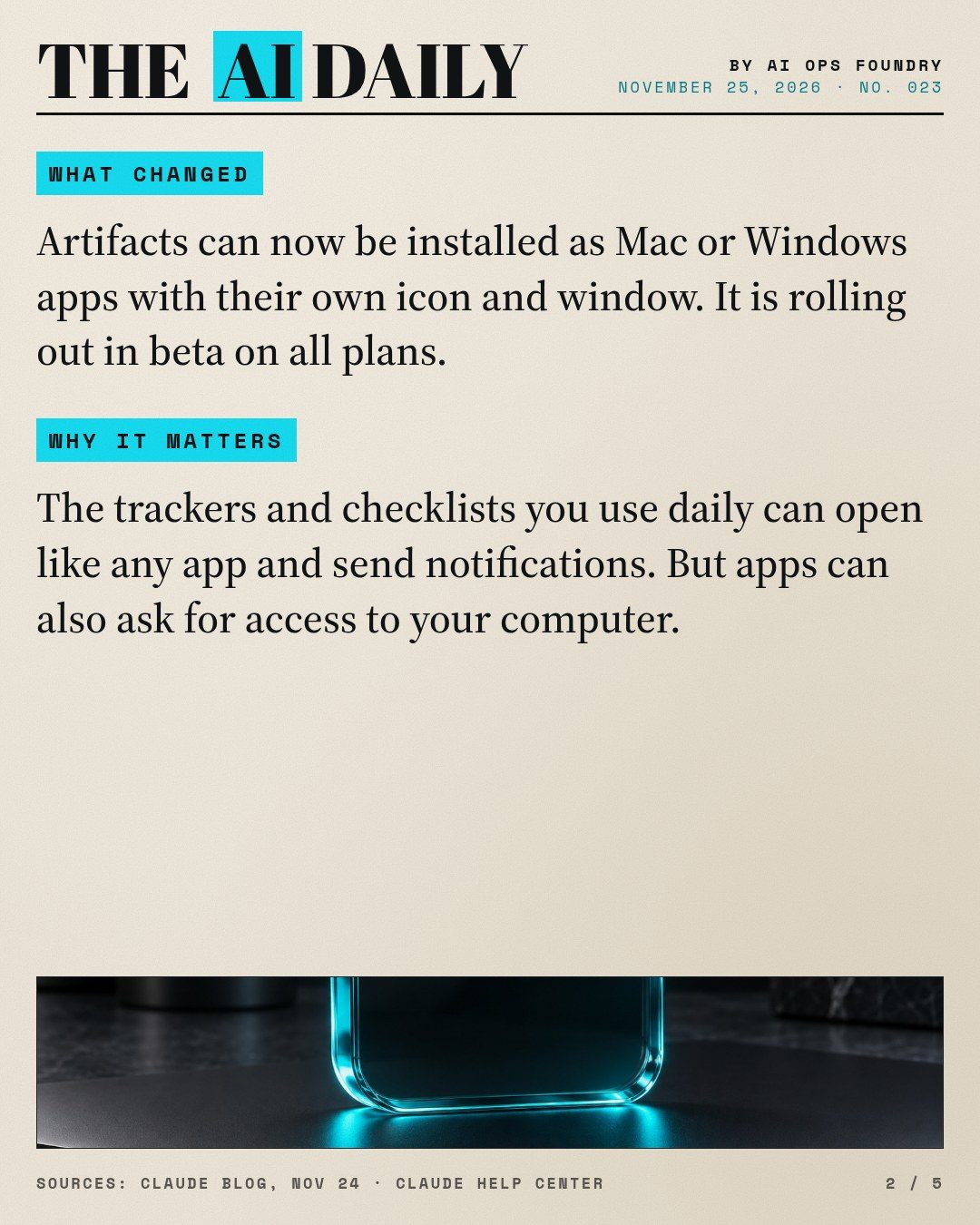
On November 24, Anthropic started rolling out "Install as app" in beta in Claude for Mac and Windows. An artifact (the interactive page, tool or tracker Claude builds in a chat) can now be installed as a desktop app. It gets its own icon and opens in its own window instead of inside Claude. Anthropic says you don't have to package or sign it, and it uses your Claude account, so there is no API key or separate login. (Claude blog)
It is the same artifact underneath: when you or another editor changes it, the app updates too. An installed app can use Claude and your connectors the same way the artifact does. With your permission, it can also send notifications, add a menu bar or system tray item, or go further and run programs and work with your files. (Claude Help Center)
What changed
- Who can use it. It is rolling out in beta on Free, Pro, Max, Ultra, Team and Enterprise plans. You need Claude for Mac or Windows version 6.28899.0 or later. On Team it is on by default with full computer access off. On Enterprise it stays off until an owner turns it on. (Claude Help Center)
- Three permission levels. By default, an app can only do what it could do in a browser. It can ask for app permissions such as notifications, keyboard shortcuts or always-on-top windows. It can also ask for full computer access, which lets it run programs and read, change or delete your files without asking each time. (Claude blog)
- Permission resets after every update. An "Allow" covers one version of the app, so Claude asks again after any change, even your own edits. (Claude Help Center)
- Limits at launch. Apps aren't available on Linux, the web or mobile. Artifacts made from templates such as Docs, Slides or Sheets can't be installed. You need to be online and signed in to open an app. (Claude Help Center)
Why it matters
Anthropic notes that people already use artifacts as everyday tools, such as a meeting prep page that pulls from their calendar and email, or a tracker for orders that need to ship that day. Now those tools can open like any other app and remind you when something needs attention. There are two costs to keep in mind. Requests the app makes to Claude count toward your plan's usage limits. And Anthropic doesn't review apps before you install them. (Claude blog)
How to use it
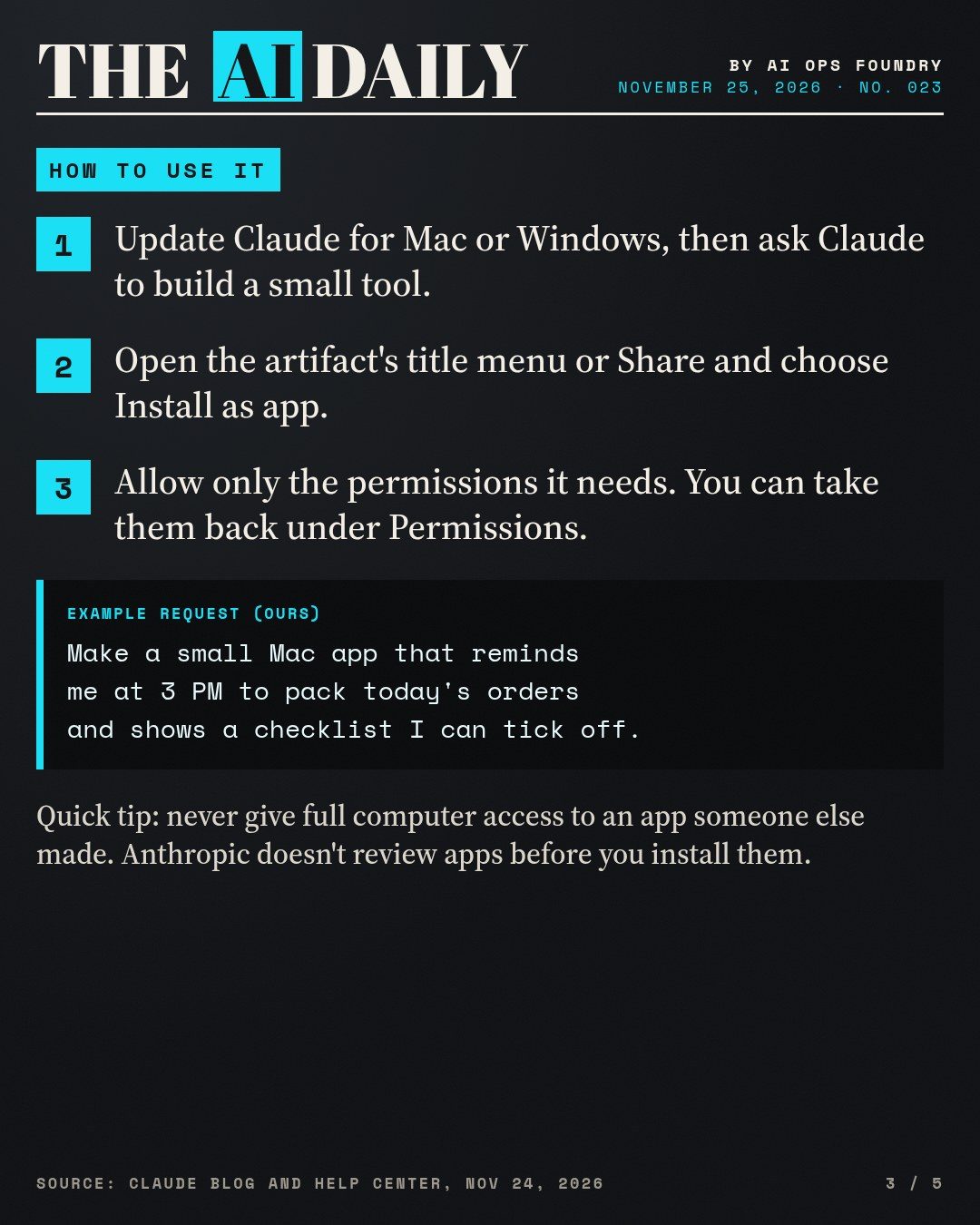
- Update Claude Desktop. On macOS, go to Claude > Check for Updates. On Windows, open the menu button and go to Help > Check for Updates. (Claude Help Center)
- Describe the tool in a chat. Anthropic's own examples include "Make a small Mac app that reminds me to stretch every hour." Here is ours for a small shop:
Make a small Mac app that reminds
me at 3 PM to pack today's orders
and shows a checklist I can tick off.- Install it. Open the artifact in the main Claude Desktop window. Open its title menu (or right-click it, or use Share), select "Install as app", then "Install". (Claude Help Center)
- Open it like any app. On a Mac, it lives in the Claude Apps folder and shows up in Spotlight. On Windows, use the Start menu or the desktop shortcut. To uninstall, go to File > Apps in Claude Desktop. Uninstalling doesn't delete the artifact. (Claude Help Center)
Quick tip: keep full access for your own apps
Answer each permission request with only what the app needs. A reminder app needs notifications, not full access to your computer. Anthropic warns that an app with full access can run any program and read, change or delete your files, so only allow it if you trust everyone who wrote the app. On Free, Pro, Max and Ultra, Claude generally won't let an app made by anyone other than you request full access. You can take a permission back at any time from the app's Permissions menu. (Claude Help Center)
Also today
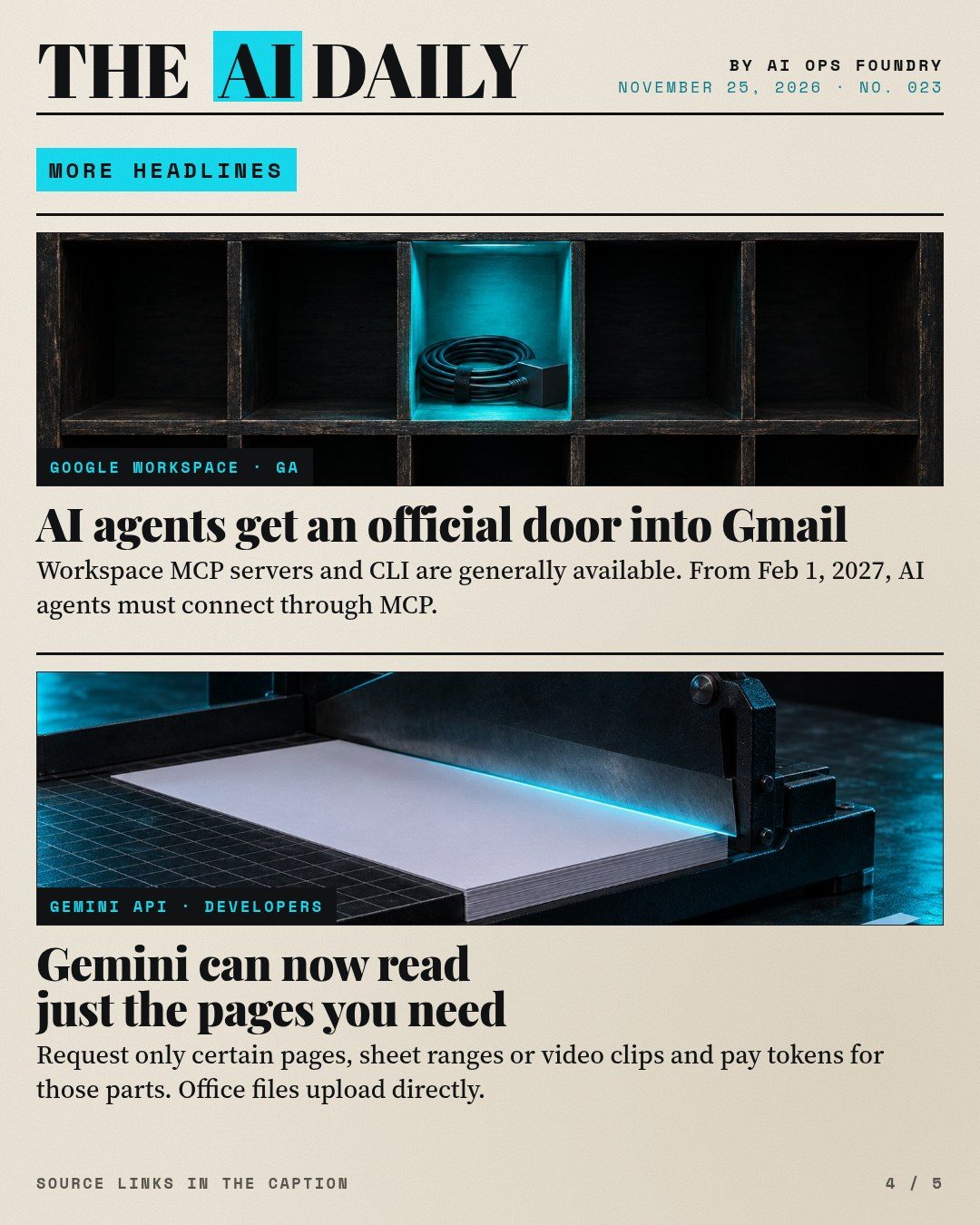
AI agents get an official door into Gmail and Drive
On November 24, Google made the Workspace MCP servers and the official Workspace CLI generally available. They are Google-hosted connections that let AI agents work with Gmail, Drive, Docs, Sheets, Slides, Calendar, Chat and Tasks, with Keep coming soon. The rollout to all Workspace customers and developers takes about two weeks. Google also set two new rules. From February 1, 2027, AI agents must use MCP to access Workspace data instead of calling Workspace APIs directly. And from April 1, 2027, projects that pick the paid Scaled tier for higher limits will pay for usage above the free daily allowances. Google says over 99% of active developers fit in the no-cost Standard tier. Admins can require people to confirm sensitive agent actions, and existing data loss protection rules and audit logs apply. (Google Workspace Updates)
What to do: if a third-party AI tool reads your team's Gmail or Drive, ask its maker whether it will connect through Google's MCP servers before February 1, 2027.
Gemini can now read just the pages you need
On November 23, Google added file slicing controls to the Gemini API in Google AI Studio and the Gemini platform. Developers can ask for specific pages of a PDF or slide deck, a sheet and cell range in a spreadsheet, or a time range of audio or video. Tokens are billed only for the parts Gemini inspects. Word, Excel, PowerPoint and OpenDocument files can now be uploaded directly. It works across all Gemini 4 models, and existing file size and page limits still apply. (Google blog)
What to do: if your developer sends whole reports or long recordings to Gemini, ask whether skimming first and loading only the pages that matter would cut the bill.
Recommended tools for today
- Claude Desktop, Install as app: for turning a daily tracker or checklist into its own Mac or Windows app.
- Workspace MCP servers: Google's official connection for AI agents that work in Gmail, Drive and Calendar.
- Gemini API file slicing: for developers who want Gemini to read only part of a big file.
What to try today
Quick tip: pick one checklist you redo every day. Ask Claude to build it, install it as an app, and allow notifications only.
The edition in slides
The same story as the Instagram and Facebook carousel. Swipe or scroll; select a slide to open it full size.
Sources
Every fact is from the official sources listed above, checked on the day of publication. See how we label AI news.