

After ChatGPT's outage: plan for next time
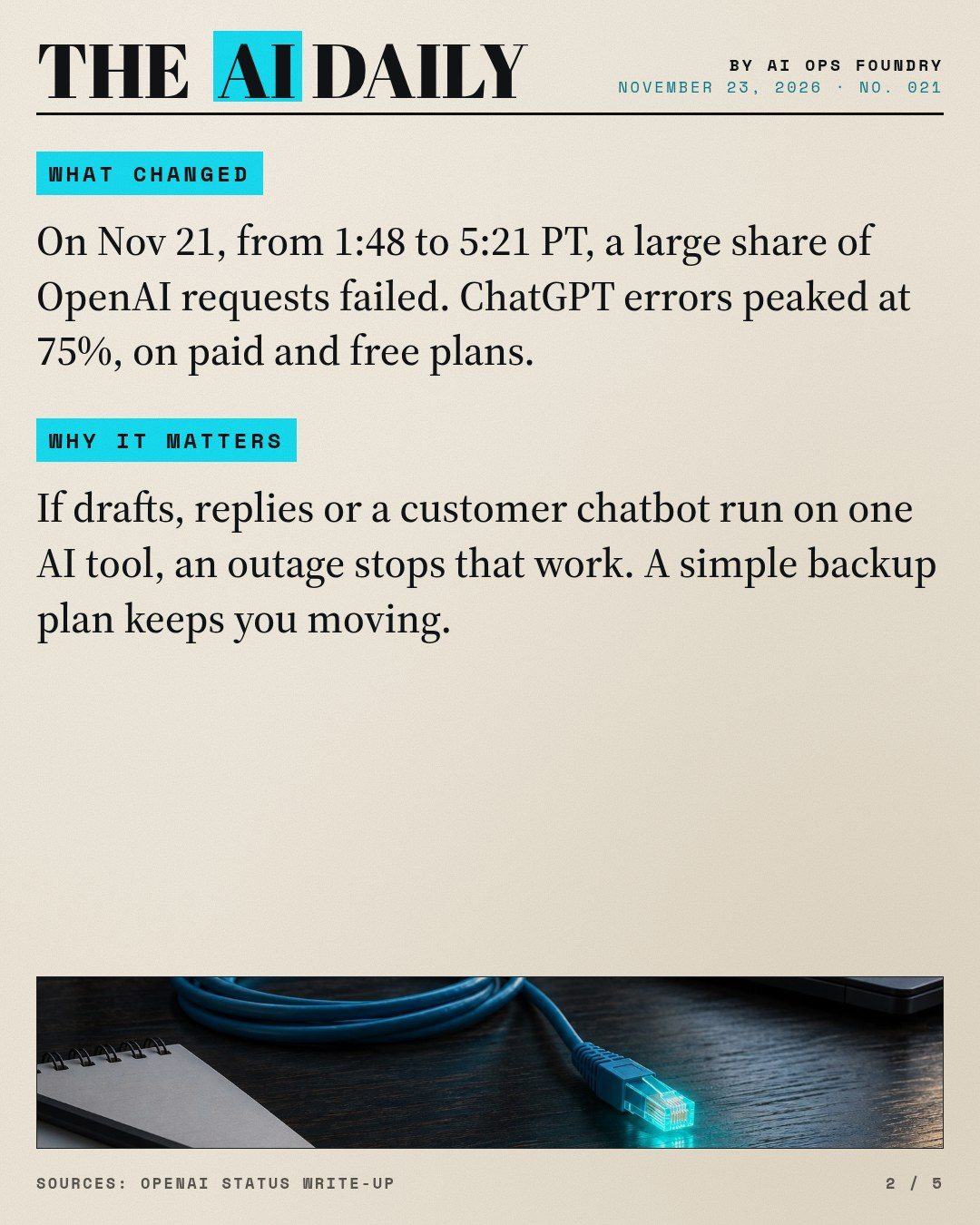
On Saturday, November 21, between 1:48 and 5:21 PT, a large portion of requests to OpenAI failed. Failures peaked at 75% on paid and free ChatGPT. OpenAI says the outage was triggered by maintenance on a database used by its Primary API service, which caused both of the database's read replicas to fail at the same time. That service provides user authentication and service-to-service authentication across the entire OpenAI stack, which is why one database problem reached so many products. (OpenAI Status write-up)
OpenAI says attempts to revive the failed replicas, and to bring up replacements in other regions, did not work. The outage ended when it worked with its service provider to bring two new replicas into service in the same region. (OpenAI Status write-up)
What changed
- About three and a half hours of failures. From 1:48 to 5:21 PT on Nov 21, with ChatGPT failures peaking at 75%. (OpenAI Status write-up)
- The cause was routine maintenance. Work on a database behind OpenAI's sign-in and service authentication took down both read replicas at once. (OpenAI Status write-up)
- Fixes already in place. OpenAI has put a moratorium on similar maintenance, adjusted settings to reduce connection churn, and added a way to shift traffic away from replicas gradually. (OpenAI Status write-up)
- Fixes promised. A pre-maintenance review process, "hot" standby capacity during maintenance, more buffer capacity in key regions, and a review of its whole stack for redundancy. (OpenAI Status write-up)
Why it matters
OpenAI itself writes that "extended API outages affect our customers' products and business." (OpenAI Status write-up) For a small business, the risk is simple: if your email drafts, social posts, quotes or customer chatbot run on one AI tool, that work stops when the tool does. No provider can promise zero downtime. What you control is how fast you can switch.
How to use it: a 15-minute backup plan
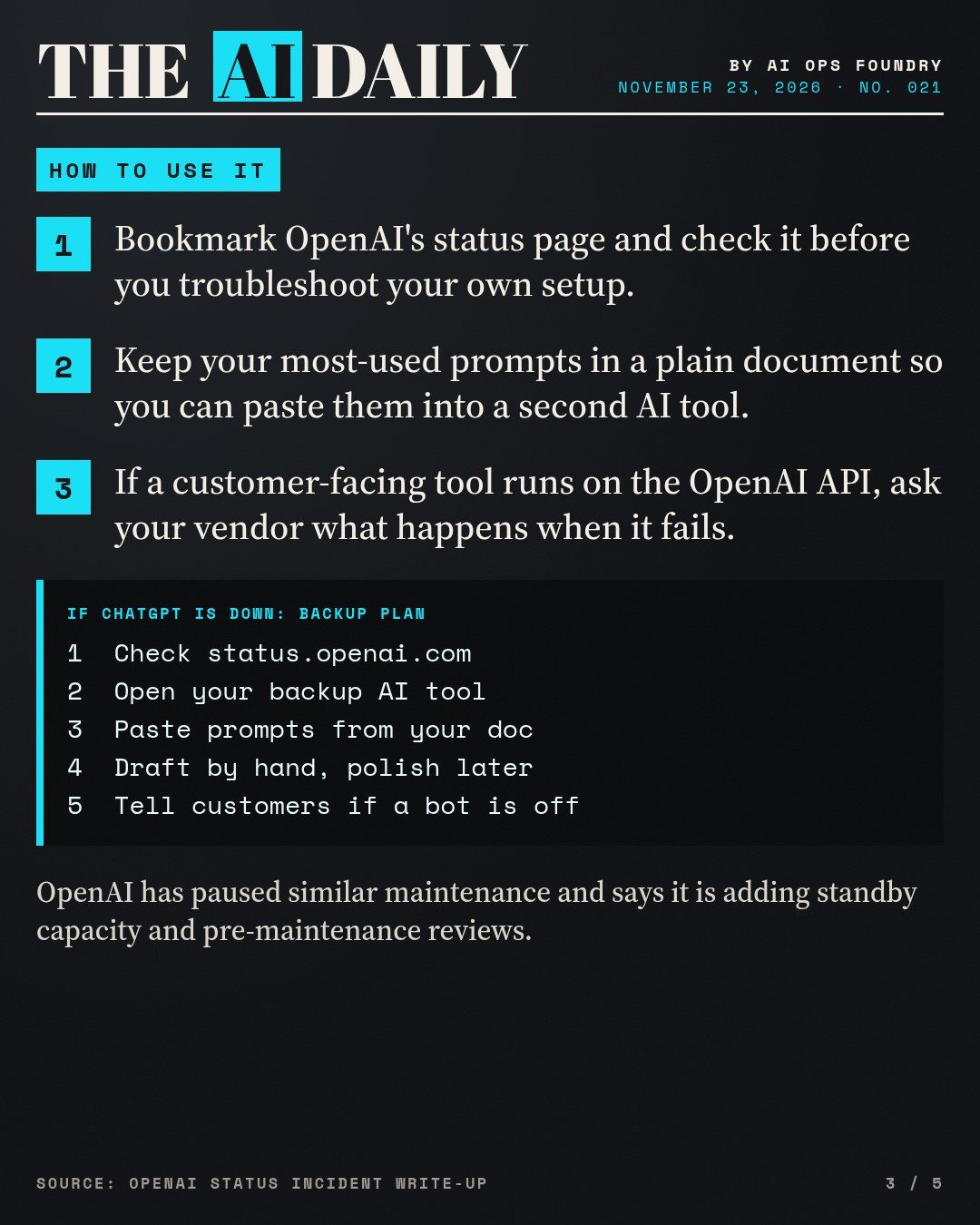
- Bookmark the status page. When ChatGPT stops responding, check status.openai.com first, before you clear your cache, sign out or call your IT person.
- Pick one backup AI tool. Choose a second assistant you already have access to and sign in once now, so you are not creating an account mid-outage.
- Keep your key prompts in a plain document. Copy the three to five prompts you use most into a doc or note. Example: "Rewrite this customer email to be friendly and under 120 words: [paste]". During an outage, paste them into your backup tool.
- Ask your vendors one question. If a booking assistant, chatbot or writing tool you pay for runs on the OpenAI API, ask: "What happens to our customers when OpenAI is down, and do you switch to another model?"
- Have a manual fallback. For anything customer-facing, decide in advance who answers by hand and what message you post if a bot is offline.
Also today
ChatGPT Health reaches Android and the desktop app
On November 19, OpenAI began rolling out Health to more places in ChatGPT, including the desktop app, dots, sites and Android, with support for Android Health Connect. Health is available to Free, Go, Plus and Pro users in the U.S.; dots are currently available to Pro users, and the rollout is gradual. (ChatGPT release notes) OpenAI says data you sync through Health, such as medical records and Apple Health or Health Connect data, is not used to train its foundation models or target ads. Your model improvement settings decide whether conversations that reference that data, and content derived from it, can be used to improve its models. To opt out, turn off "Improve the model for everyone" in Settings, Data Controls. (Health in ChatGPT)
What to do: before you connect Health Connect or medical records, open Settings, Data Controls and decide whether "Improve the model for everyone" should stay on.
Microsoft Edge gets a new built-in AI model
On November 19, Microsoft made Aion Instruct generally available as an open-weights model and as Edge's built-in small language model, replacing Phi-4-mini. It also opened an origin trial so websites can use the Prompt API with Aion Instruct on live pages, and released an experimental Decisions API as a developer preview. Edge downloads the model only when a site or feature first needs it, and only on devices that can run it well. Users can turn off on-device AI in Edge settings, which removes the model. (Microsoft Edge blog)
What to do: if someone builds your website, ask whether a simple on-device feature, such as summarizing a long page, is worth testing in the trial. Keep a version that works without it, since many visitors' devices will not have the model.
Recommended tools for today
- OpenAI Status (status.openai.com): the first place to check when ChatGPT or the API misbehaves.
- A plain prompt document: your most-used prompts, ready to paste into any assistant.
- ChatGPT Settings, Data Controls: where the model improvement switch lives.
What to try today
Write down the three AI tasks you rely on most, then run each one once in a second AI tool. Save the prompts that work in one document.
The edition in slides
The same story as the Instagram and Facebook carousel. Swipe or scroll; select a slide to open it full size.


Sources
Every fact is from the official sources listed above, checked on the day of publication. See how we label AI news.