

Let Gemini fill in forms on your Mac
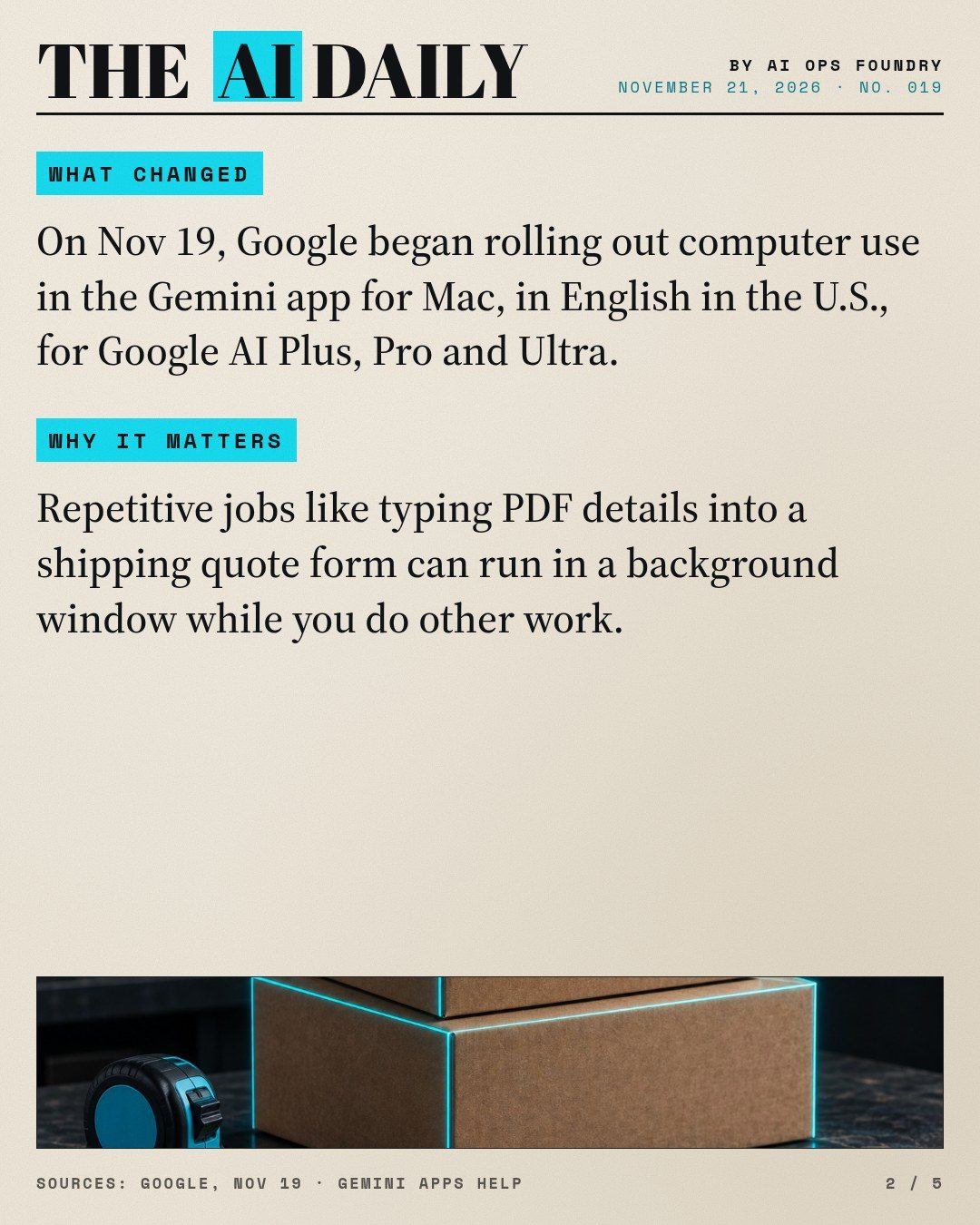
On November 19, Google began rolling out computer use in the Gemini app for Mac. You describe a multi-step task, and Gemini handles the clicking, typing, menus and forms across your local files, desktop apps and the web. (Google)
Gemini works inside an isolated background window with a live preview in your chat, so your main screen and cursor stay free while it works. Google says you choose which apps Gemini can access, watch every step live, pause at any time, and approve key actions before they happen. (Google) The Gemini release notes add that it pauses for you to handle logins or payments, may ask for confirmation before sensitive actions, and can be stopped in one click. (Gemini Apps release notes)
What changed
- Gemini can operate your Mac apps. Multi-step tasks across files, desktop apps and websites, from one request. (Google)
- It works in the background. A separate window with a live preview in the chat, so you keep using your computer. (Google)
- You stay in control. You pick the apps, watch each step, pause, and approve key actions. (Google)
- Who gets it. Rolling out in English in the U.S. for Google AI Plus, Pro and Ultra subscribers with personal Google accounts, 18+. It requires an Apple Silicon Mac running macOS Sequoia 15.0 or later. (Google)
Why it matters
A lot of small-business admin is copying details from one place into another: a weight and an address from a PDF into a carrier's quote form, numbers from a dashboard into a slide. Google's own examples include extracting weights, dimensions and addresses from local PDFs to fill out multi-box shipping quotes, pulling dashboard metrics into a Google Slides presentation, and staging resale listings from a folder of photos. (Google) That is exactly the kind of work that can now run in a background window while you do something else.
Tutorial: your first computer use task
Example: a small online shop needs a shipping quote, and the box details are in a PDF in Downloads.
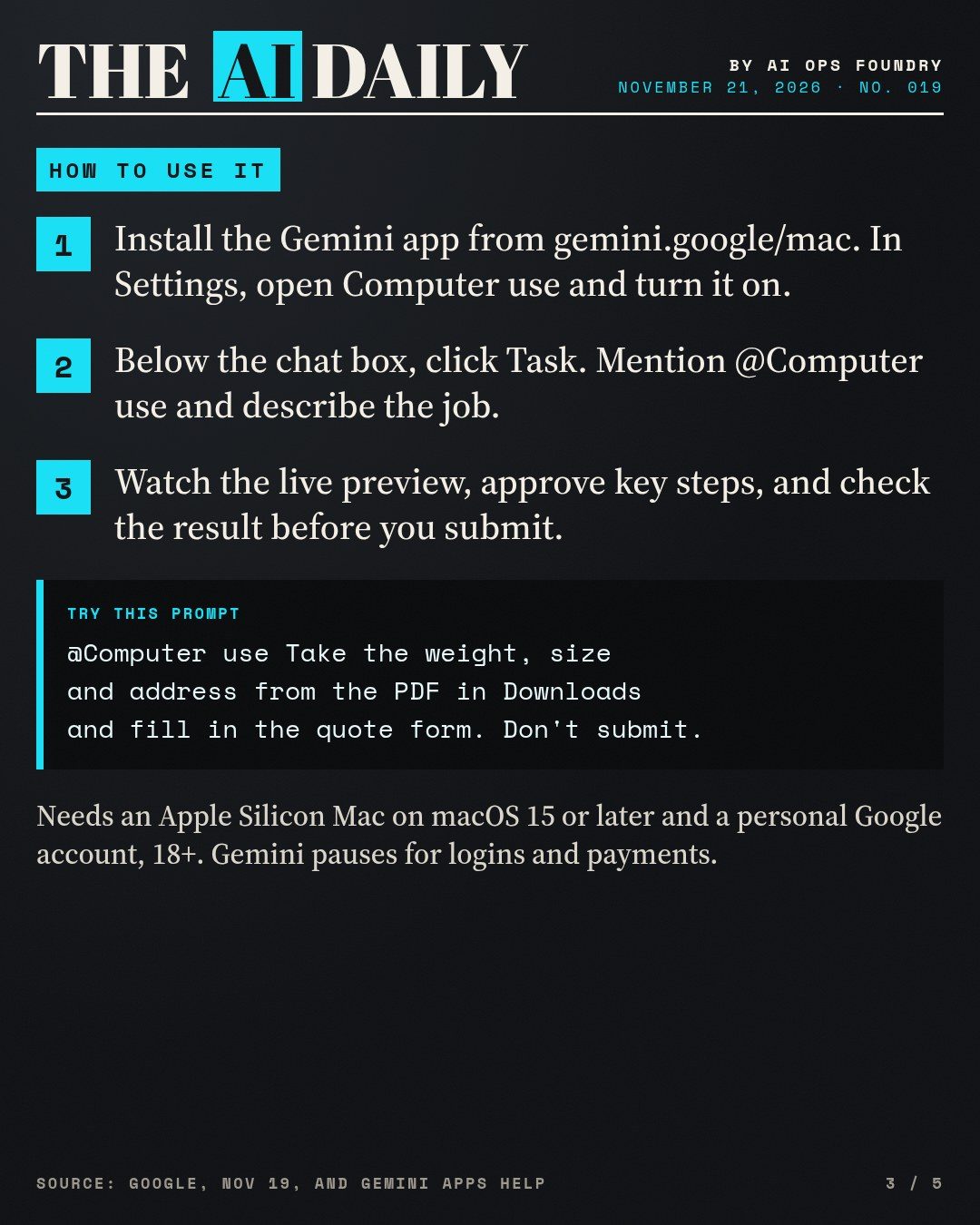
- Install the app. Go to gemini.google/mac, select Download for Mac, open the downloaded file, drag Gemini to your Applications folder, and sign in. Option + Space opens Gemini from anywhere. (Gemini Apps Help: Mac app)
- Turn on computer use. In the Gemini app, open Settings (Command + comma), select Computer use, and turn on "Allow Gemini to work with your Mac". Your Mac will ask you to allow Accessibility and Screen & System Audio Recording for Gemini. (Gemini Apps Help: computer use)
- Start a task. Below the chat box, click Task, mention @Computer use, and explain the job. (Gemini Apps Help: computer use) Try:
"@Computer use Take the weight, size and address from the PDF in Downloads and fill in the quote form. Don't submit."
- Watch and approve. Follow the live preview in the chat. Approve key actions when Gemini asks, and step in for any login or payment yourself. (Google, Gemini Apps release notes)
- Check before you submit. Compare every field with the PDF, then submit the form yourself.
Good first tasks
- Shop owner: fill a carrier's quote form from a packing-slip PDF.
- Consultant: pull this week's numbers from a dashboard into a slide.
- Reseller: stage draft listings from a folder of product photos, then review prices before anything goes live.
Start with low-stakes tasks, give Gemini access only to the apps it needs, and keep payments and account changes in your own hands. Computer use is still rolling out, so it may not appear for you yet.
Also today
ChatGPT Space rolls out to Plus
On November 20, OpenAI began rolling out ChatGPT Space globally to Plus users ages 18 and older. In Space you can create interactive pages and presentations with ChatGPT, invite other people with Space access to build on them, and set pages and slides to update automatically from your connected apps and tools, such as a project plan that stays current with decisions from Slack. To open a shared page, people need permission and a Plus, Pro, Business or Enterprise account with Space access; Free users can't open shared pages, and public links aren't available. Space replaces Library in the sidebar and works on the web, the desktop app, iOS and Android. (OpenAI Help Center)
What to do: if you're on Plus, open Space in the sidebar and turn this week's to-do list into a page. Remember that anyone you share it with needs a paid plan with Space access.
Claude computer use comes to Team and Enterprise
On November 20, Anthropic made computer use available in beta on Claude Team and Enterprise plans. Claude can see a user's screen and work in the desktop apps they allow. It works in the new Claude experience in Claude Desktop, and from Claude on the web and Claude Mobile where Computer access is on. It is rolling out to organizations gradually. (Claude Help Center)
What to do: if your team uses Claude Team or Enterprise, ask your admin whether computer use has reached your organization, and agree which apps Claude may use before anyone turns it on.
Recommended tools for today
- Gemini app for Mac, computer use: hands off repetitive clicking and form filling, with you approving key steps.
- ChatGPT Space: shared pages and slides that can update from your connected apps.
- Claude computer use (beta): desktop app tasks for Team and Enterprise organizations.
What to try today
Weekend tutorial: install the Gemini app for Mac, turn on Computer use, then give it one small form to fill from a PDF. Watch the preview and check every field before you submit.
The edition in slides
The same story as the Instagram and Facebook carousel. Swipe or scroll; select a slide to open it full size.



Sources
Every fact is from the official sources listed above, checked on the day of publication. See how we label AI news.