

Talk through a job and ChatGPT types it live
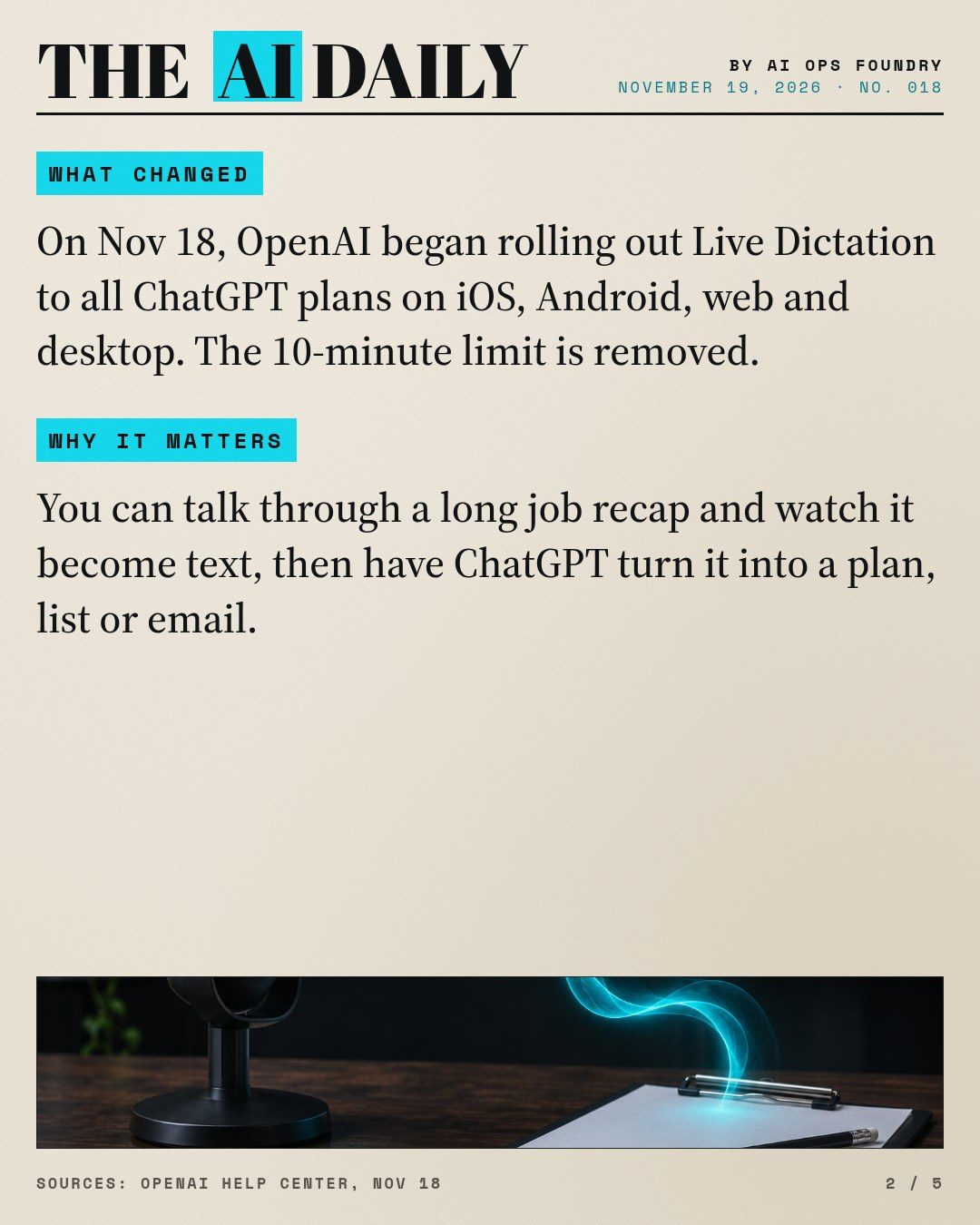
On November 18, OpenAI said dictation in ChatGPT is getting faster and more reliable. With Live Dictation, your speech turns into text as you talk, so you spend less time waiting for a message to finish transcribing. OpenAI also removed the 10-minute recording limit. Live Dictation is rolling out globally to all ChatGPT plans on iOS, Android, web and the desktop app. (OpenAI Help Center)
What changed
- Text appears as you speak. You no longer wait for the whole recording to transcribe at the end. (OpenAI Help Center)
- Show or hide the text. Tap or click the waveform to show or hide the text as you go. (OpenAI Help Center)
- No 10-minute limit. The old recording cap is gone, so a long recap no longer gets cut off. (OpenAI Help Center)
- Every plan, every app. The rollout covers all plans on iOS, Android, web and desktop. (OpenAI Help Center)
Why it matters
Many small-business owners do their best thinking out loud: in the truck after a site visit, or walking out of a client meeting. Typing up those notes later is where details get lost. With live text and no time limit, you can talk through the whole job while it is fresh, check the words on screen, and then let ChatGPT shape them into something useful.
Dictation is not the same as Voice. OpenAI says to use Voice for a back-and-forth spoken conversation, and Dictation when you want to record a prompt, review and edit the transcription, and then send it as text. (OpenAI Help Center: ChatGPT Voice)
How to use it: a site-visit recap in 10 minutes
Example: a contractor has just walked a kitchen remodel and wants a task list and a follow-up email for the client.
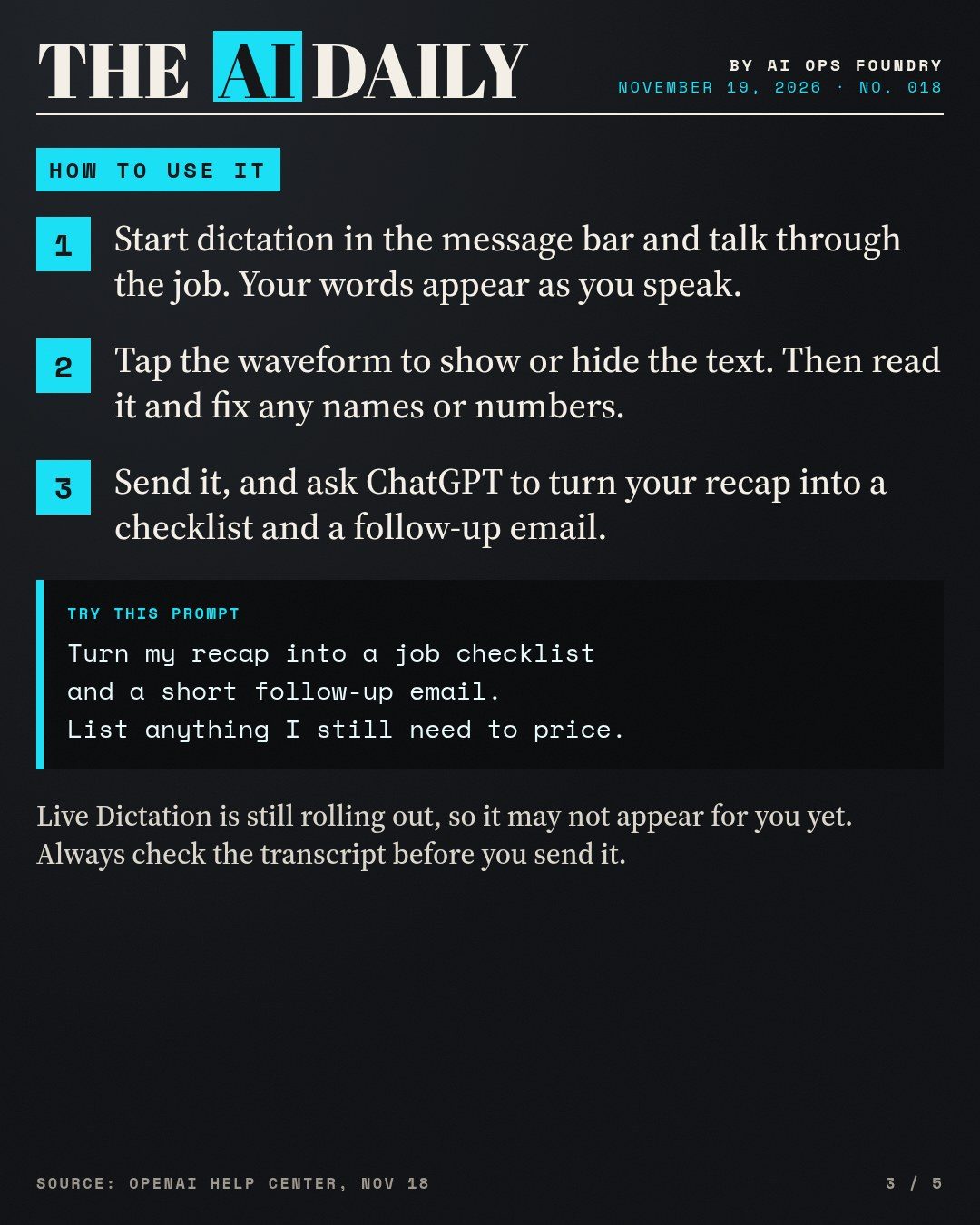
- Talk through the job. Open a new chat, start dictation in the message bar, and describe what you saw: rooms, measurements, materials, client requests and open questions. Your words appear as you speak. (OpenAI Help Center)
- Check the text. Tap the waveform to show or hide the text. Before you send, read it and fix names, measurements and prices; dictation can mishear numbers.
- Turn it into work. Send the transcript, then ask: "Turn my recap into a job checklist and a short follow-up email. List anything I still need to price."
- Review before it goes out. Check the checklist against your notes and edit the email in your own voice before you send it to the client.
Use case variations
- Salon or barbershop: dictate an end-of-day recap of supply needs and staff notes, then ask for a reorder list.
- Service business: after a call with a customer, dictate what they asked for and ask for a quote outline.
- Owner's week: on Monday morning, talk through everything on your mind and ask ChatGPT to sort it into today, this week and later.
Live Dictation is still rolling out, so it may not appear for you yet. Avoid dictating passwords, card numbers or other sensitive details.
Also today
Gemini 4 Neon arrives for Pro and Ultra
Google introduced Gemini 4 Neon on November 18, built for complex coding, analytical reasoning and enterprise workflows. Google says Carbon handles the hardest long-horizon projects and Hydrogen handles fast everyday execution, while Neon balances depth and efficiency. Google AI Pro and Ultra subscribers can select it from the model drop-down in the Gemini app, and Tasks in Gemini can now run on Neon. In the Gemini API, it costs $3 per million input tokens and $15 per million output tokens, with a 1 million-token context window. (Google)
What to do: if you pay for Google AI Pro or Ultra, pick Gemini 4 Neon from the model drop-down for your next report or summary of a long PDF or spreadsheet.
ChatGPT adds an Accounting plugin
OpenAI's new Accounting plugin helps you reconcile transactions, draft invoice entries and prepare month-end reports from your records and templates. It runs in the ChatGPT desktop app for macOS or Windows with computer use set up; select Install plugin if it is available for your plan and workspace. In Enterprise workspaces, an admin must approve it first. (OpenAI Help Center)
What to do: if you close your books monthly, try the plugin on one past month you have already reconciled, and compare its results with yours before you rely on it.
Recommended tools for today
- ChatGPT Live Dictation: long spoken recaps that turn into text as you talk.
- Gemini 4 Neon: Google's new model for reports, analysis and coding, for Pro and Ultra subscribers.
- ChatGPT Accounting plugin: reconciliations and month-end reports from your own records, with your review.
What to try today
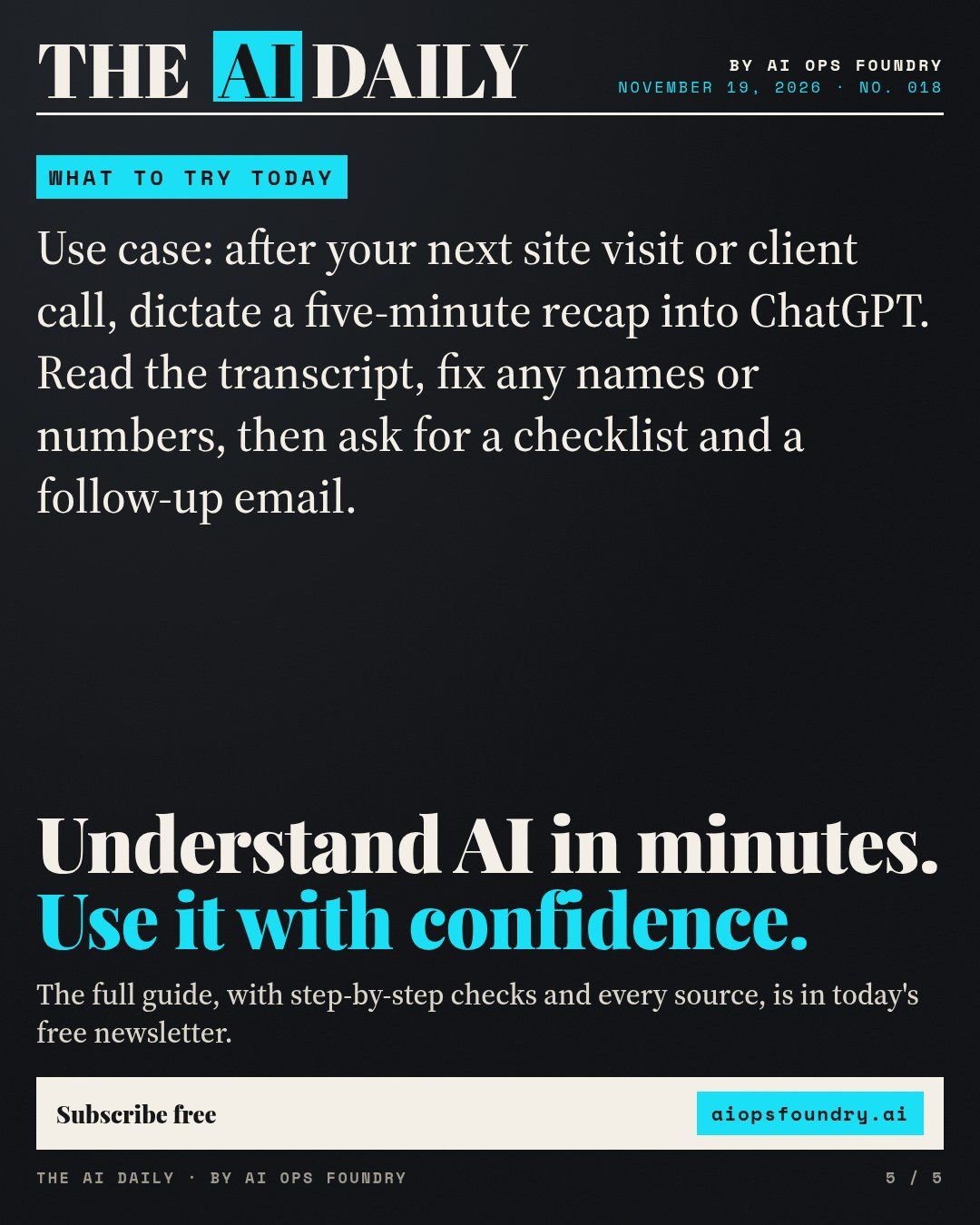
Use case: after your next site visit or client call, dictate a five-minute recap into ChatGPT. Read the transcript, fix any names or numbers, then ask for a checklist and a follow-up email.
The edition in slides
The same story as the Instagram and Facebook carousel. Swipe or scroll; select a slide to open it full size.


Sources
Every fact is from the official sources listed above, checked on the day of publication. See how we label AI news.