

Tasks in Gemini is now free in six countries
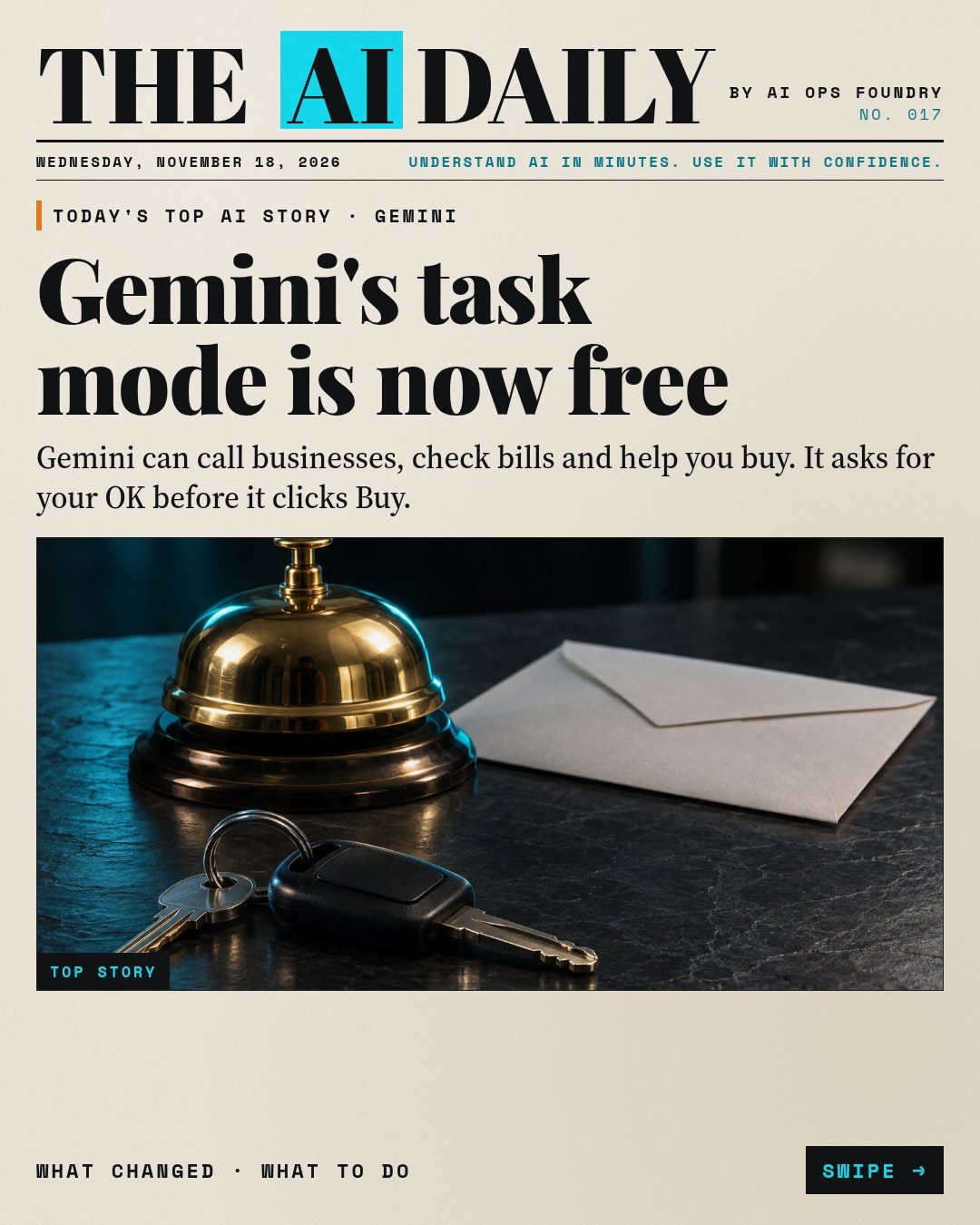
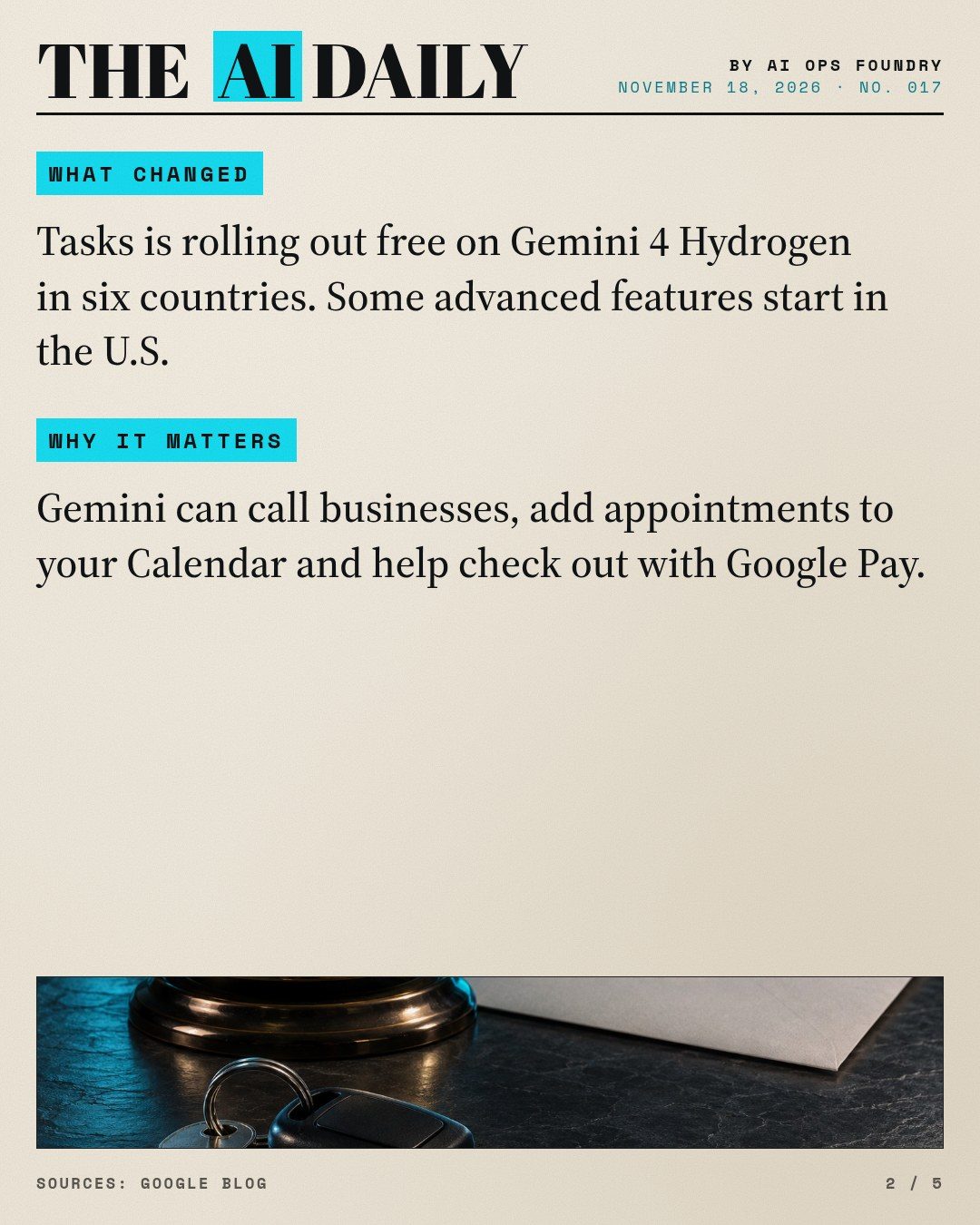
On November 17, Google said Tasks in Gemini is rolling out free of charge to hundreds of millions of people in the U.S., Japan, Korea, Canada, Australia and India, running on Gemini 4 Hydrogen. In task mode, Gemini works through multi-step chores on your behalf: calling businesses, scheduling appointments, reading bills and helping you buy things. A set of advanced features is starting in the U.S. (Google blog) Tasks was first tested as Gemini Spark and was previously limited to U.S. Google AI Ultra subscribers (TechCrunch).
What changed
- Free in six countries. Tasks is rolling out at no charge in the U.S., Japan, Korea, Canada, Australia and India. (Google blog)
- Calls and appointments. Gemini can find nearby businesses on Google Maps, call them, find a free time in Google Calendar and add the appointment. It tells businesses it is an AI, and businesses can opt out. Calling is not currently available in Indiana, Louisiana, Minnesota, Montana and Nebraska. (Google blog)
- Bills and shopping. With your permission, Gemini can sign in to a utility portal through Google Password Manager and analyze statements in your email. It can compare products, find discount codes and help check out with Google Pay, within a spending cap you set. (Google blog)
- Text or email it. Starting in the U.S., you can text Gemini (a U.S. number with an eligible carrier is required) or forward emails to gemini@google.com. (Google blog)
Why it matters
This puts an agent that acts, not just answers, in front of hundreds of millions of people at no cost. For a busy owner, that means routine calls, bill checks and supply orders can run in the background. Google says Gemini pauses to check with you before critical steps, asks for approval before clicking Buy, and runs each task in a hardware-isolated virtual machine dedicated to your account. It also says that on some websites Gemini may hand the screen back to you to click the final button. (Google blog)
For businesses: yesterday's No. 016 covered Ask Maps calling local businesses. Now Gemini can call too, so expect more AI callers that identify themselves. Make sure whoever answers your phone knows how to handle them.
How to use it: a 10-minute bill check
Example: a salon owner wants to know why the shop's electric bill jumped.
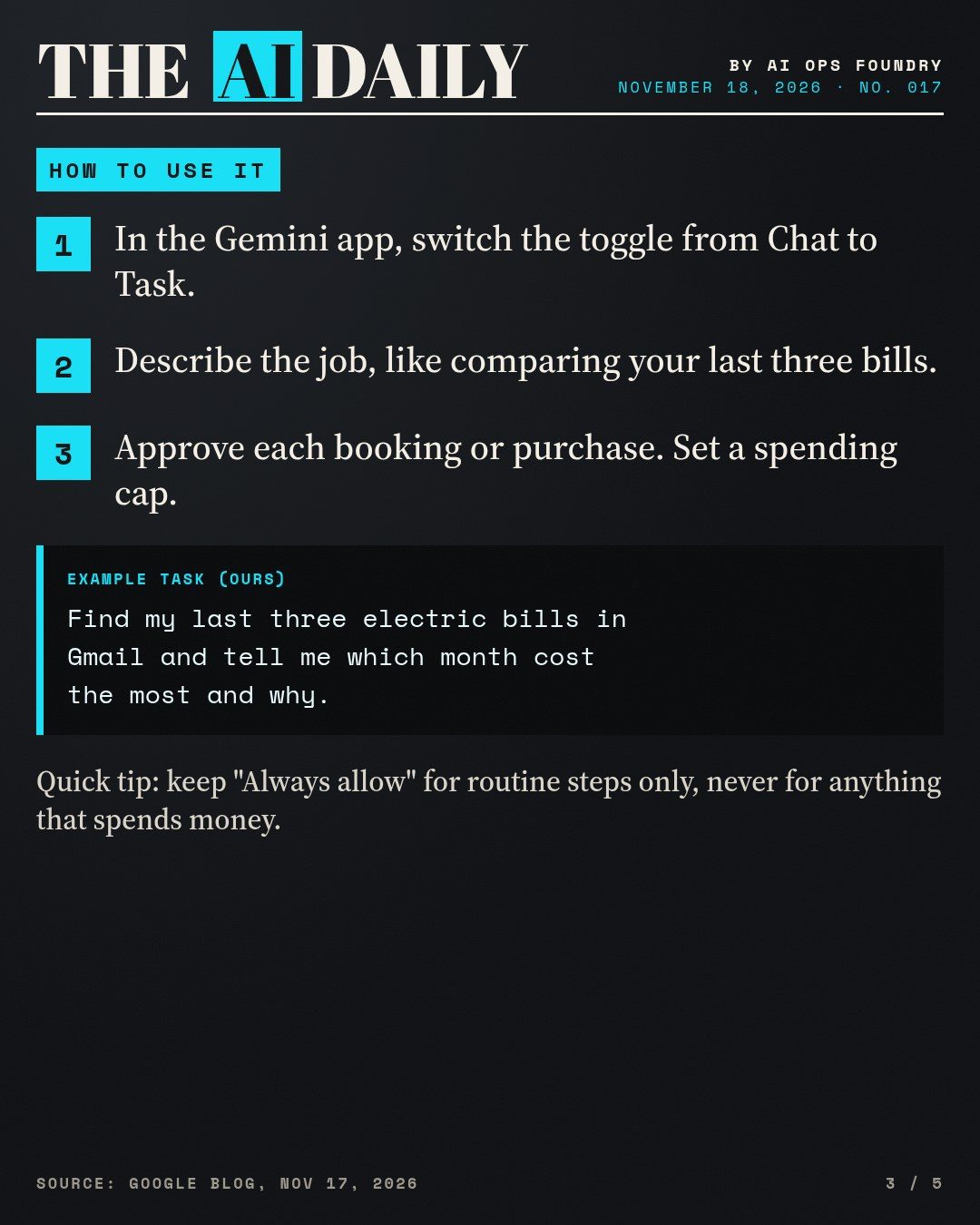
- Turn on task mode. Open the Gemini app and switch the home-screen toggle from Chat to Task. (Google blog)
- Describe the job. Our example: "Find my last three electric bills in Gmail and tell me which month cost the most and why." Google's own example found that a heat pump running during peak pricing was behind a surprise bill. (Google blog)
- Steer while it works. You can add instructions mid-task, and Gemini asks clarifying questions when something is unclear. (Google blog)
- Review before anything is booked or bought. Approve each step yourself, and check the result against the actual bill.
Quick tip: set your limits first
Before your first task, set a hard spending cap for purchases, and keep "Always allow" for routine steps only, such as adding a staple item to a cart. You can change task settings, disconnect apps or delete chat history at any time. (Google blog)
Also today
GPT-6.2 Astra and Sol arrive
OpenAI released GPT-6.2 Astra, its frontier model for complex professional work, and GPT-6.2 Sol, its efficient model for everyday work. Both are available to Plus, Pro, Enterprise and Edu users in ChatGPT Work and Codex; Enterprise and Edu workspaces need an admin to turn them on. In the API, Astra costs $8 per million input tokens, $0.40 cached and $40 output, 20% below GPT-6 Astra on input and output. Sol keeps GPT-6.1 Sol's prices. OpenAI says Astra's slides, spreadsheets and documents follow your templates more closely. (OpenAI) OpenAI's help center says this rollout does not add either model to regular Chat. (OpenAI Help Center)
What to do: if you build slide decks or reports in ChatGPT Work, pick GPT-6.2 Astra in the Work model picker and give it your own template.
Word, Excel and PowerPoint move into Copilot
At Microsoft Ignite, Microsoft made Office in Copilot and the new Home generally available. Office in Copilot brings Word, Excel and PowerPoint into the Copilot app, and Home combines Chat and Cowork. Microsoft says Office in Copilot is included in the Copilot subscription license, without naming specific plans. Autopilot, an agent that keeps work moving without a prompt at every step, is starting to roll out to Frontier customers, and Copilot Code becomes generally available in the coming weeks. (Microsoft Copilot Blog)
What to do: if your team pays for Microsoft 365 Copilot, open the Copilot app and check for Home and the Office apps; ask your admin which features your plan includes.
Recommended tools for today
- Tasks in Gemini: free background errands with a confirmation step before booking or buying.
- GPT-6.2 Astra in ChatGPT Work: documents and decks that follow your templates.
- Office in Copilot: Word, Excel and PowerPoint in one Copilot app for Microsoft 365 teams.
What to try today
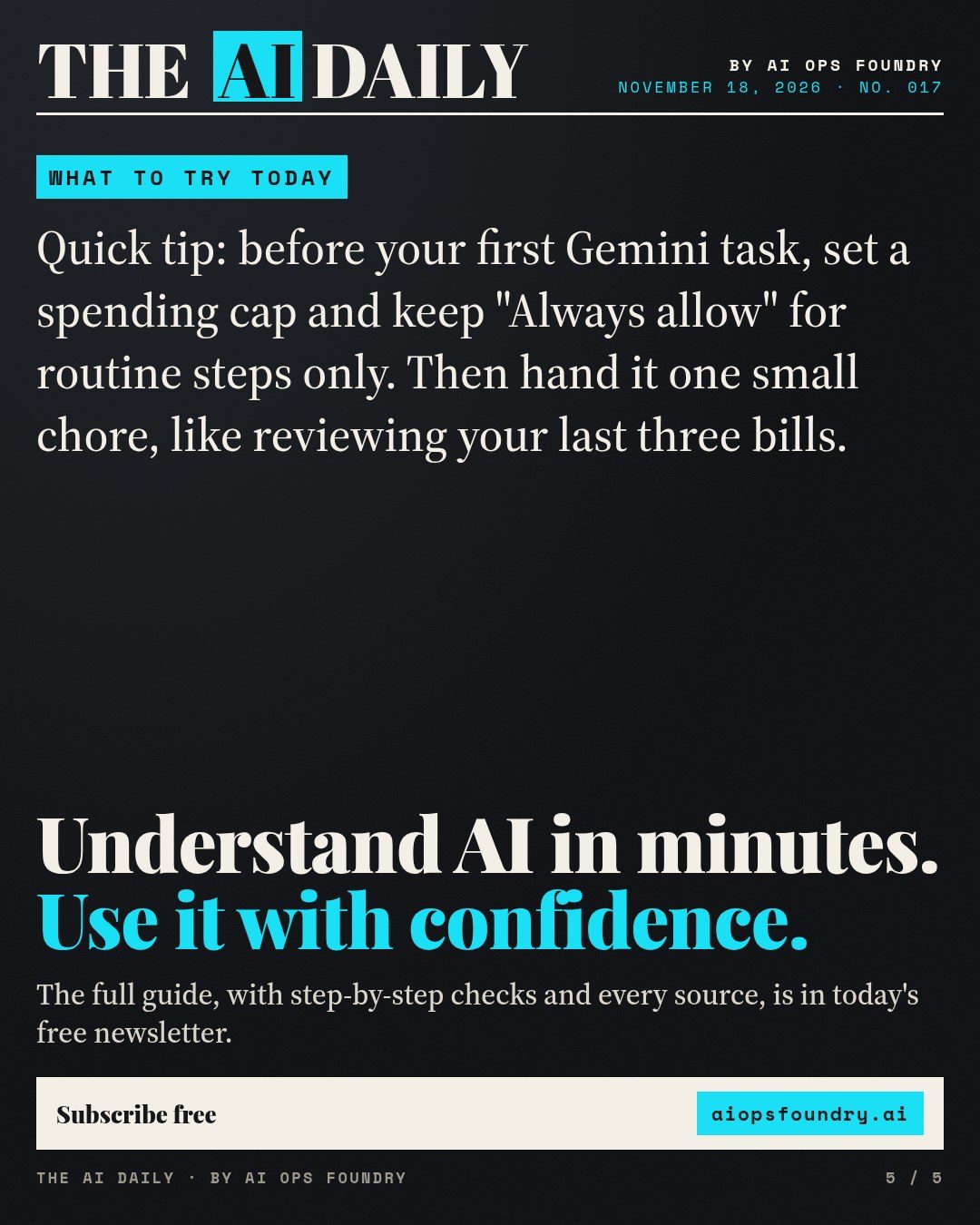
Quick tip: before your first Gemini task, set a spending cap and keep "Always allow" for routine steps only. Then hand it one small chore, like reviewing your last three bills.
The edition in slides
The same story as the Instagram and Facebook carousel. Swipe or scroll; select a slide to open it full size.

Sources
Every fact is from the official sources listed above, checked on the day of publication. See how we label AI news.