

Describe a task, Gemini writes the script
Google has made the Gemini side panel in Google Apps Script generally available. Apps Script is the automation tool built into Google Sheets, Docs, Slides and Forms under Extensions > Apps Script. With Gemini in the editor, Google says anyone in an organization can create, customize and troubleshoot scripts in plain language, "with no coding experience required." (Google Workspace Updates)
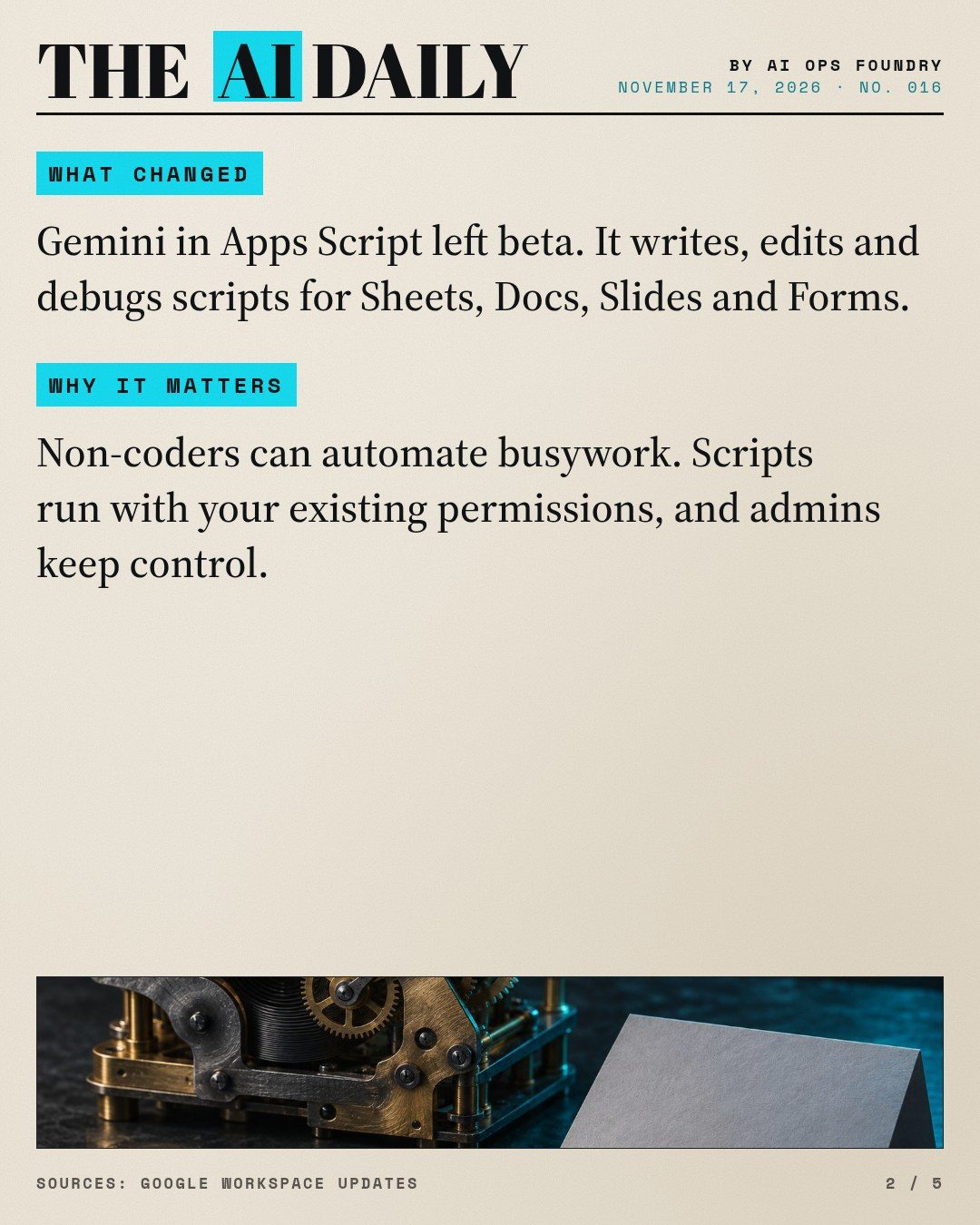
What changed
- Out of beta. Google ran a public beta earlier this year, and the side panel is now generally available. (Google Workspace Updates)
- Plain language to a working script. You describe what you want, Gemini reads the files in your open Apps Script project, and you can keep chatting to add things like time-based triggers. (Google Workspace Updates)
- Block-by-block review. You can Accept or Reject each suggested code block, or use Accept All / Reject All before saving. (Google Workspace Updates)
- One-click debugging. A Fix errors button in the Execution log explains what went wrong in plain language and suggests a fix. (Google Workspace Updates)
Why it matters
Google's own examples are the kind of busywork small teams do by hand: creating Calendar events from urgent Gmail messages, pulling and cleaning data into a sheet, and turning Sheets tables into formatted Docs reports. Google says scripts run with a user's existing permissions and standard OAuth consent, and IT admins keep visibility and control in the Admin console. (Google Workspace Updates)
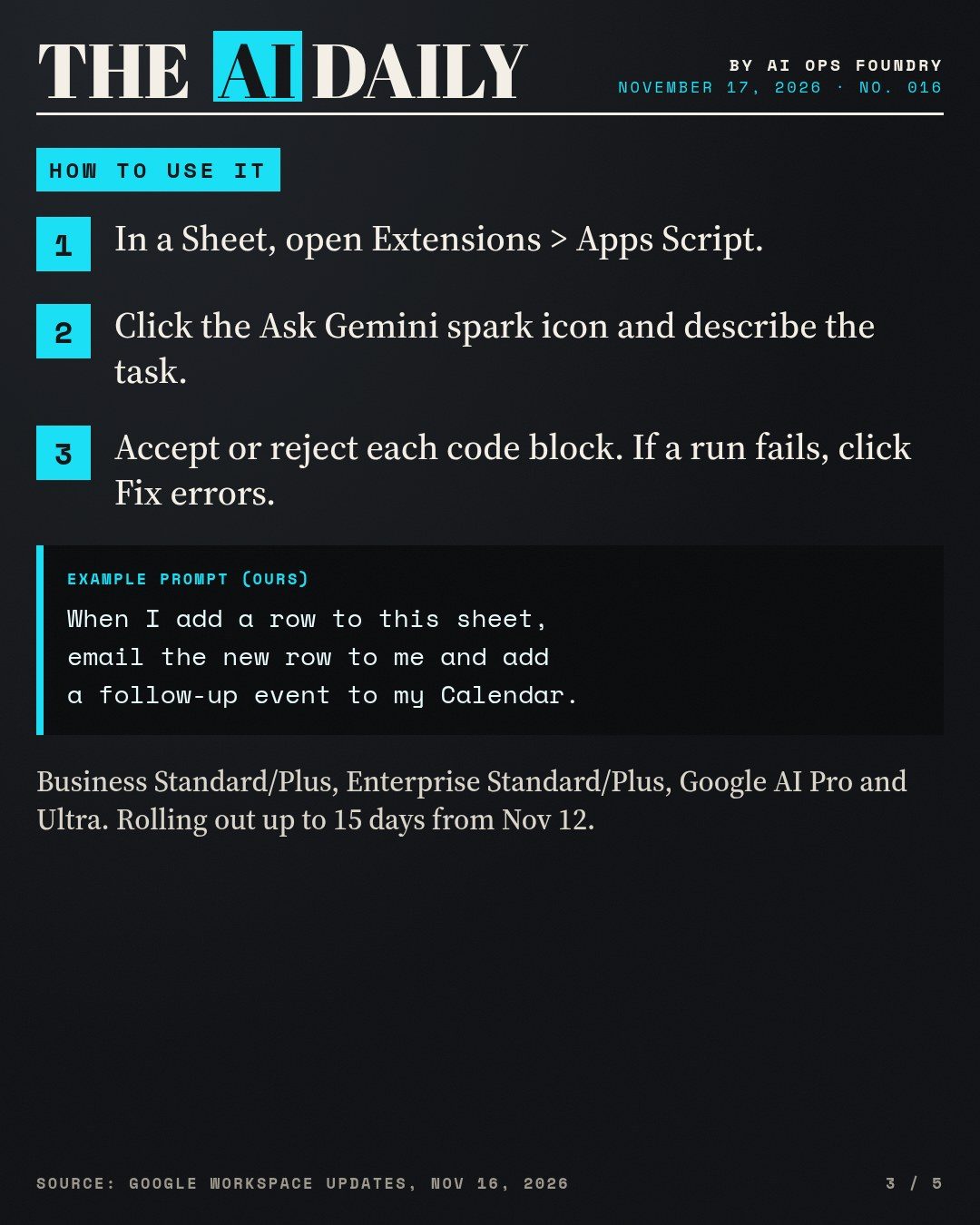
Who gets it: Business Standard and Plus, Enterprise Standard and Plus, the AI Expanded Access add-on, Google AI Pro for Education, and consumer Google AI Pro and Ultra. The gradual rollout started November 12 and can take up to 15 days to appear. (Google Workspace Updates)
How to use it: a 15-minute first automation
Example: a two-person cleaning company logs new quote requests in a Google Sheet and wants an email alert plus a follow-up reminder for each one.
- Open the editor. In the sheet, click Extensions > Apps Script (or go to script.new). The Gemini side panel opens automatically on new scripts; otherwise click the Ask Gemini spark icon at the top right. (Google Workspace Updates)
- Describe the task. Our example prompt: "When I add a row to this sheet, email the new row to me and add a follow-up event to my Calendar."
- Review before you save. Read each proposed block and accept only what you understand. When the script asks for permissions, check that they match the task. (Google Workspace Updates)
- Test with a dummy row. If a run fails, click Fix errors in the Execution log and review Gemini's suggested change. (Google Workspace Updates)
Admins: Gemini in Apps Script follows your existing Apps Script service settings and generative AI access controls in the Admin console. (Google Workspace Updates)
Also today
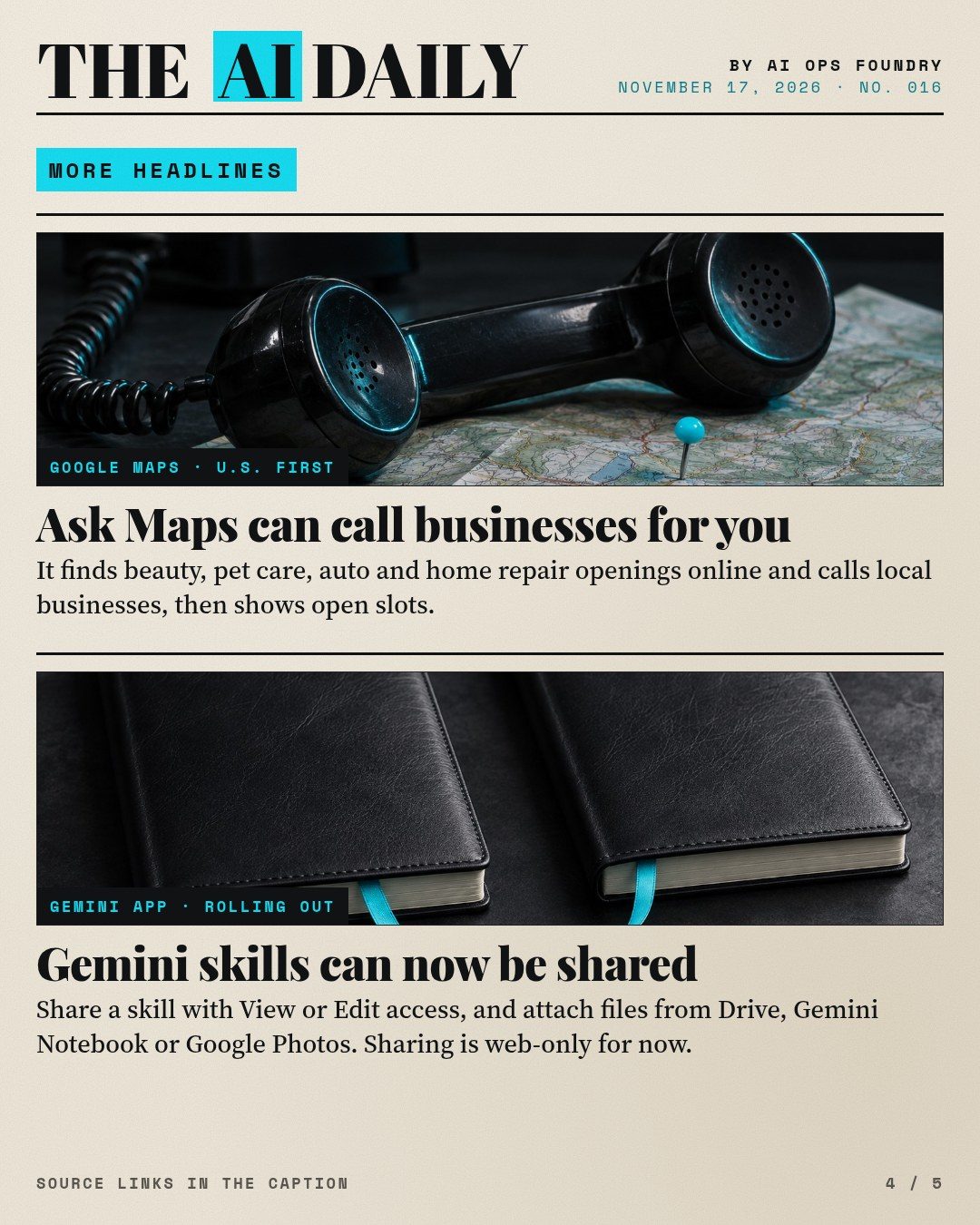
Ask Maps can call businesses for you
Google is adding agentic features to Ask Maps in Google Maps. You can have it find beauty, pet care, auto and home repair appointments online and call local businesses for you, and it shows open slots across nearby businesses so you can decide what to book. Google's example: "Find me a 4 p.m. nail appointment near me." Finding appointments and new "Know before you go" route tips launch first in the U.S.; day-by-day trip itineraries and saved-list search are available everywhere Ask Maps is offered. The updates are rolling out on Android and iOS, and Ask Maps is expanding to 30 more countries in Europe, reaching more than 200 countries and territories. Google's post doesn't say whether Ask Maps completes the booking itself. (Google blog)
What to do: if you run a salon, groomer, auto shop or home-service business, make sure your online booking availability and phone line are current, since customers may start finding your open slots through Maps.
Gemini skills can now be shared
Skills in the Gemini app, Google's reusable custom instructions, can now be shared from the Skills page with View or Edit permission. Recipients get an email, review the skill before installing, and can @mention it in a chat. When you create or upload a skill, you can now attach files from Google Drive, Gemini Notebook and Google Photos; Drive files and Notebooks stay up to date. Sharing works only on the web for now, shared Drive files need their own access, and uploads are capped at 100 MB per skill. It is rolling out to all Workspace customers and personal Google accounts, gradually over up to 15 days from November 12. (Google Workspace Updates)
What to do: turn your brand voice or onboarding notes into one skill that points to a live Drive doc, then share it with your team.
Recommended tools for today
- Gemini in Apps Script: plain-language automations for Sheets, Docs, Slides and Forms.
- Ask Maps: local appointment search on Android and iOS (U.S. first).
- Gemini skills: share one set of instructions and reference files with your team.
What to try today
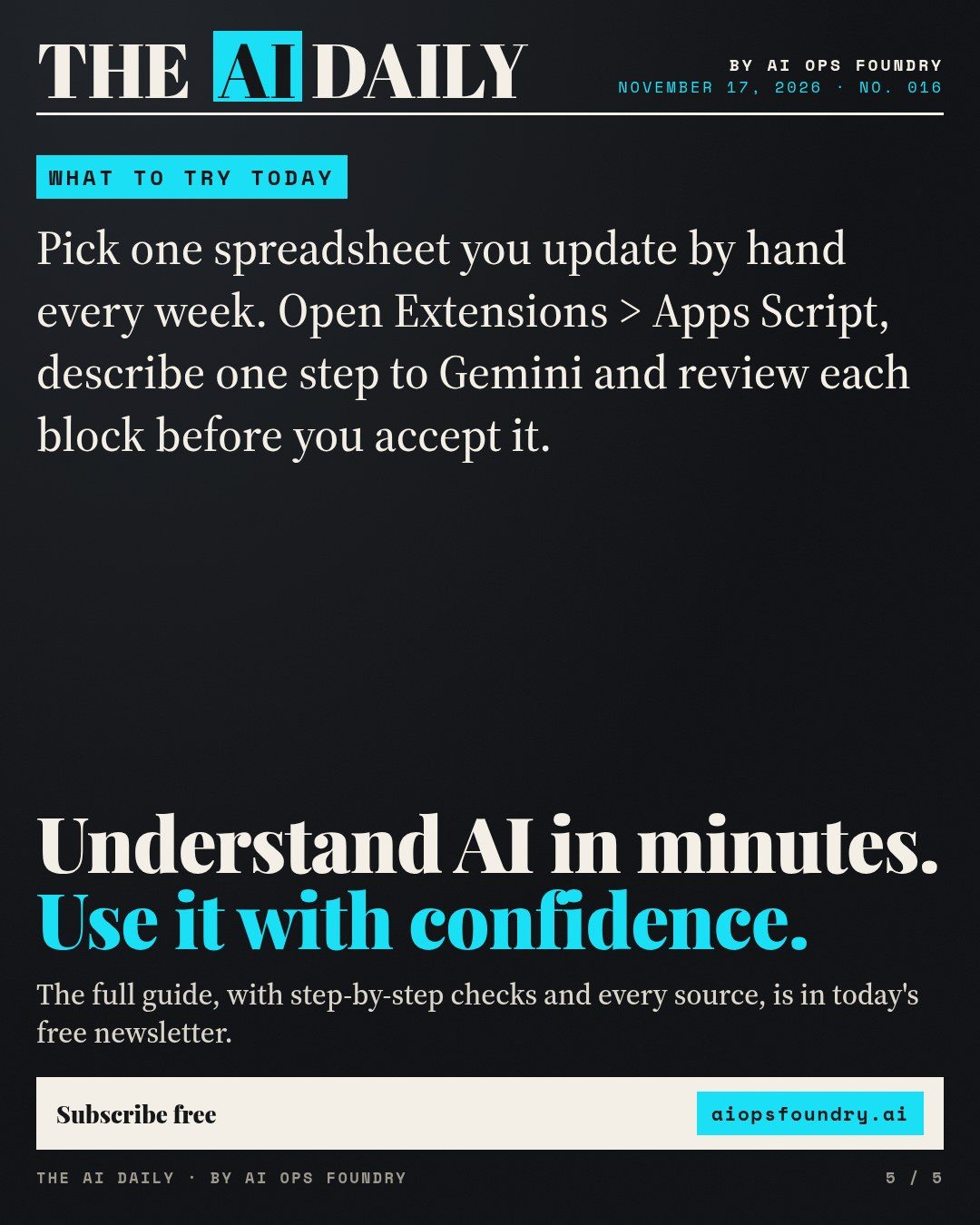
Pick one spreadsheet you update by hand every week. Open Extensions > Apps Script, describe one step to Gemini and review each block before you accept it.
The edition in slides
The same story as the Instagram and Facebook carousel. Swipe or scroll; select a slide to open it full size.
Sources
Every fact is from the official sources listed above, checked on the day of publication. See how we label AI news.