
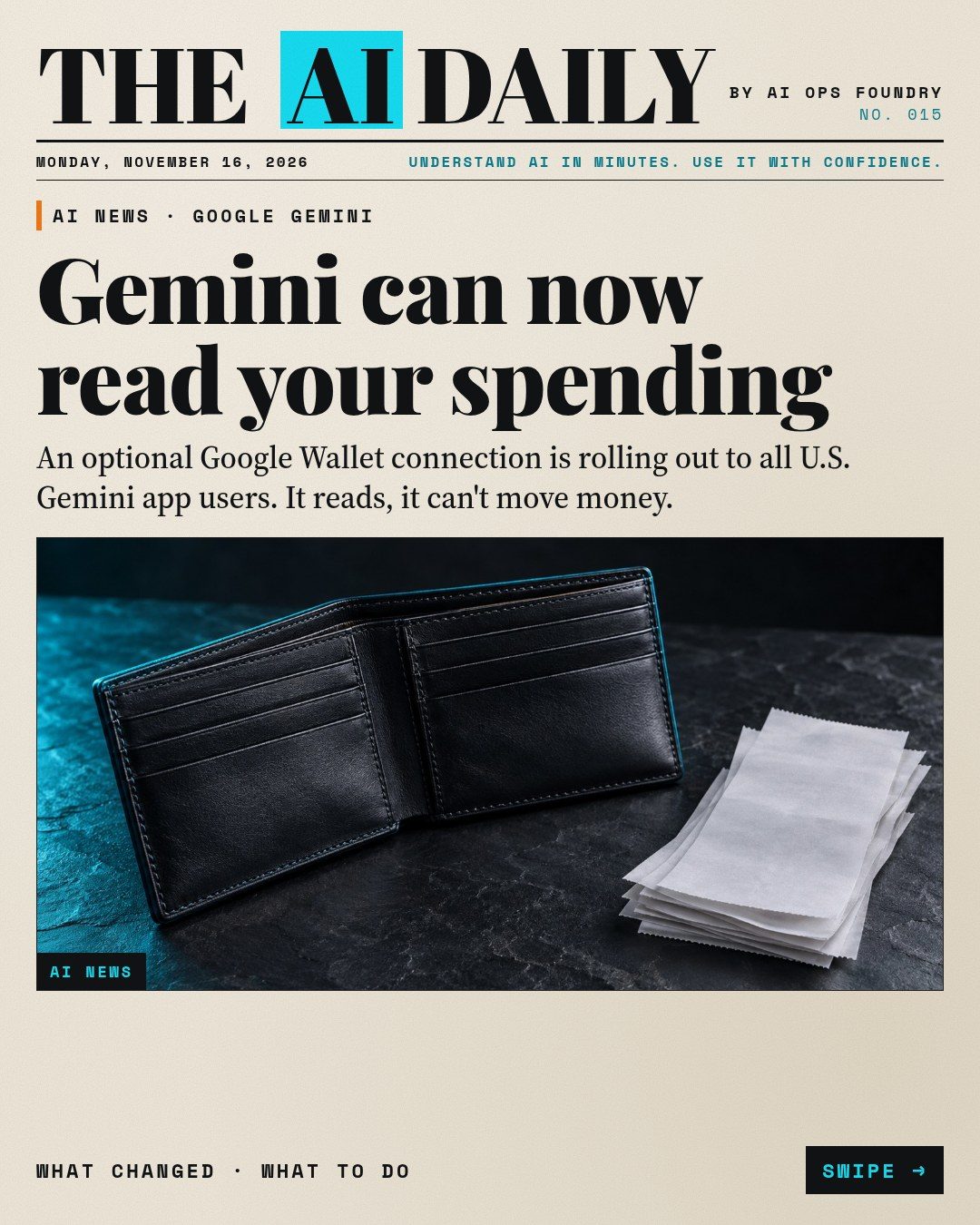
Gemini can now read your Google Wallet
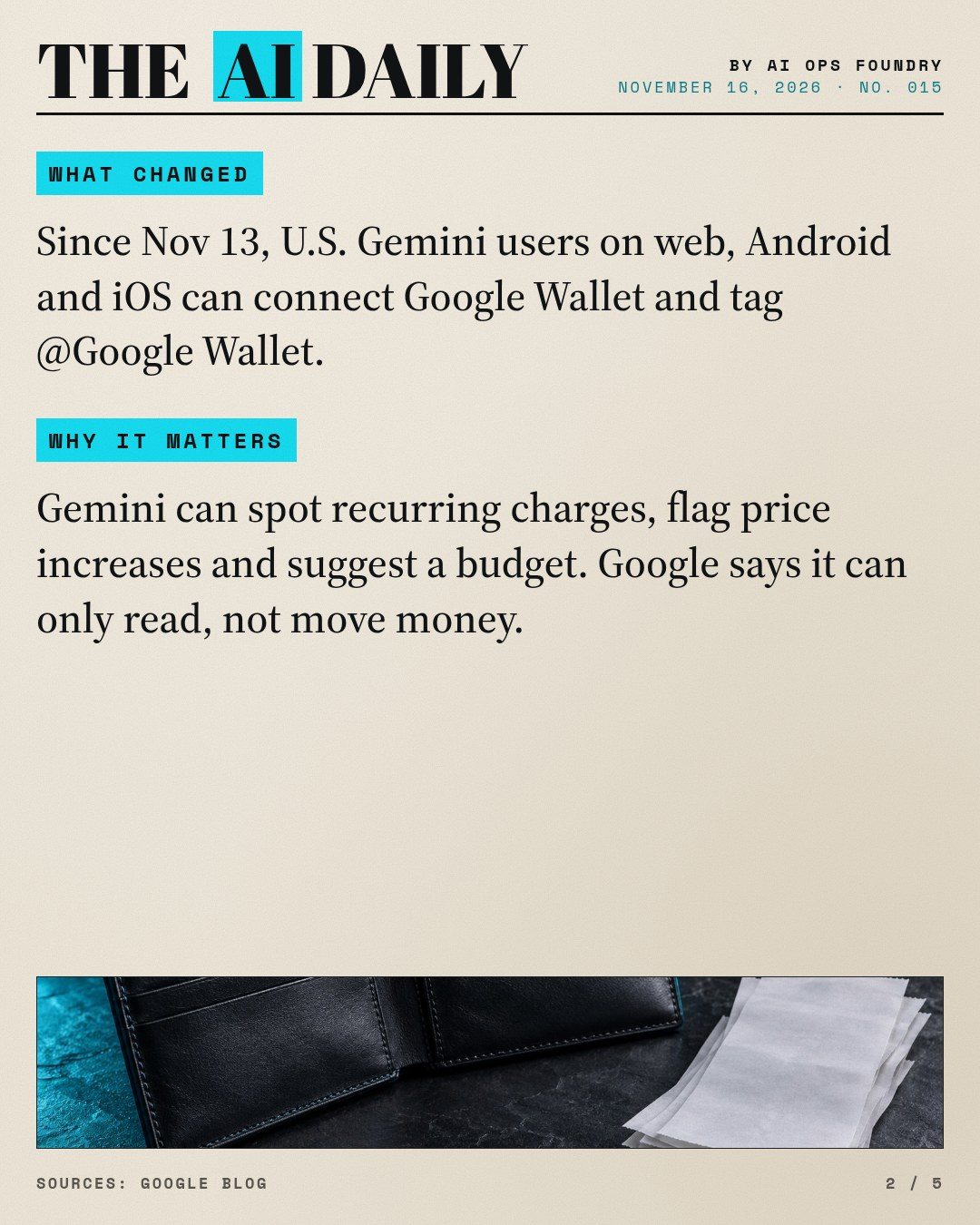
On November 13, Google started rolling out an optional Google Wallet connection for all Gemini app users in the U.S. Once it's connected, Gemini can answer personal finance and budgeting questions using your own spending. It works on the web and in the Gemini app on Android and iOS. (Google blog)
What changed
- A new connected app. You turn on Google Wallet under Connected Apps in Gemini's Personal Intelligence settings, then tag @Google Wallet in a chat. (Google blog)
- Read-only access. Google says Gemini "can only read information from your accounts; it can't move, manage, or invest your money." (Google blog)
- Deeper insights through Plaid. You can also link credit card and bank accounts to Wallet through Plaid. (Google blog)
Why it matters
Google says Gemini finds recurring charges across your linked accounts, flags price increases and can look at the last year of transactions to suggest a budget. For a solo owner or freelancer, that's a quick way to catch forgotten software subscriptions. Google's post doesn't say how Wallet data is stored or whether it is used to improve its models, so review your Gemini privacy settings before you connect. (Google blog)
How to use it: a 10-minute subscription check
Example: a freelance designer wants to see which tools they still pay for before planning next year's budget.
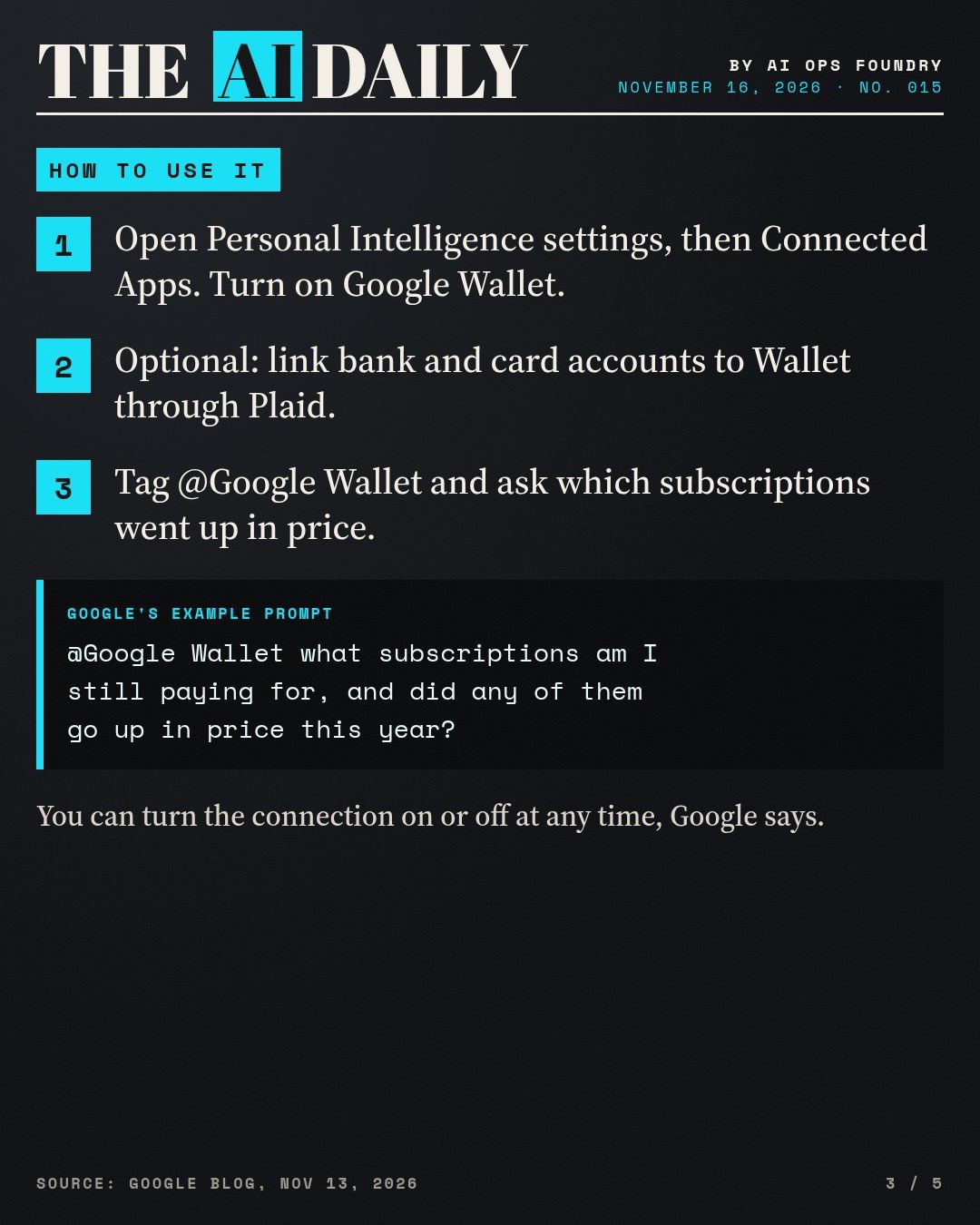
- Connect it. In the Gemini app, open Personal Intelligence settings, go to Connected Apps and turn on Google Wallet. (Google blog)
- Add accounts if you want more detail. Linking your card and bank accounts to Wallet through Plaid is optional. (Google blog)
- Ask Google's example question. Type: "@Google Wallet what subscriptions am I still paying for, and did any of them go up in price this year?" (Google blog)
- Act on the list. Cancel anything you no longer use, and note price increases. Google says you can turn the connection off at any time. (Google blog)
Also today
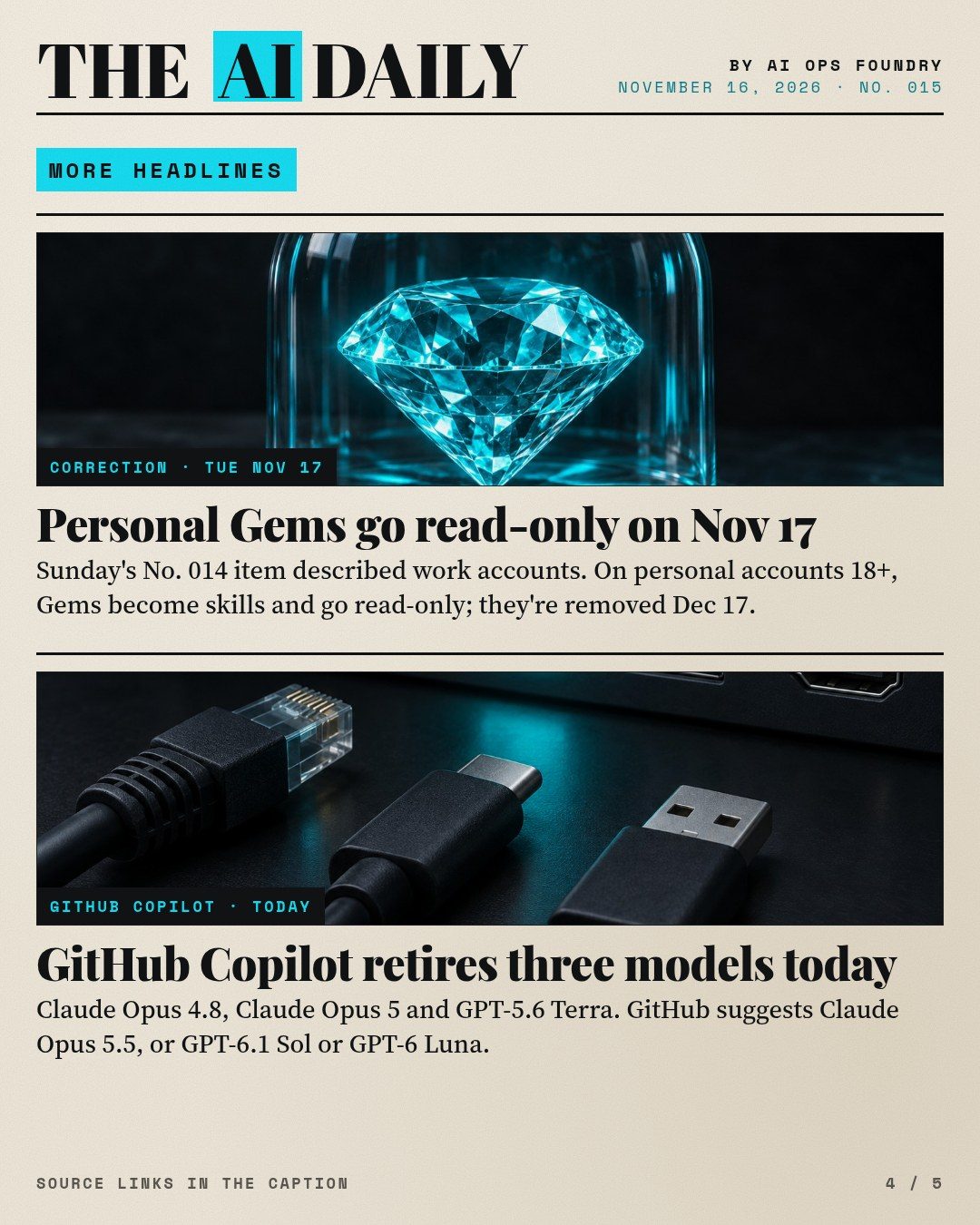
Correction: personal Gems go read-only on Nov 17
In No. 014 on Sunday, we wrote that on November 17 Gems move into the Settings panel of the Gemini app and that you can still create, edit and use them. That came from Google's Workspace post and describes work accounts. For personal Google accounts of people 18 and over, Google's help center says that on November 17, 2026 Gems transition to skills and become read-only: you can still open them, but you can't use or edit them or create new ones. Gems are removed on December 17, 2026. Google will convert Gems to skills automatically, but some files won't carry over, including audio, video, GitHub files, .doc, .xls and .ppt files, and archives, and skills have a 100 MB file limit. Workspace business, enterprise and nonprofit accounts follow in March 2027, and education accounts in June 2027. (Gemini Apps Help)
What to do: if you use a Gem on a personal account, copy its instructions and download its knowledge files today, then check the new skill after the switch.
GitHub Copilot retires three models today
GitHub is deprecating Claude Opus 4.8, Claude Opus 5 and GPT-5.6 Terra across all Copilot experiences on November 16, 2026. Its suggested alternatives are Claude Opus 5.5 for both Claude models, and GPT-6.1 Sol or GPT-6 Luna for GPT-5.6 Terra. Claude Opus 4.8 stays available to individual Copilot subscribers on annual plans. (GitHub Changelog) A further six models, including Claude Haiku 4.5 and Gemini 3.8 Flash, are scheduled for December 14. (GitHub Changelog)
What to do: if your team pins one of these models in Copilot settings or a workflow, switch to the suggested alternative and check that admins have it enabled.
Recommended tools for today
- Gemini with Google Wallet: a fast subscription and spending check for U.S. users.
- Gemini skills: the replacement for Gems on personal accounts.
- GitHub Copilot model settings: where admins enable the replacement models.
What to try today
Ask Gemini which of your subscriptions went up in price this year. If you use Gems on a personal account, save the instructions and files of your favorite today.
The edition in slides
The same story as the Instagram and Facebook carousel. Swipe or scroll; select a slide to open it full size.
Sources
Every fact is from the official sources listed above, checked on the day of publication. See how we label AI news.