

Week ahead: OpenAI's Agent Builder shuts down Nov 30
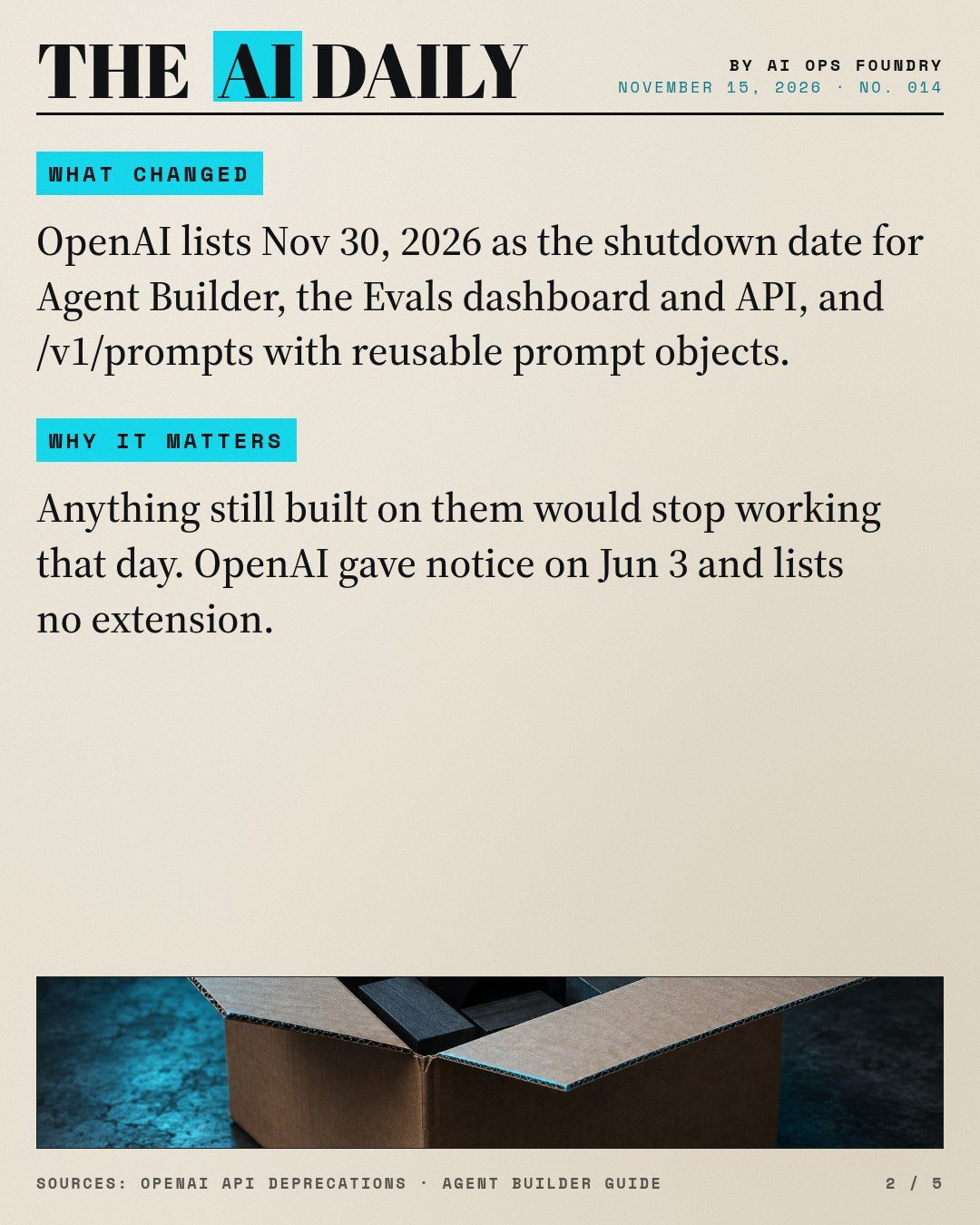
OpenAI's API deprecations page lists Monday, November 30, 2026 as the shutdown date for three platform tools: Agent Builder, the Evals dashboard, API and graders, and the /v1/prompts endpoint with reusable prompt objects. OpenAI gave notice for all three on June 3, 2026. (OpenAI API deprecations)
What changed
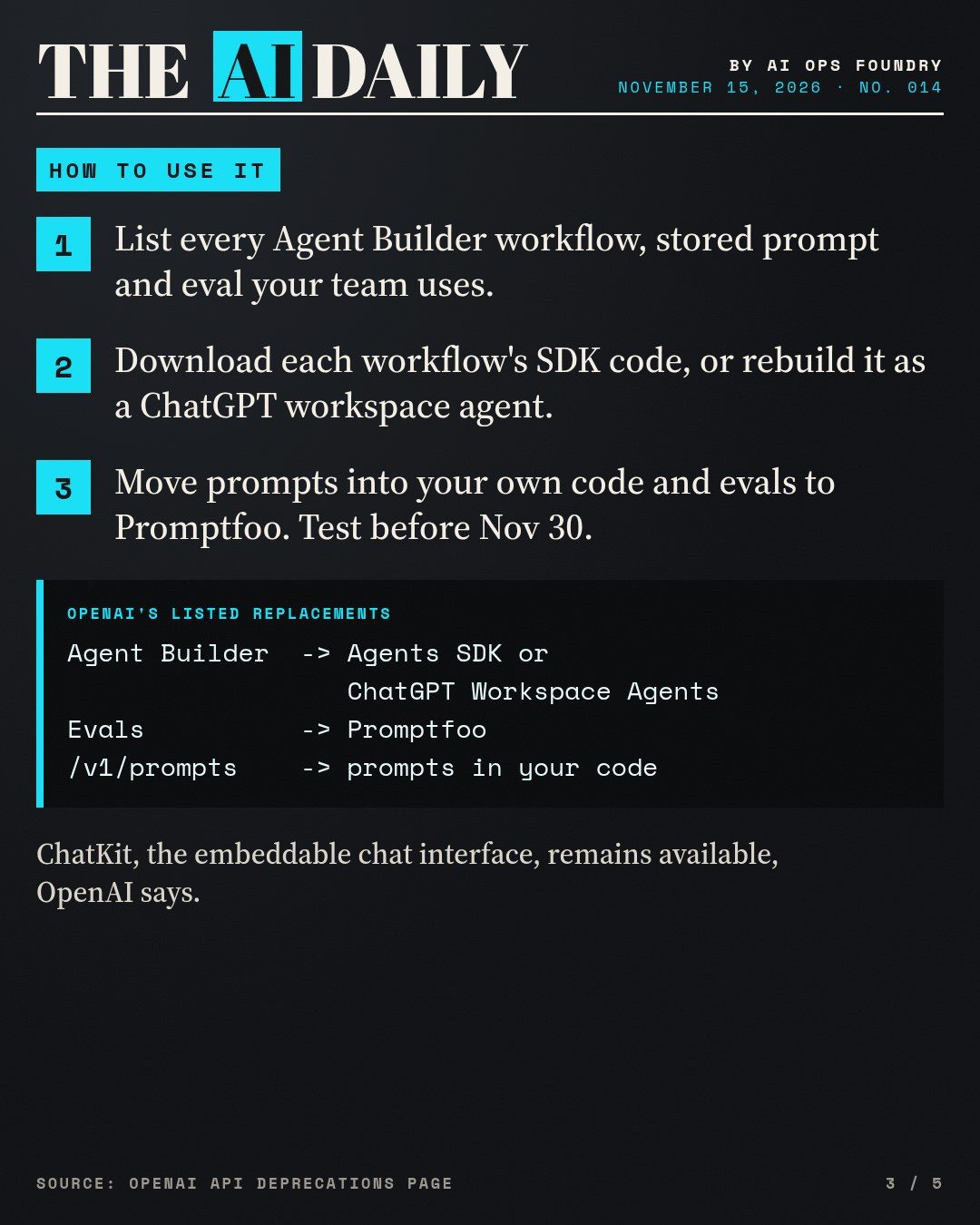
- Agent Builder: deprecated, shutting down Nov 30. OpenAI says existing users can keep using it during the transition window, and lists the Agents SDK or ChatGPT Workspace Agents as replacements. ChatKit, the embeddable chat interface, remains available. (Agent Builder guide, OpenAI API deprecations)
- Evals: read-only now, shutting down Nov 30. The Evals dashboard, API and graders for eval workflows are listed as read-only, with Promptfoo as the recommended replacement. For fine-tuning graders, OpenAI points to its separate fine-tuning timeline. (OpenAI API deprecations)
- Stored prompts: deprecated, shutting down Nov 30. For
/v1/promptsand reusable prompt objects, OpenAI's guidance is to move the prompt content into your application code. (OpenAI API deprecations)
Why it matters
Small teams often build a support or intake agent once and then forget which pieces live inside the OpenAI platform. After the shutdown date, anything still relying on these three tools stops working. OpenAI's deprecations page doesn't say what happens to existing workflows, evals or prompt data after Nov 30, so the safe plan is to copy what you need before then. (OpenAI API deprecations)
How to use this week: a migration checklist
Example: a five-person agency built a lead-intake agent in Agent Builder and stores its system prompt in the OpenAI platform.
- Make a list. Write down every Agent Builder workflow, stored prompt and eval your team uses, and who owns each one. Check any automations (for example, in Make or Zapier) that call a stored prompt ID.
- Move each agent. Agent Builder lets you download a workflow's SDK code to run it yourself, or embed it with ChatKit. If you'd rather not run code, OpenAI also lists ChatGPT Workspace Agents as a replacement; rebuild the agent there and copy its instructions across. (Agent Builder guide, OpenAI API deprecations)
- Move prompts and evals. Paste each stored prompt into your own code or a document you control, then replace the prompt ID in your calls. Recreate the evals you rely on in Promptfoo and keep a copy of past results. (OpenAI API deprecations)
- Test before Nov 30. Run each new agent and prompt end to end on real examples, and compare answers with the old version while it still works.
Also this week
Tue Nov 17: Gems move into Gemini app Settings
Google says that on November 17, 2026, Gems move to the Settings panel of the Gemini app, and you can still create, edit and use them. Over the coming months Google will remove support for Gems and move to skills; for business and enterprise customers, Gems stop working no sooner than March 1, 2027, and remaining Gems are auto-migrated to draft skills. (Google Workspace Updates)
What to do: if your team uses a Gem every day, look for it under Settings after Tuesday, and consider recreating it as a skill now.
Thu Nov 19: Azure OpenAI retires seven o-series models
Microsoft's Foundry model retirement schedule lists November 19, 2026 as the retirement date for o1, o1-pro, o3, o3-deep-research, o3-mini, o3-pro and o4-mini on Azure OpenAI. The listed replacement is gpt-5.6-sol for o1, o1-pro, o3, o3-deep-research and o3-pro, and gpt-5.6-terra for o3-mini and o4-mini. (Microsoft Learn)
What to do: if a tool your business uses runs on Azure OpenAI, ask your developer or vendor which deployment it calls and whether it has moved.
Recommended tools for this week
- OpenAI Agents SDK: run an exported Agent Builder workflow in your own code.
- ChatGPT Workspace Agents: a no-code home for team agents.
- Promptfoo: OpenAI's listed replacement for Evals.
What to try today
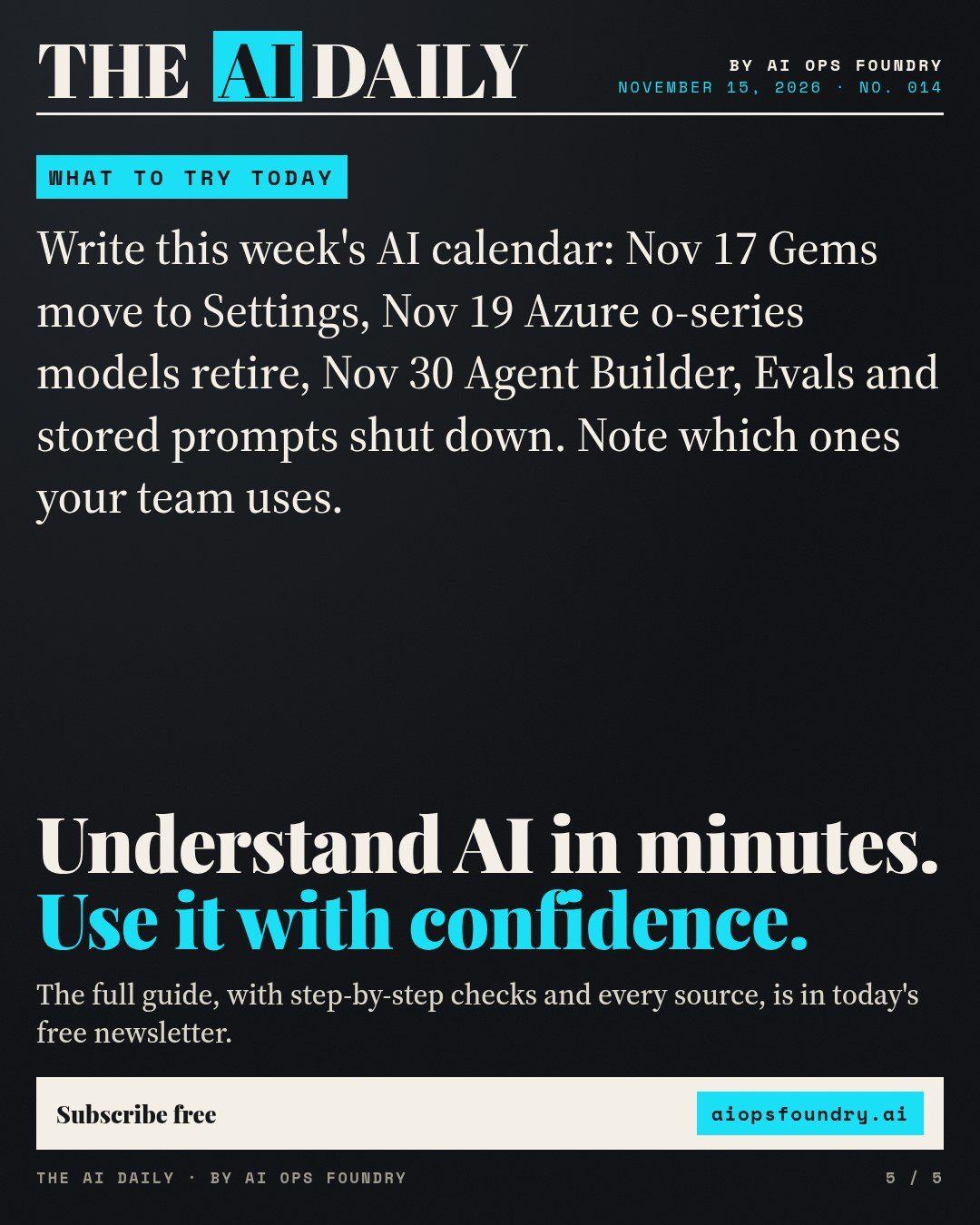
Write this week's AI calendar: Nov 17 Gems move to Settings, Nov 19 Azure o-series models retire, Nov 30 Agent Builder, Evals and stored prompts shut down. Note which ones your team uses.
The edition in slides
The same story as the Instagram and Facebook carousel. Swipe or scroll; select a slide to open it full size.


Sources
Every fact is from the official sources listed above, checked on the day of publication. See how we label AI news.