

Weekend tutorial: Add Claude to your next Google Meet call
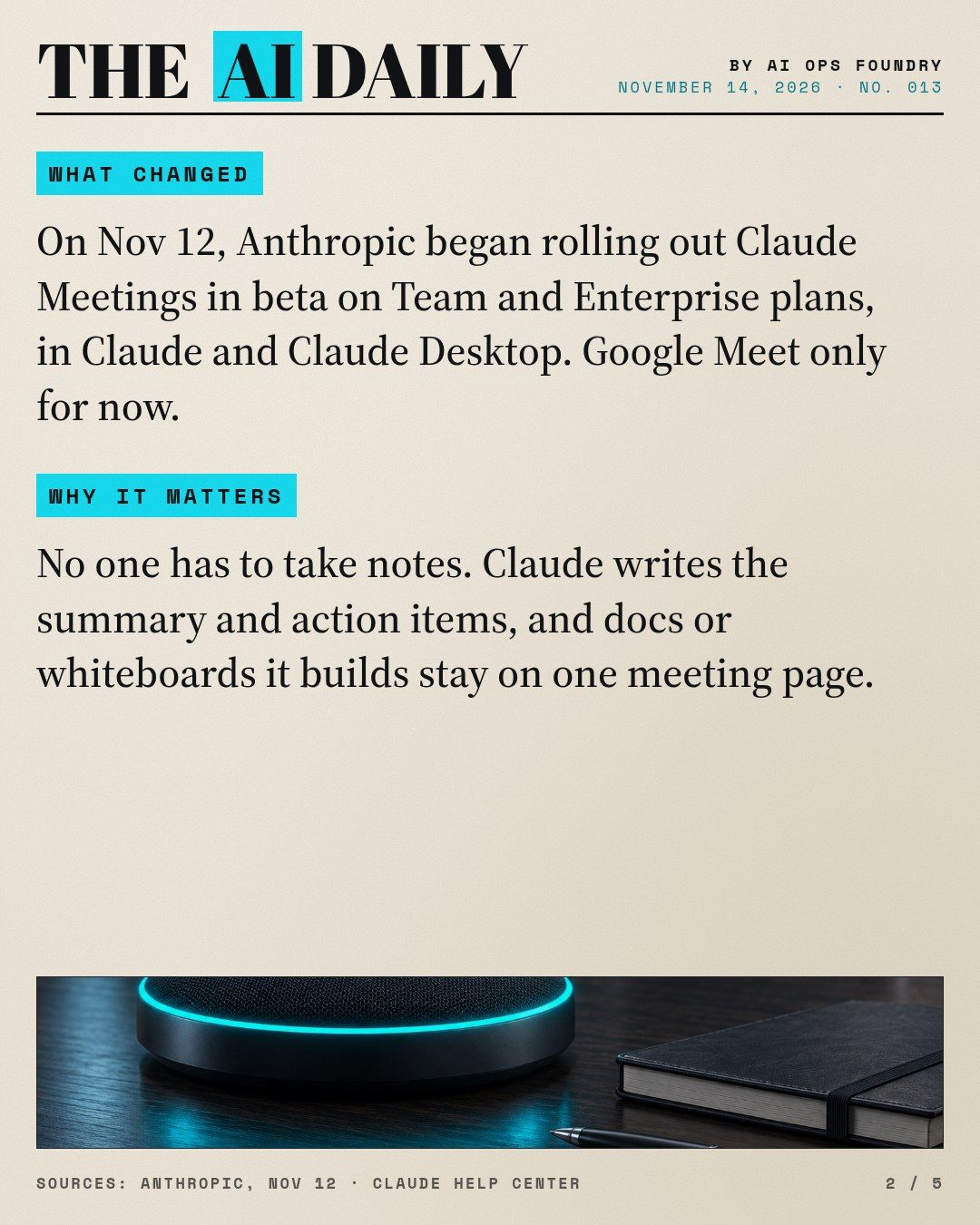
On November 12, 2026, Anthropic began rolling out Claude Meetings in beta on Team and Enterprise plans, in Claude and Claude Desktop. Claude joins a Google Meet call as a visible participant, follows the conversation, takes the notes and builds docs, whiteboards and slides during the call. Support for other video platforms is "coming soon." (Anthropic, Claude Help Center)
What changed
- A participant, not a recorder. When Claude joins, it appears as a participant and posts a notice in the call's chat. It saves a transcript, summary and screen descriptions, not audio. (Anthropic)
- Ask out loud or in chat. Say "Claude" and then your question, or type it in the Meet chat. By default, Claude answers in writing in the Meet chat. (Claude Help Center)
- Build while you talk. Say "Claude, make a doc" or "Claude, make a whiteboard." Anyone on your team can ask, and each item is attached to the meeting page. (Claude Help Center)
- Who gets it. On Team plans it is on by default and an owner can turn it off. On Enterprise plans an owner turns it on for all or part of the organization. During the beta it is not available to some organizations, including those with zero data retention (ZDR), HIPAA-ready configuration or customer-managed encryption keys (CMEK). (Claude Help Center)
Why it matters
In a small team, someone usually ends up half-listening because they are typing notes. With Claude on the call, the notes, action items and anything built during the meeting end up on one page in claude.ai that people from your organization on the invite can see and edit, and they get a recap email with a link to it. (Anthropic, Claude Help Center)
How to set it up: step by step
Example: a four-person contractor team holds a Monday planning call on Google Meet.
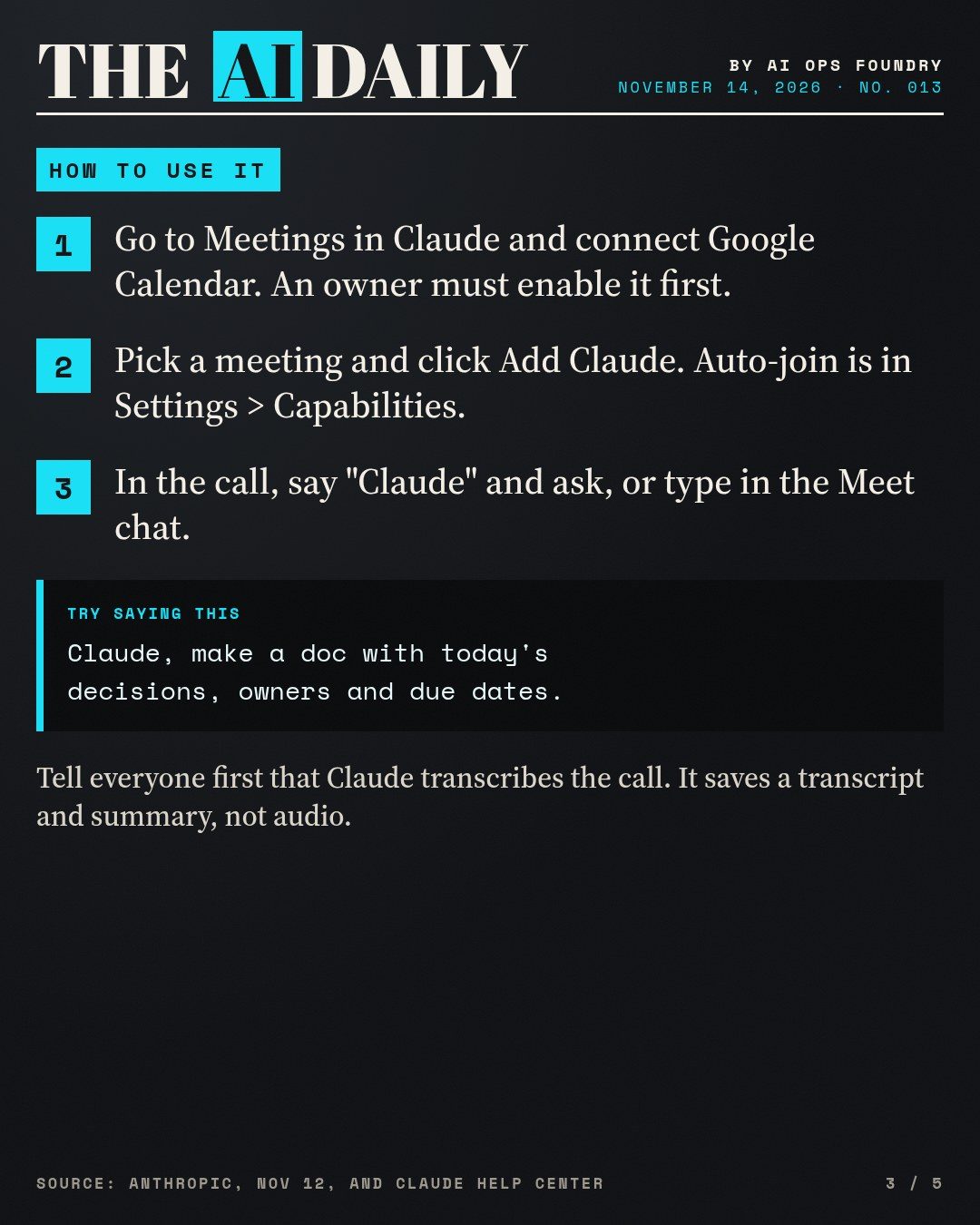
- Connect your calendar. Go to Meetings in Claude and connect your Google Calendar. An owner must enable Google Calendar for your organization first. (Claude Help Center)
- Add Claude to one meeting. Select the meeting on your calendar and click Add Claude. If you want Claude on every call, go to Settings > Capabilities > Meetings > Auto-join, where you can choose all meetings or all meetings except one-on-ones. Owners can't set auto-join for you. (Claude Help Center)
- Work with it during the call. Say "Claude, make a doc with today's decisions, owners and due dates." Claude's tile in the call shows what it is doing. To pause, ask it to stop listening or use the meeting page; to have it leave, ask it to leave or select Remove Claude. It can stay up to eight hours and warns you before it leaves. (Claude Help Center)
- Find everything afterward. Open the meeting page from the link Claude posts in the Meet chat. After the call it has the summary, action items, transcript and everything you made. Later, in a regular chat, you can ask Claude about past meetings you have access to. (Claude Help Center)
Before you start:
- Get consent. Anthropic says to make sure everyone on your calls is OK with being transcribed before you add Claude or turn on auto-join. (Anthropic)
- Outside guests. Behavior with people from outside your organization depends on owner and personal settings. Claude can be set to stay out of calls with outside guests, or to leave if one joins partway through; when it is allowed on those calls, it takes notes but doesn't reply in the call's chat. Check Settings > Capabilities > Meetings. (Claude Help Center)
- Usage. During the beta, notes, transcripts and answers that don't use your connected tools are included on Team and Enterprise plans. Docs and whiteboards made in a meeting are free through February 10, 2027. Using connected tools counts toward your usage. (Claude Help Center)
- Chat is public to the call. Anything Claude posts in the Meet chat is visible to everyone on the call. (Claude Help Center)
Also today
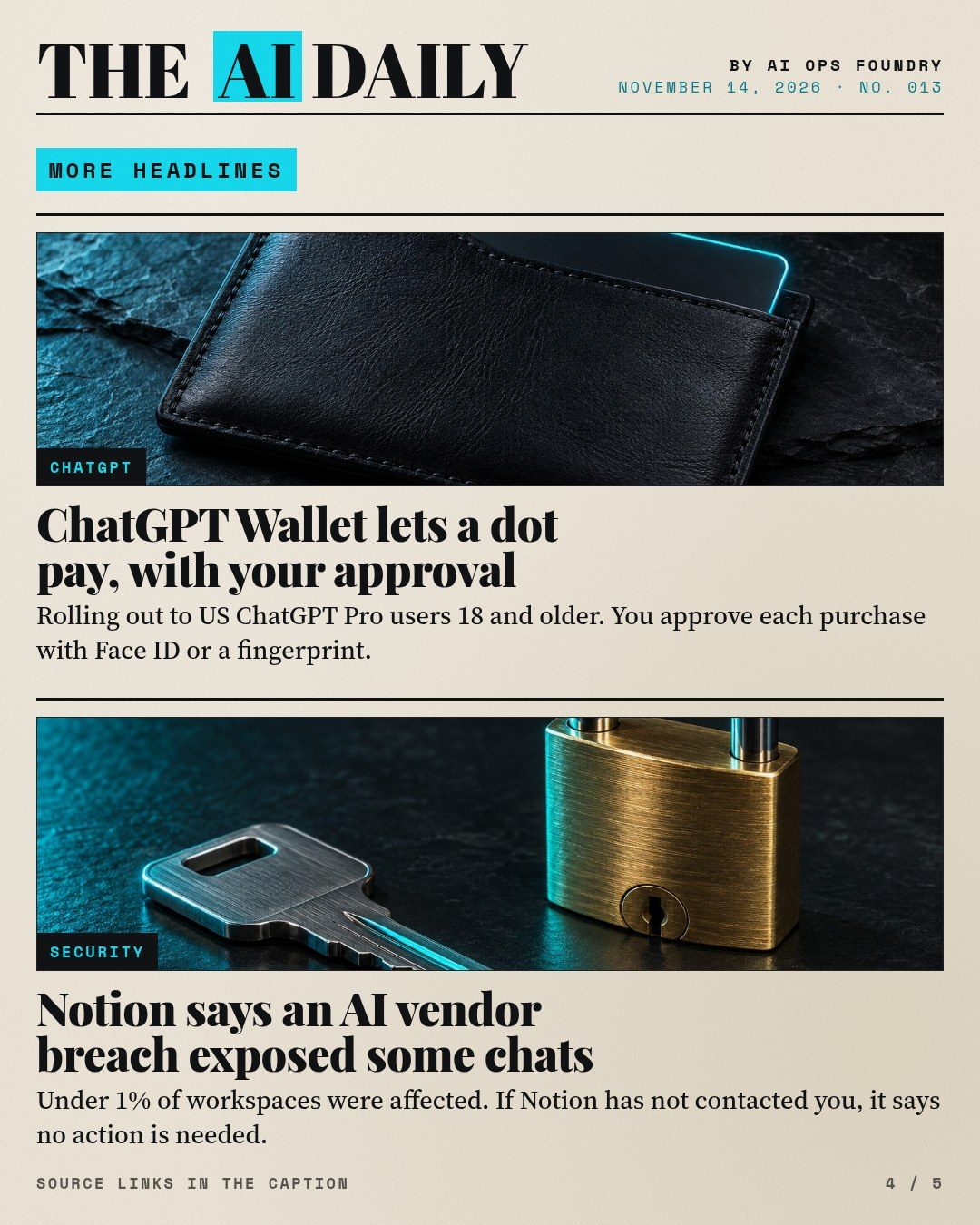
ChatGPT Wallet lets a dot pay, with your approval
OpenAI introduced ChatGPT Wallet on November 13, 2026, built with American Express, Mastercard and Visa. You add a card once, then approve each purchase your dot makes: you review the merchant, items, total and card, and confirm with a security check such as Face ID or a fingerprint. The business gets a payment token instead of your actual card details. It is rolling out gradually in dots to ChatGPT Pro subscribers 18 and older in the US with eligible US-issued cards and a US billing address; debit cards aren't supported. (OpenAI, OpenAI Help Center)
What to do: OpenAI notes that approval alone doesn't confirm an order, so check the merchant's confirmation after checkout. (ChatGPT release notes)
Notion says an AI vendor breach exposed some chats
Notion says a security incident at Fireworks AI, a vendor it used for its Insights feature and to serve open-weight models, exposed Notion AI chat transcripts from fewer than 1% of workspaces. Most of the transcripts were not labeled with who wrote them or which workspace they came from. Notion has disabled Insights, stopped serving open-weight models through Fireworks and contacted affected customers. (Notion security advisory)
What to do: Notion says that if you haven't heard from it, your workspace hasn't been identified as affected and no action is needed now. If you were contacted and pasted passwords, API keys or other credentials into Notion AI, rotate them. (Notion security advisory)
Recommended tools for this week
- Claude Meetings (beta): notes, action items and live docs on Google Meet calls.
- Claude Whiteboards (beta): ask for one during the call to map a timeline.
- A password manager: a safer place for credentials than any AI chat.
What to try today
Connect Google Calendar in Claude Meetings, add Claude to one internal call next week, and ask it for a doc of decisions and owners before you hang up.
The edition in slides
The same story as the Instagram and Facebook carousel. Swipe or scroll; select a slide to open it full size.

Sources
Every fact is from the official sources listed above, checked on the day of publication. See how we label AI news.