

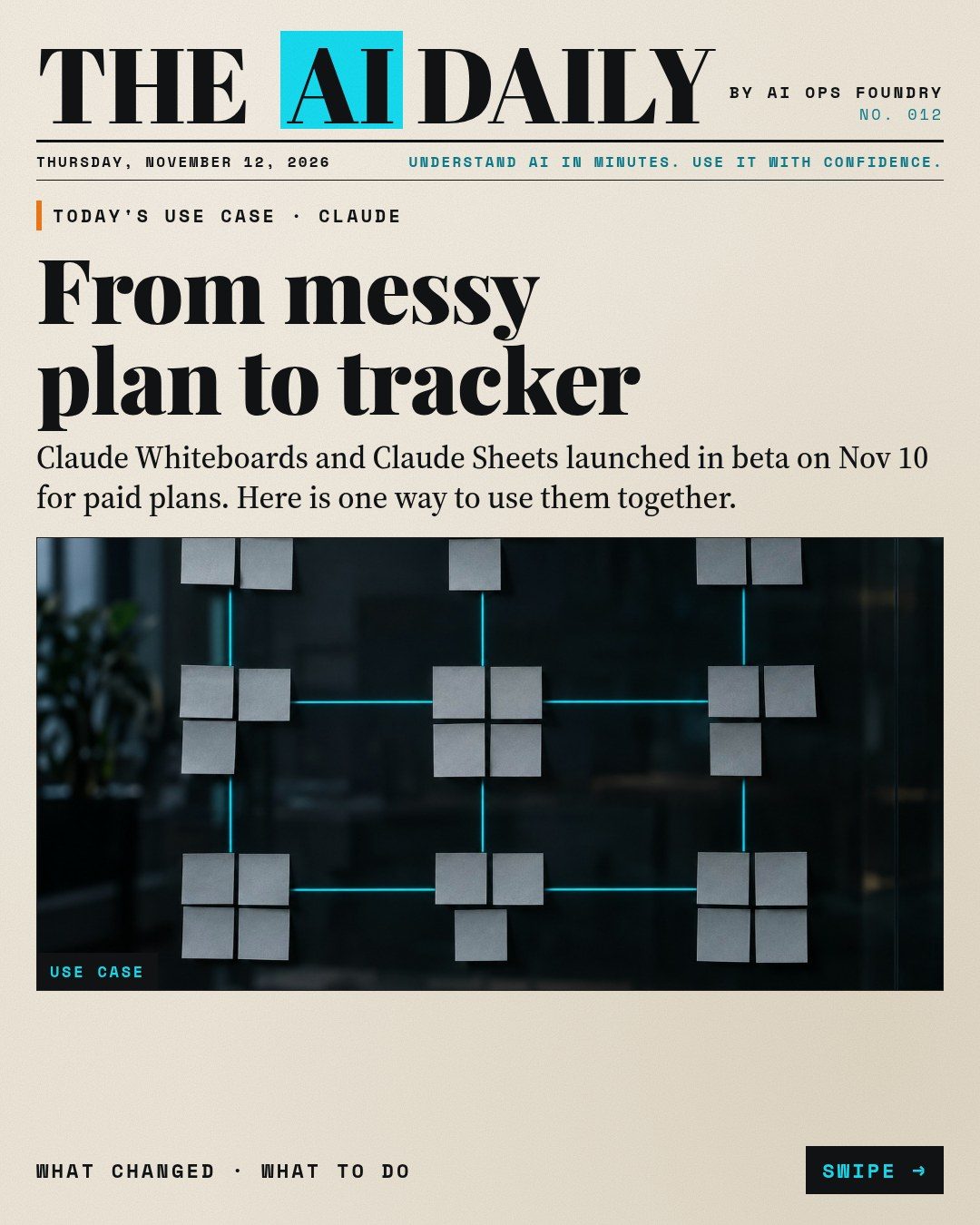
Today's use case: Turn a messy plan into a shared tracker with Claude
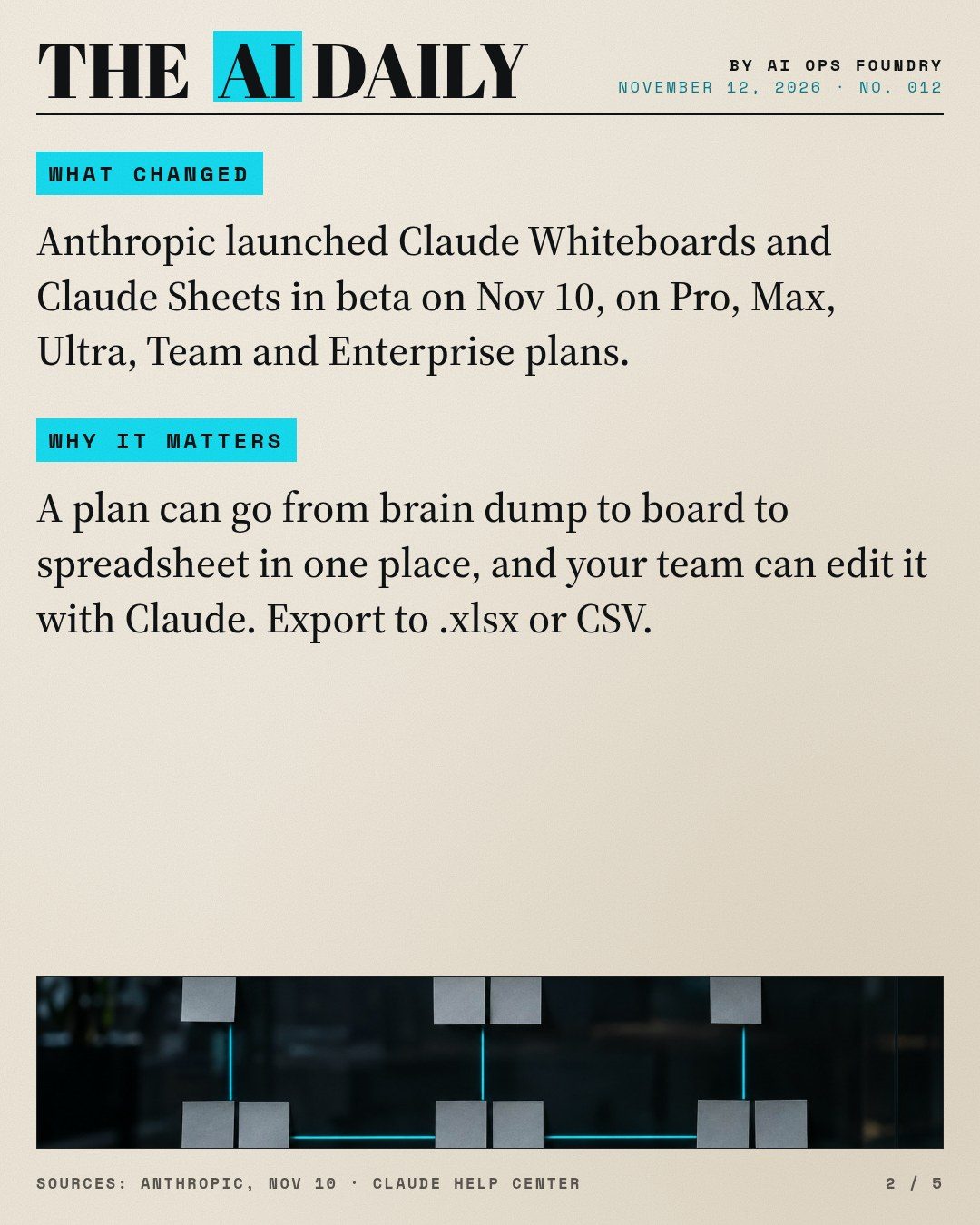
On November 10, 2026, Anthropic launched Claude Whiteboards and Claude Sheets in beta, and its Dashboards feature became generally available as Claude Data. Anthropic says all three are available on all paid plans. (Anthropic)
What changed
- Claude Whiteboards (beta). A shared board where your team brainstorms with Claude. You can talk through a messy plan and Claude can turn it into a board with a timeline, owners and dates. When you're done, Claude can turn the board into a doc or deck. (Anthropic)
- Claude Sheets (beta). Claude can generate spreadsheets with tabs, formulas, formatting and drop-downs, often from a prompt like "a campaign tracker or a hiring budget." It outlines each edit it makes so you can track changes, and you can share sheets with your team. Anthropic says sheets have simple spreadsheet functionality for now, and you can export to .xlsx or CSV when you need full Excel. (Anthropic)
- One thread of context. Anthropic says an idea "can carry over from a whiteboard to a spreadsheet to a dashboard, without the need to reiterate the details." (Anthropic)
- Where it works. Whiteboards, Sheets and Data work on web, desktop and mobile. Whiteboards and Sheets are in beta on Pro, Max, Ultra, Team and Enterprise plans. (Claude Help Center)
Why it matters
Most small-team plans start as a conversation and end up scattered across notes, a whiteboard photo and a spreadsheet someone rebuilds by hand. With these tools, the brain dump, the timeline and the tracker can live in one place that your team edits with Claude. Keep expectations honest: both tools are beta, and Sheets is intentionally basic for now. (Anthropic)
How to use it: a holiday promotion plan
Example: a three-person salon wants to plan a December gift-card promotion.
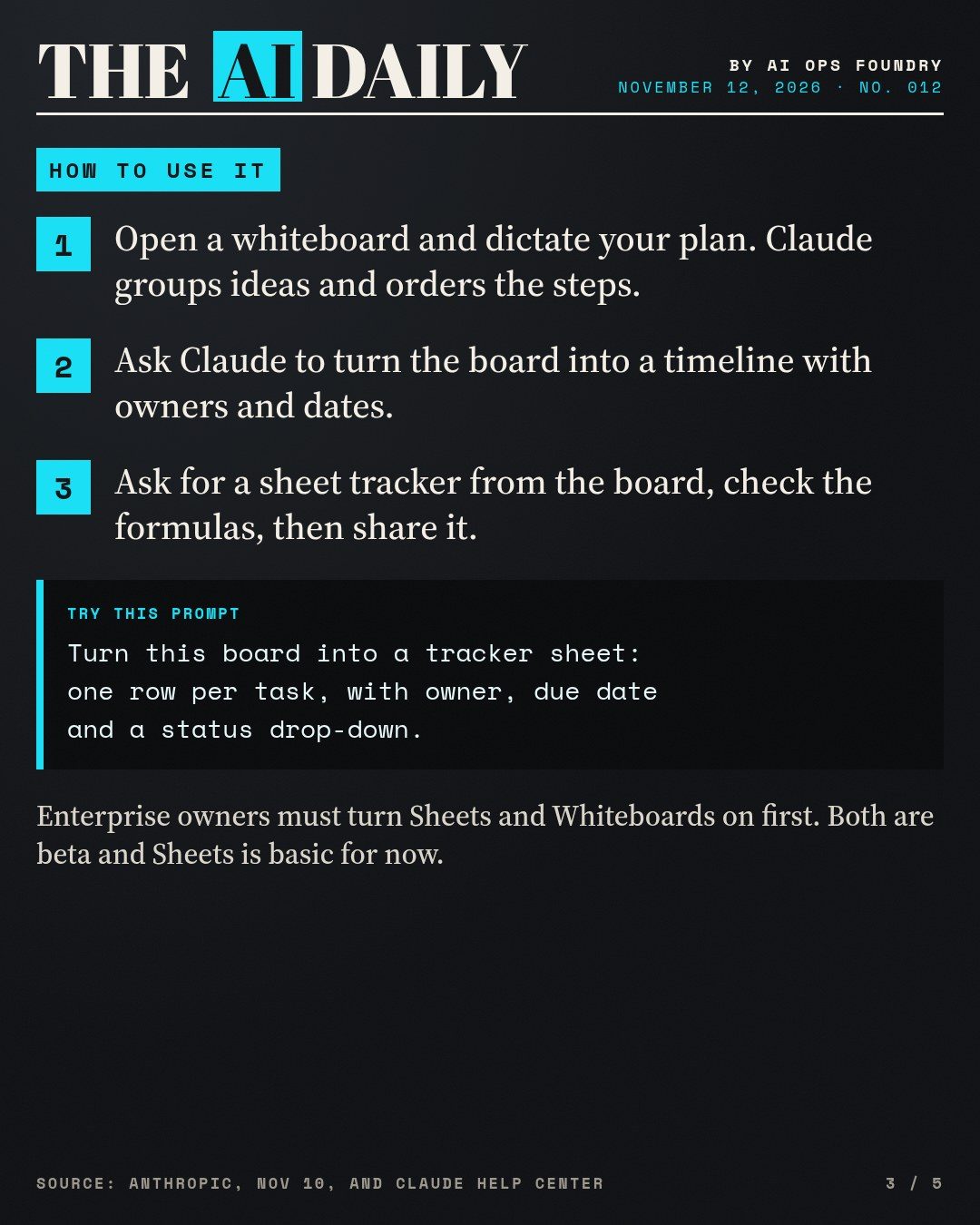
- Dump the plan on a whiteboard. Open the Artifacts tab, choose the Whiteboard tile, and dictate everything: the offer, the posters, the social posts, who prints what, the launch date. Claude groups related ideas, puts steps in order and connects the ones that depend on each other. (Claude Help Center)
- Shape it into a timeline. Ask Claude to regroup the board into a timeline, or ask what's missing between two steps. Claude adds suggestions to the board for you to check. Drag across one area to ask about just that part. (Claude Help Center)
- Turn it into a tracker sheet. Ask: "Turn this board into a tracker sheet: one row per task, with owner, due date and a status drop-down." Check the formulas and dates Claude added, then click Share so the team can update it together. Export to .xlsx or CSV if you need it elsewhere. (Anthropic)
Before you start: artifacts need Create and edit files (also called Cloud code execution and file creation) turned on in Settings > Capabilities. On Team plans, Whiteboards and Sheets are on by default; on Enterprise plans they stay off until an owner turns them on in Organization settings > Artifacts. (Claude Help Center, Anthropic)
Also today
Gemini thread summaries come to all Workspace users
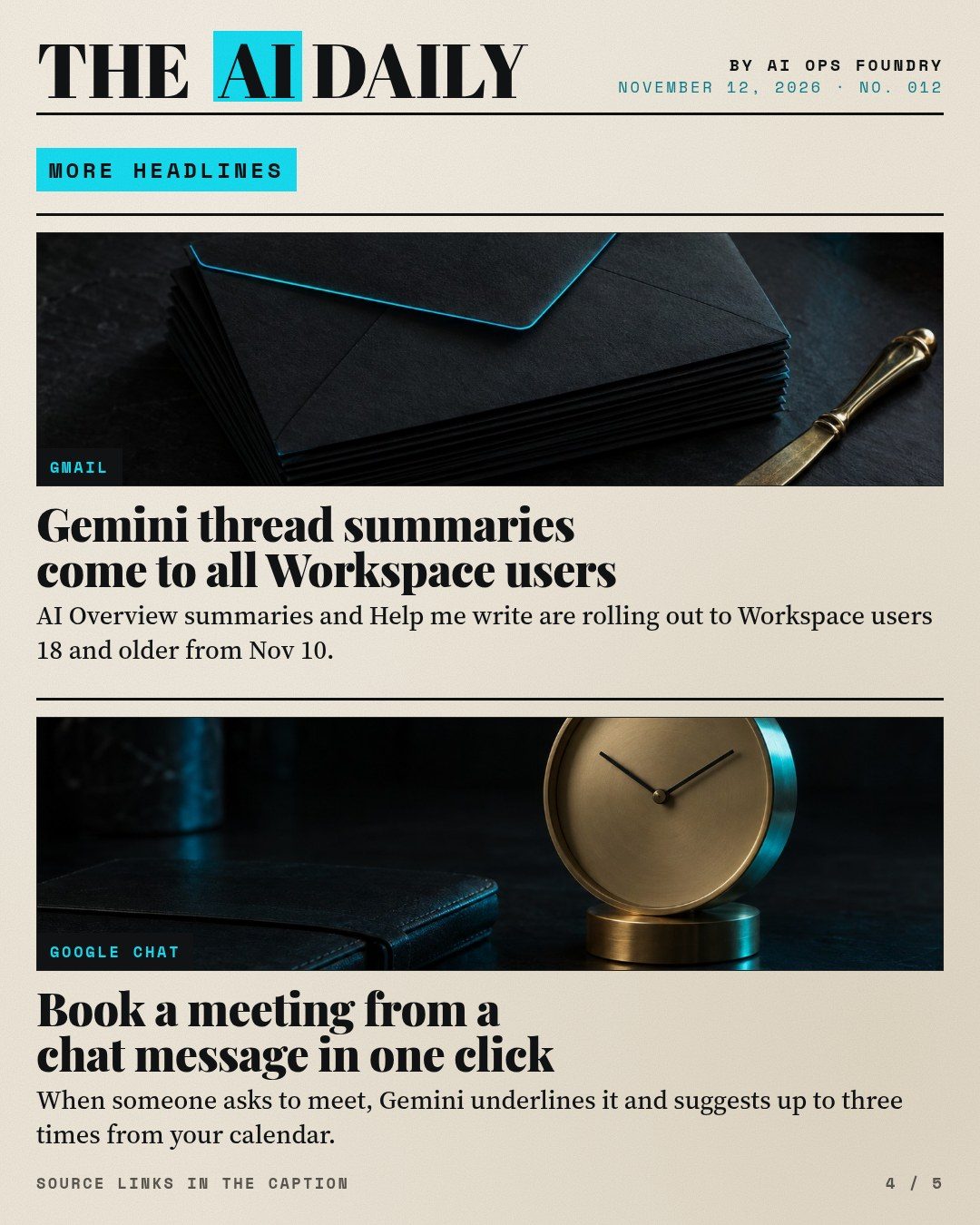
Google is expanding two Gemini in Gmail features to all Google Workspace users 18 and older: AI Overview summaries at the top of long email threads, and Help me write (non-personalized) for drafting or refining emails. The gradual rollout started November 10, 2026. The features are on by default; users can turn them off, and admins can disable Gemini features in Gmail. They require smart features in Gmail to be enabled. (Google Workspace Updates)
What to do: open your longest thread this week and compare the summary with the thread before you act on it.
Book a meeting from a chat message in one click
In Google Chat on the web, when someone in a direct message or a group of up to five asks to meet, Gemini underlines the request. Hover over it to see up to three suggested times from Google Calendar with conflicts flagged, the attendees and a suggested title, then click Schedule. It is English-only at launch, needs smart features and personalization turned on, and is on Business Standard and Plus, Enterprise Standard and Plus, Frontline Plus and AI Ultra Access. The extended rollout started November 9, 2026. (Google Workspace Updates)
What to do: check the suggested attendees before you click Schedule, since they are filled in from the conversation.
Recommended tools for this week
- Claude Whiteboards (beta): turn a spoken plan into a timeline with owners and dates.
- Claude Sheets (beta): simple shared trackers; export to .xlsx or CSV.
- Gemini in Gmail: thread summaries for long email chains.
What to try today
Before your next team meeting, dictate the plan into a Claude whiteboard. Then ask Claude to turn it into a sheet with owners and due dates, and share it.
The edition in slides
The same story as the Instagram and Facebook carousel. Swipe or scroll; select a slide to open it full size.
Sources
Every fact is from the official sources listed above, checked on the day of publication. See how we label AI news.