

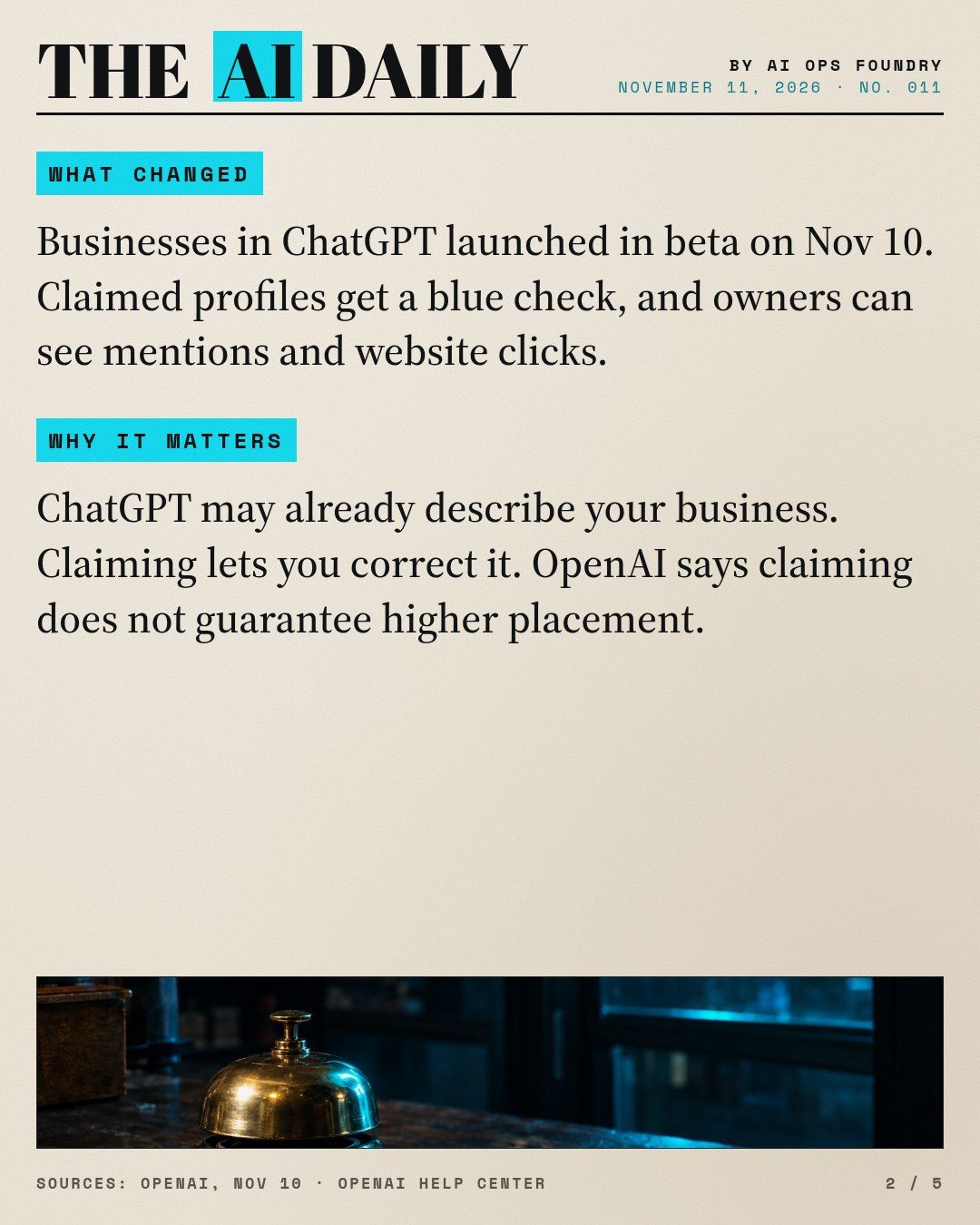
On November 10, 2026, OpenAI introduced Businesses in ChatGPT in beta. Through a new Business Hub, businesses "can claim their business, manage their information, and see insights on how people engage with them on ChatGPT." (OpenAI)
What changed
- Claim and verify. If you own a business or are authorized to represent it, you can claim its listing. You don't need an Ads account or a ChatGPT Enterprise agreement. (OpenAI Help Center) A blue check appears on a claimed profile. (Businesses in ChatGPT)
- Update what ChatGPT shows. After approval you can update your website, business description, product or service category, logo, delivery policy and return policy, and add a cover photo. Retailers can add product feeds with pricing and availability. (OpenAI Help Center, OpenAI)
- See insights. Business Hub shows aggregate activity over the past 28 days, including mentions and website clicks. (OpenAI Help Center) OpenAI says it does not share users' conversations or Business Agent chats with businesses, and insights appear only once there are enough conversations to meet its thresholds. (OpenAI)
- Business Agents. Eligible ecommerce and online service businesses in the US can build, test and launch an agent that answers customer questions about their offerings. Agent chats are labeled and kept separate from ChatGPT's own answers. (OpenAI)
Why it matters
ChatGPT may already describe your business, whether or not you've ever touched it. OpenAI's terms say it may create and display a business listing whether or not you claim it, and may still supplement or edit what you submit. (Businesses in ChatGPT Terms) Claiming is the way to correct your hours, policies and description. Keep expectations honest: OpenAI says "Claiming does not guarantee higher placement or sales." (Businesses in ChatGPT)
How to claim your listing
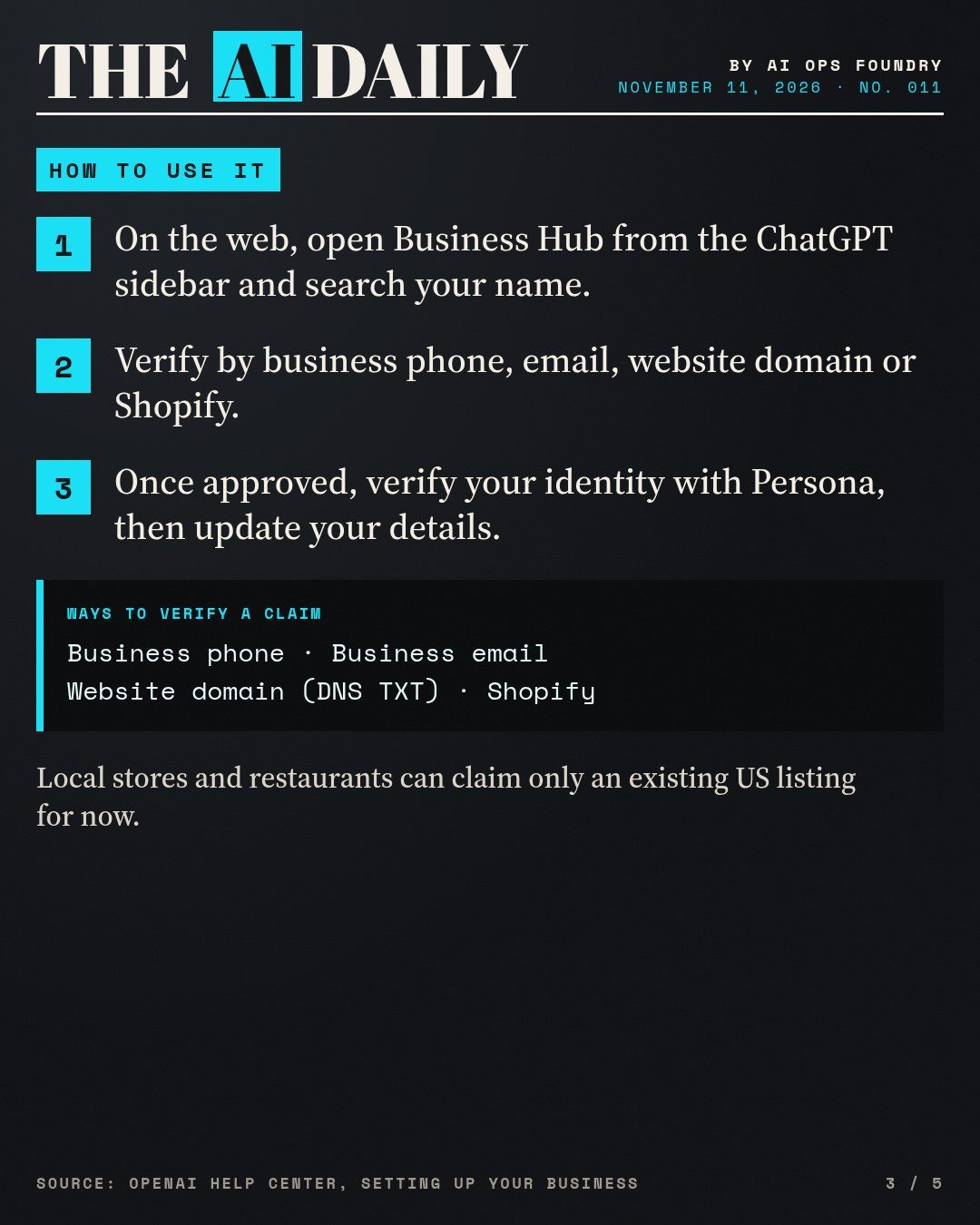
- Find it. Sign in to ChatGPT on the web, open Business Hub from the sidebar and search for your business by name. Select the matching listing. (OpenAI Help Center)
- Verify your claim. Choose one of the methods offered: a code by text or automated call to your business phone, a code to your business email, a TXT record added to your website domain's DNS, or connecting your Shopify store. OpenAI reviews the claim and emails you its decision. (OpenAI Help Center)
- Verify your identity, then update. Before you can publish changes, view insights or create an agent, you complete identity verification with Persona. You may need a government-issued ID, business registration information and proof you're authorized to represent the business. (OpenAI Help Center)
Example: a hair salon with an outdated listing would claim the existing US listing, verify by business phone, then update its description and website once Persona verification is approved. Local stores and restaurants can currently claim only an existing US listing. (OpenAI Help Center)
More headlines
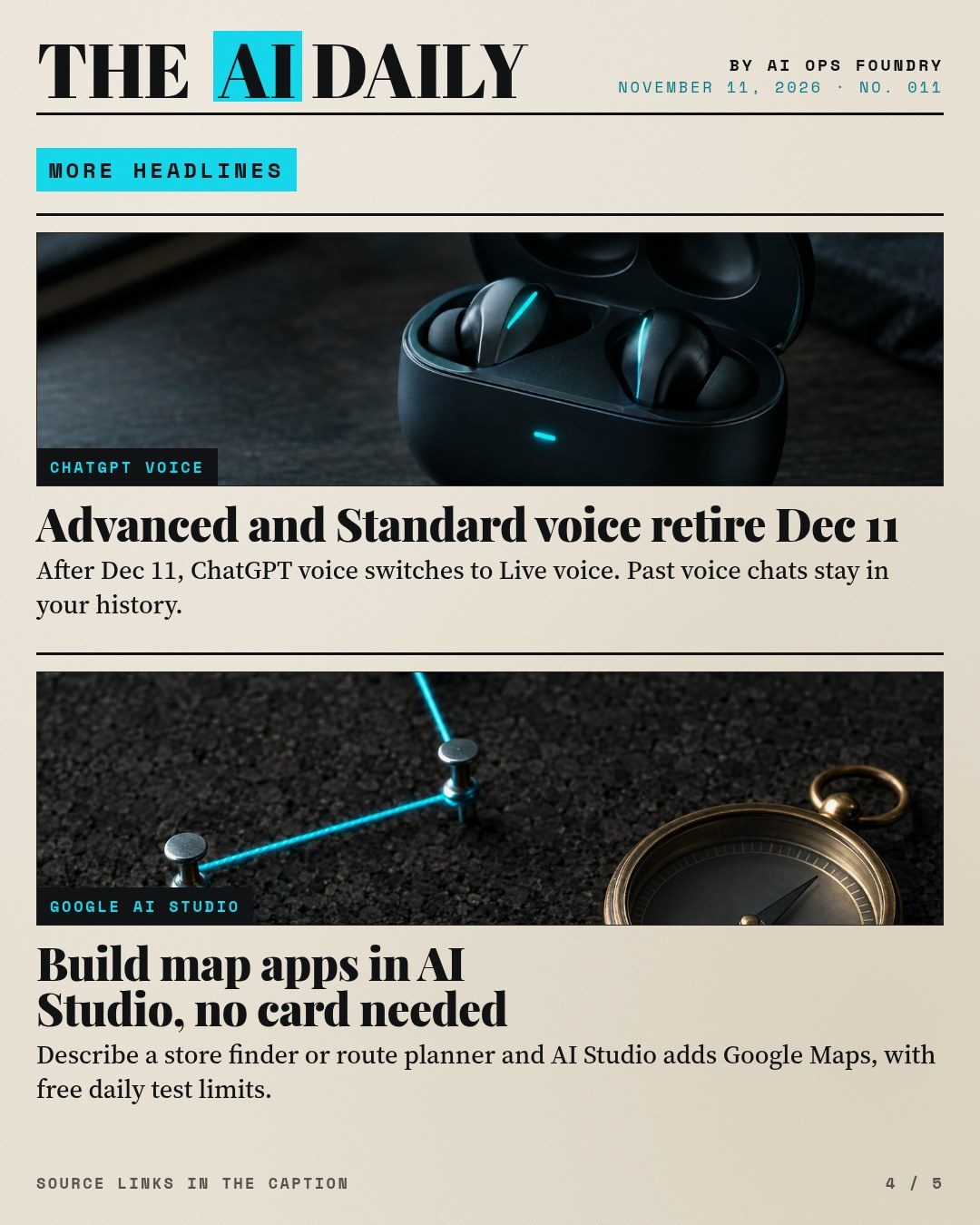
Advanced and Standard voice retire Dec 11
OpenAI will retire Advanced and Standard voice from ChatGPT Voice on December 11, 2026. After that date you can't select them in Settings > Voice, and anyone who chose them will default to Live voice (GPT-Live). Past voice conversations stay in your history and can be continued in text or voice. Voice with custom GPTs keeps using Advanced voice until Dec 11, and live video and screen sharing stay on Advanced voice until GPT-Live supports them. (OpenAI Help Center)
What to do: if your team uses ChatGPT voice for call practice or hands-free notes, switch to Live voice now and check it works for you before Dec 11.
Build map apps in AI Studio, no card needed
Google says developers can now build apps powered by Google Maps Platform inside Google AI Studio by describing the idea, such as a store locator or a multi-stop route planner. AI Studio sets up Maps with no credit card required, using sandbox quotas of 100 calls per day per API that reset every 24 hours. Production use needs a Google Cloud billing account at standard Maps Platform pricing. (Google for Developers)
What to do: try a prototype store finder for your locations in AI Studio and stay inside the free daily limits while you test.
Recommended tools for this week
- ChatGPT Business Hub: claim and update your business listing.
- Your domain's DNS settings: the fastest way to verify if you run your own website.
- Google AI Studio: quick map prototypes without setting up billing.
Quick tip
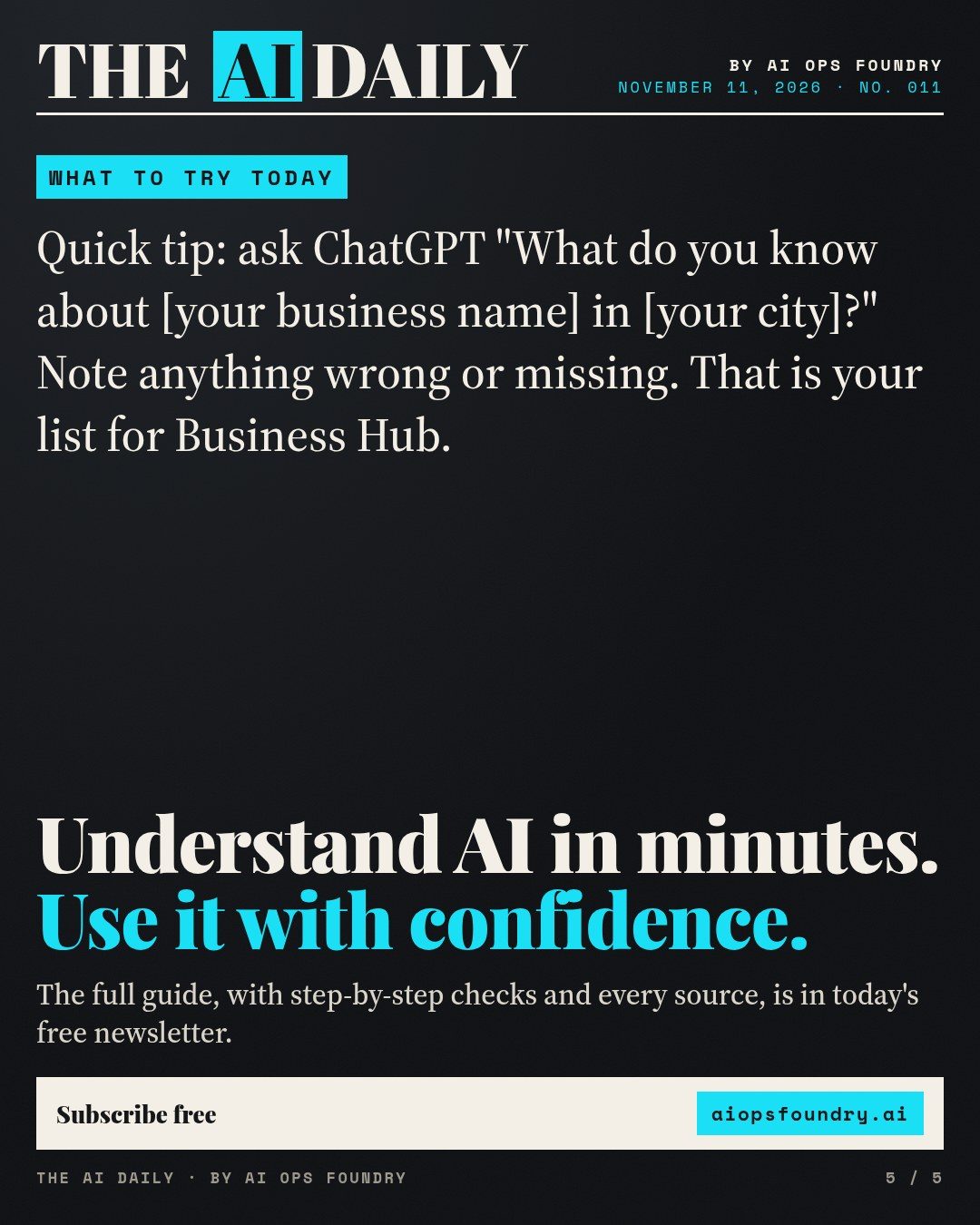
Ask ChatGPT "What do you know about [your business name] in [your city]?" Note anything wrong or missing. That is your list for Business Hub.
The edition in slides
The same story as the Instagram and Facebook carousel. Swipe or scroll; select a slide to open it full size.

Sources
Every fact is from the official sources listed above, checked on the day of publication. See how we label AI news.