

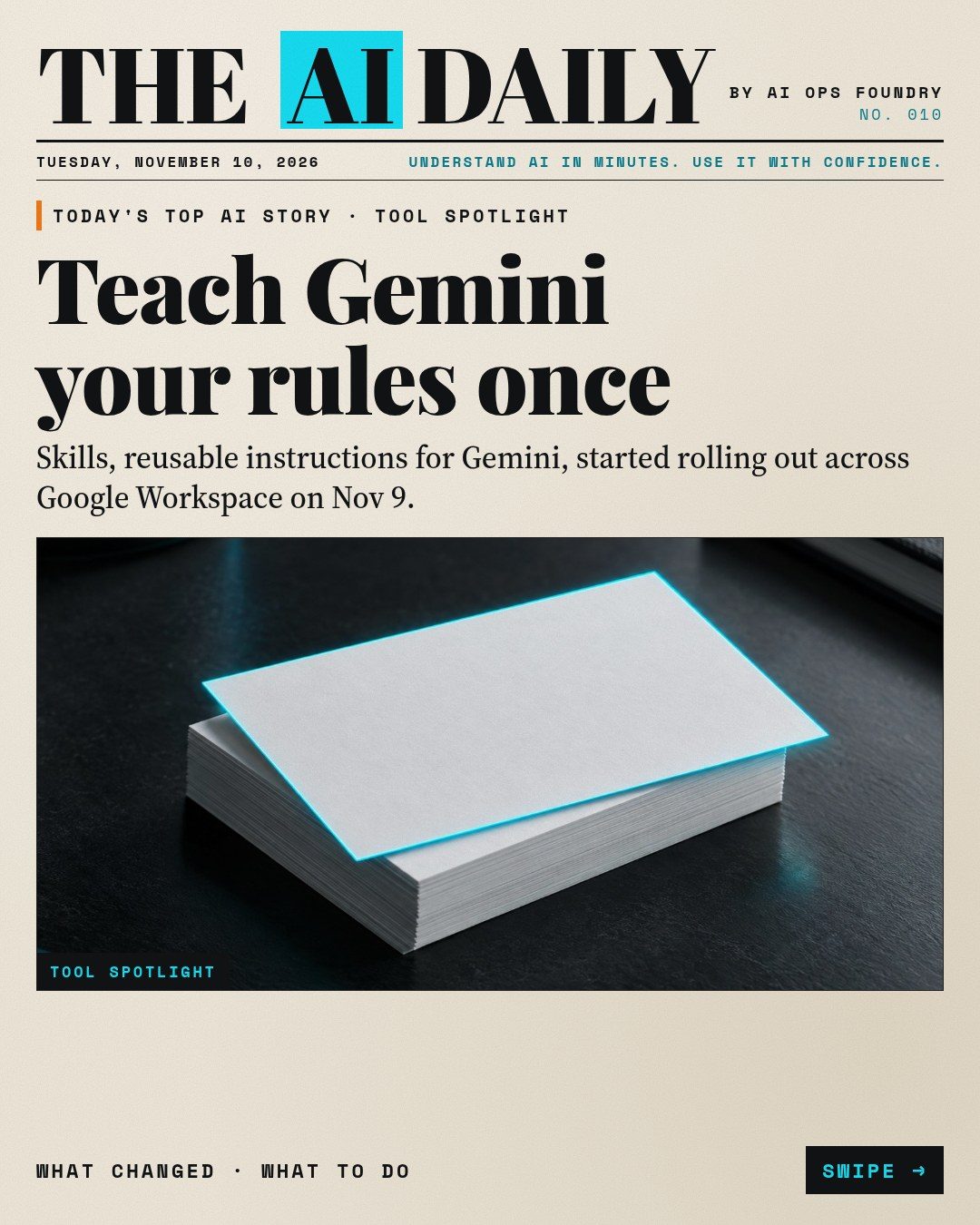
Tool spotlight: Gemini skills arrive in Gmail, Docs and Drive
Google says skills, "reusable, custom instructions that guide Gemini to apply your team's rules, templates, and reference files," began rolling out across Google Workspace Studio and Workspace apps on November 9, 2026. (Google Workspace Updates)
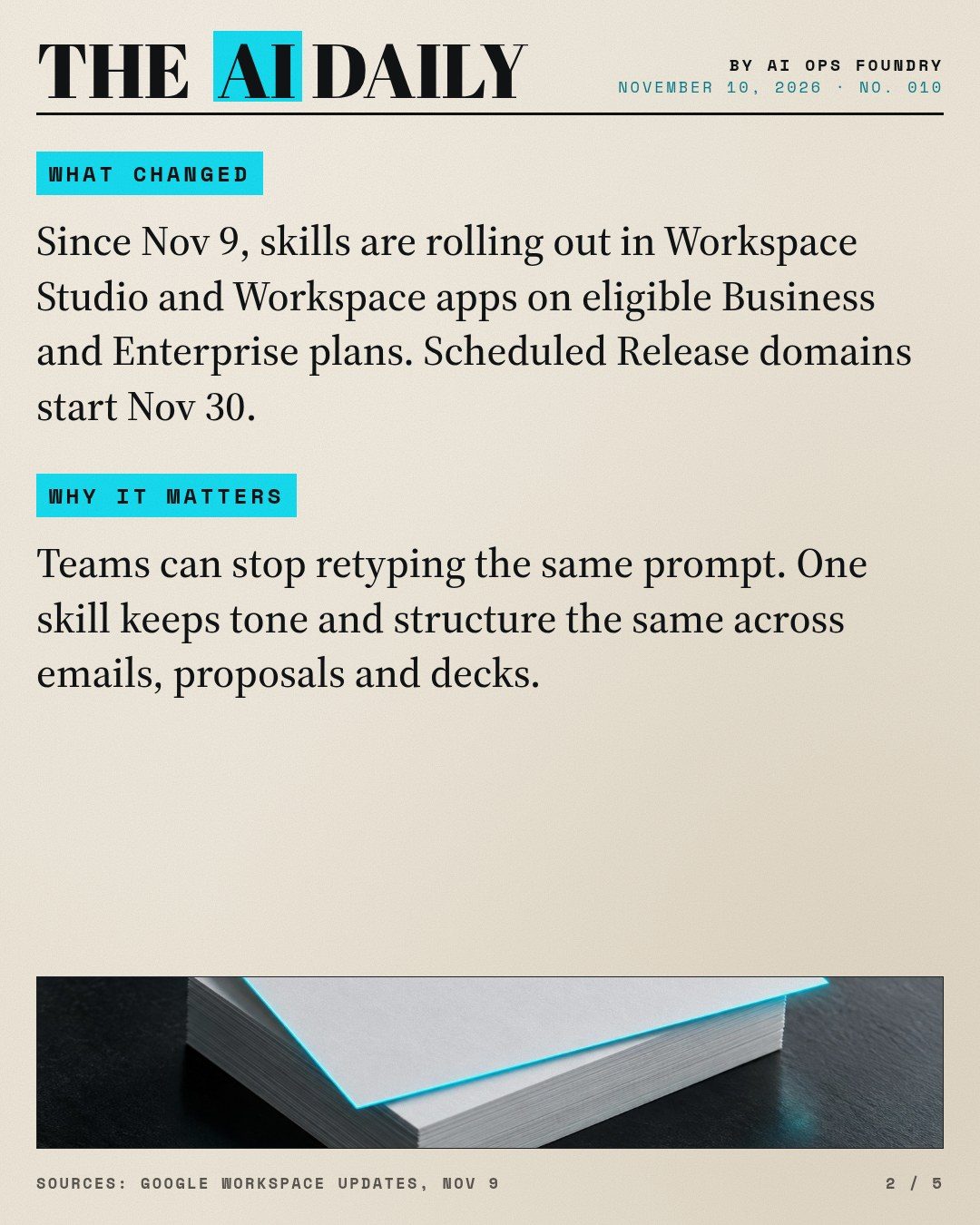
What changed
- Where you build them: start from scratch, from new templates, or by editing Markdown
SKILL.mdfiles in Workspace Studio. You can also draft skills in Google Docs with Skill Builder, or ask Gemini to create one right inside Gmail, Docs, Slides, Drive or Chat. (Google Workspace Updates) - How you use them: once a skill is on, Gemini can recognize when it is relevant and apply it, or you can call one or more skills with an @mention. Skills can also trigger Workspace Studio flows that use a "Start manually" or "On a schedule" starter. (Google Workspace Updates)
- Who gets it: Business Starter, Standard and Plus; Enterprise Starter, Standard and Plus; Google AI Pro for Education; and AI Expanded Access. Rapid Release domains started Nov 9 and Scheduled Release domains start Nov 30, each with up to 15 days for the feature to appear. Skills are on by default; admins can turn them off for a domain, organizational unit or group. (Google Workspace Updates)
- Limits: creating and editing skills is web only; using them also works in the Google Chat mobile app. Not yet in Sheets or Meet, English only for now, and only for users 18 and older. (Google Workspace Updates)
Why it matters
Most small teams retype the same instructions every day: "keep it friendly," "under 120 words," "always end with a next step." A skill stores that once, so the person writing Monday's customer email and the person building Friday's proposal get the same tone and structure. Google's own examples include keeping an approved brand voice across Gmail, Docs and Slides, and reviewing contracts or invoices against guidelines stored in Drive. (Google Workspace Updates)
How to build your first skill
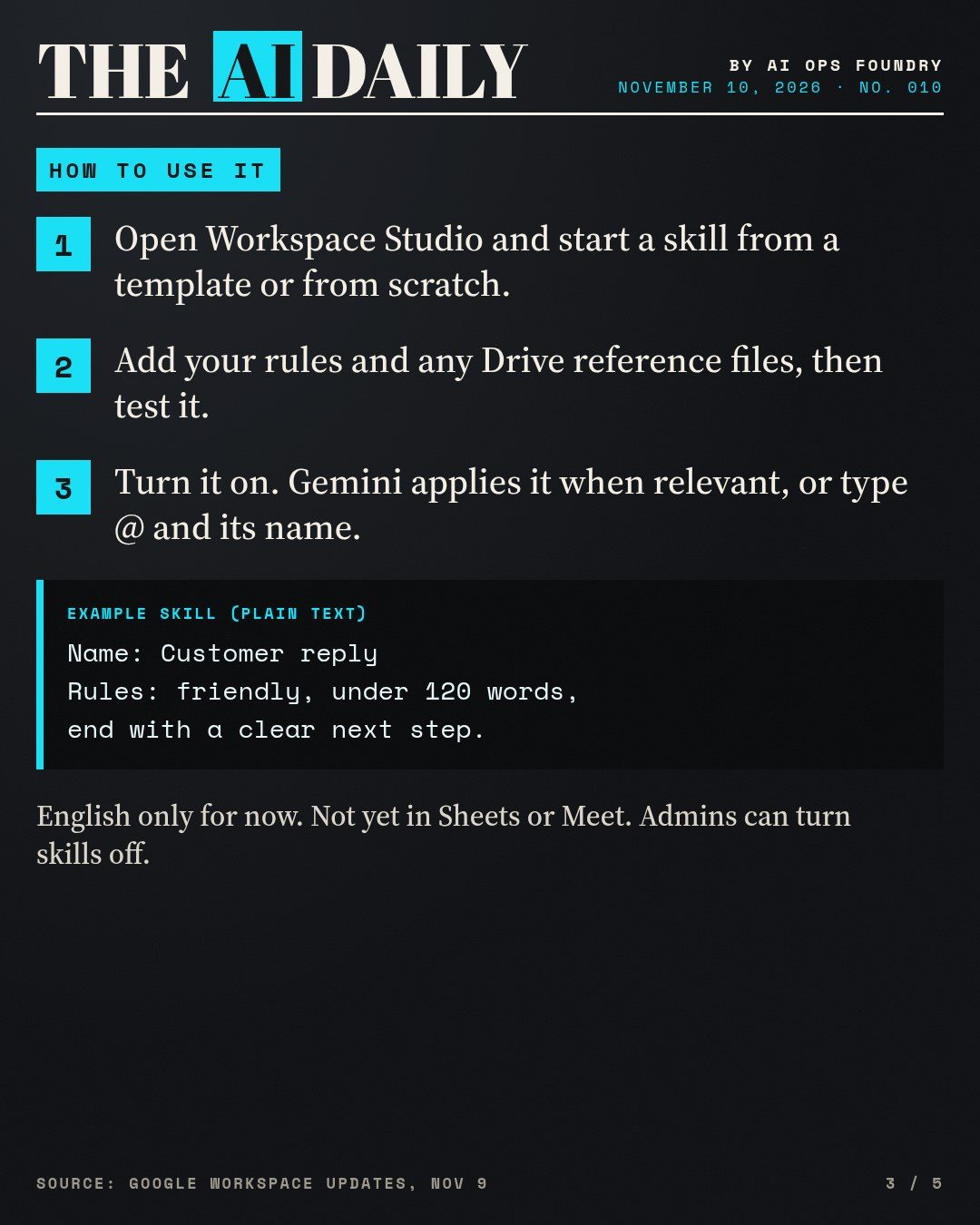
- Open Workspace Studio and start a new skill from a template or from scratch. If you prefer, ask Gemini in Gmail or Docs to "create a skill" from instructions you paste in.
- Write short rules and attach references. For example: "Customer reply. Friendly, under 120 words, use the customer's first name, end with one clear next step." If the skill points to a Drive file, like a price sheet, anyone you share the skill with also needs access to that file. (Google Workspace Updates)
- Test, then turn it on. Try it on a real email draft first. Once it is on, Gemini applies it when relevant, or type @ and the skill's name. Sharing a skill gives each teammate their own copy; your later edits do not change copies they already saved. (Google Workspace Updates)
Note: Workspace skills don't sync with skills or Gems in the Gemini app. Both use the open SKILL.md format, so you can copy instructions across by hand. (Google Workspace Updates) Google's earlier timeline says that for business and enterprise customers, Gems stop working no sooner than March 1, 2027. (Google Workspace Updates, skills and Gems)
More headlines
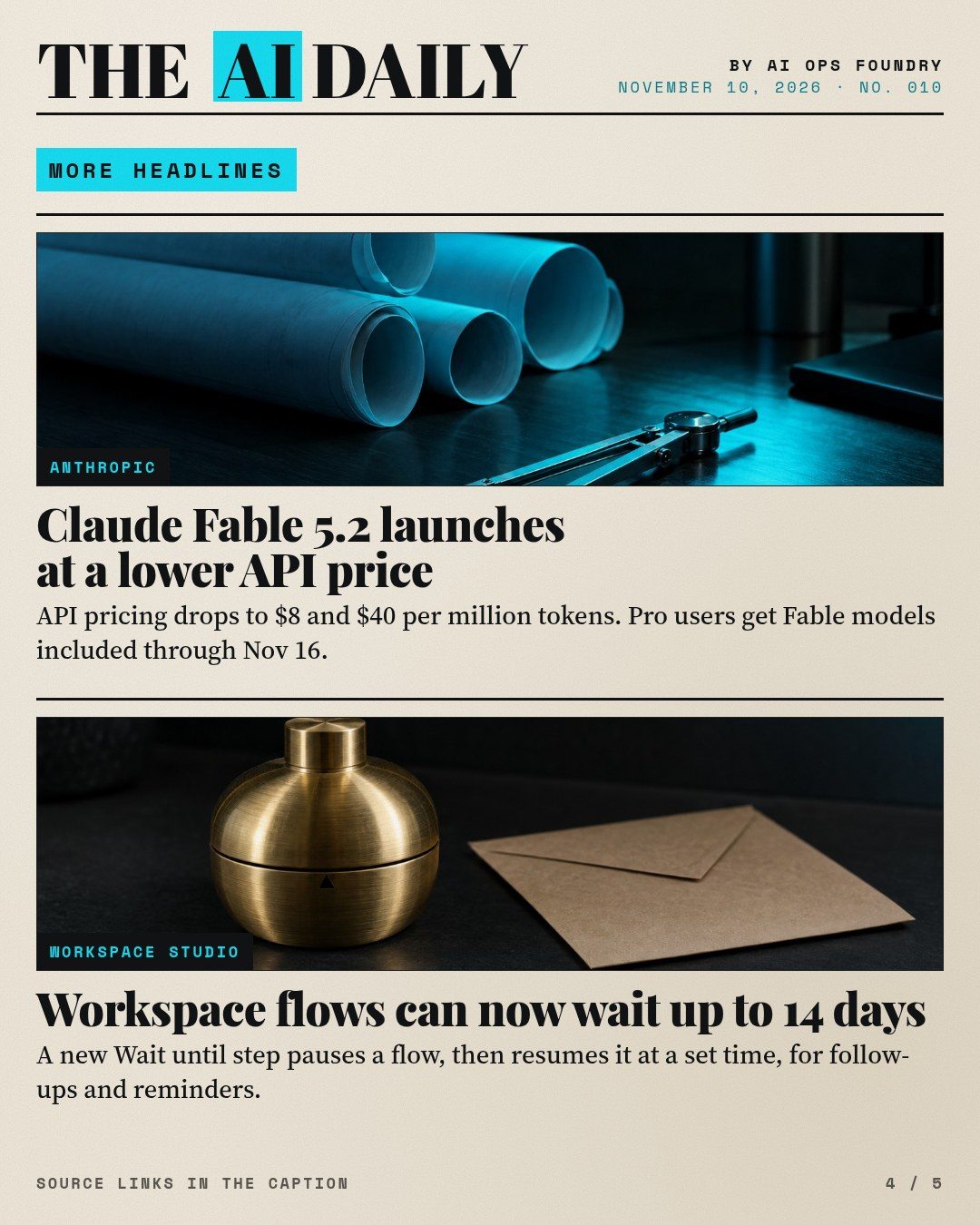
Claude Fable 5.2 launches at a lower API price
Anthropic launched Claude Fable 5.2 (claude-fable-5-2) on November 9. It has a 1M token context window and costs $8 per million input tokens and $40 per million output tokens, down from $10 and $50 for Fable 5.1. (Claude Platform release notes) For the launch, Pro plans and standard Team seats get all Fable models included through November 16, 2026 at 11:59 pm PT, using up to 50% of weekly usage limits. Max, Ultra and some other paid plans get one to three Fable limit resets. (Claude Help Center)
What to do: if you're on Claude Pro, try your hardest recurring task with Fable this week while it is included in your plan.
Workspace flows can now wait up to 14 days
Google Workspace Studio added a "Wait until" step that pauses a flow, including inside Check if branches and Repeat for each loops, then resumes it at a set day and time or after up to 14 days. Google's examples include a follow-up email a few days after a customer meeting and waiting until Monday morning to post a team digest. Rollout started November 9 on Business, Enterprise and Education editions, with 1 to 3 days for the feature to appear. (Google Workspace Updates)
What to do: add a "Wait 3 days" step after a meeting-notes flow to send a follow-up reminder automatically.
Recommended tools for this week
- Google Workspace Studio: build, test and share skills, and add Wait until steps to flows.
- Skill Builder in Google Docs: draft a skill with your team before turning it on.
- A shared Drive folder for references: price sheets, brand rules and templates your skills can point to.
What to try today
Pick the one instruction you retype most often, like your email sign-off rules or proposal format. Write it as five short rules. That is your first skill.
The edition in slides
The same story as the Instagram and Facebook carousel. Swipe or scroll; select a slide to open it full size.
Sources
- Google Workspace Updates, Nov 9
- Claude Platform release notes, Nov 9
- Claude Help Center
- Google Workspace Updates, Nov 9
Every fact is from the official sources listed above, checked on the day of publication. See how we label AI news.