

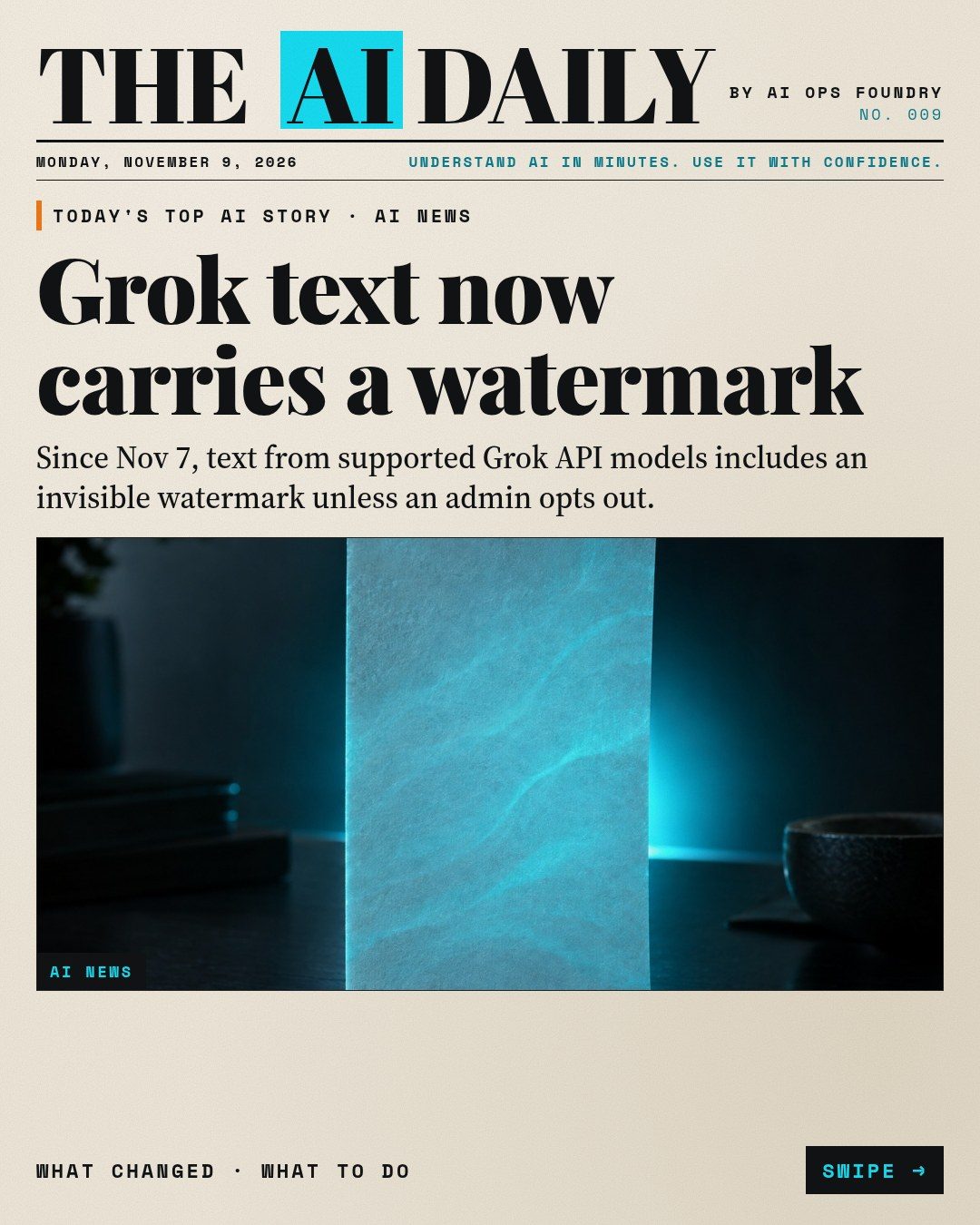
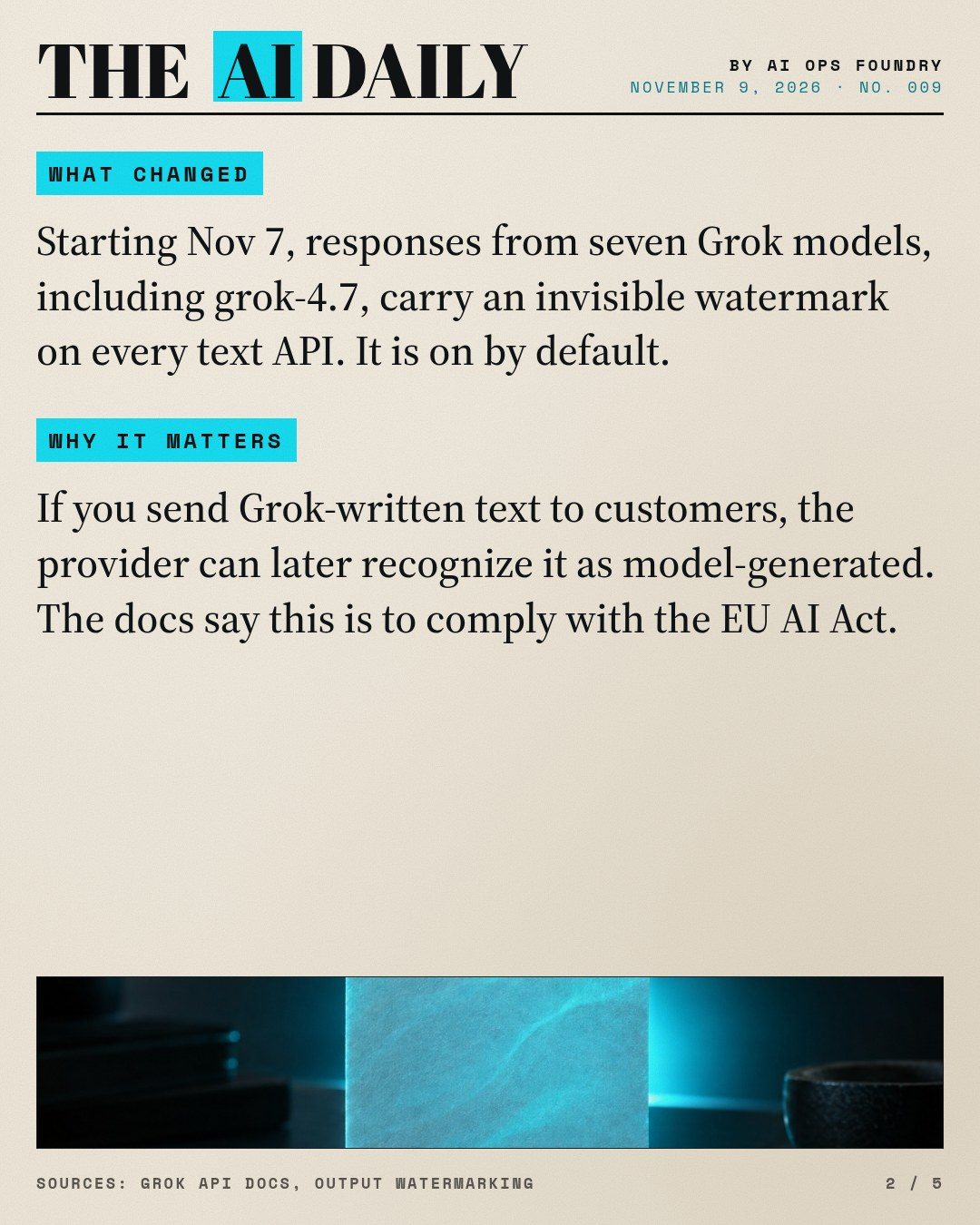
Starting November 7, 2026, text from seven Grok models on the Grok API includes an invisible watermark by default. The docs from SpaceXSI (SpaceX Super Intelligence, the company behind Grok) say it watermarks text model output "to comply with the EU AI Act," and that the watermark is enabled on every API endpoint, including the global endpoint and regional ones. (Grok API docs, Output Watermarking)
What changed
The watermark covers these models: grok-4.7, grok-4.6, grok-4.5, grok-4.3, grok-4.20-reasoning, grok-4.20-non-reasoning and grok-4.20-multi-agent. It applies to every text generation API, including the Responses API and Chat Completions API, and covers ordinary text, structured outputs and tool call arguments. (Grok API docs)
The docs say watermarking "does not change response quality or speed." Access to the watermark detection tool is granted by application, through a form on the same page. (Grok API docs)
Why it matters
If your business uses Grok, directly or through an app someone built for you, to write customer emails, replies or product descriptions, that text now carries a mark the provider can later use to recognize it as model-generated. Nothing visible changes, so most people would not notice. It is worth knowing which of your tools do this, so you can answer honestly if a customer or partner asks how a message was written. (No. 005 covered a similar change for Claude text; this one is from a different provider.)
How to check and choose
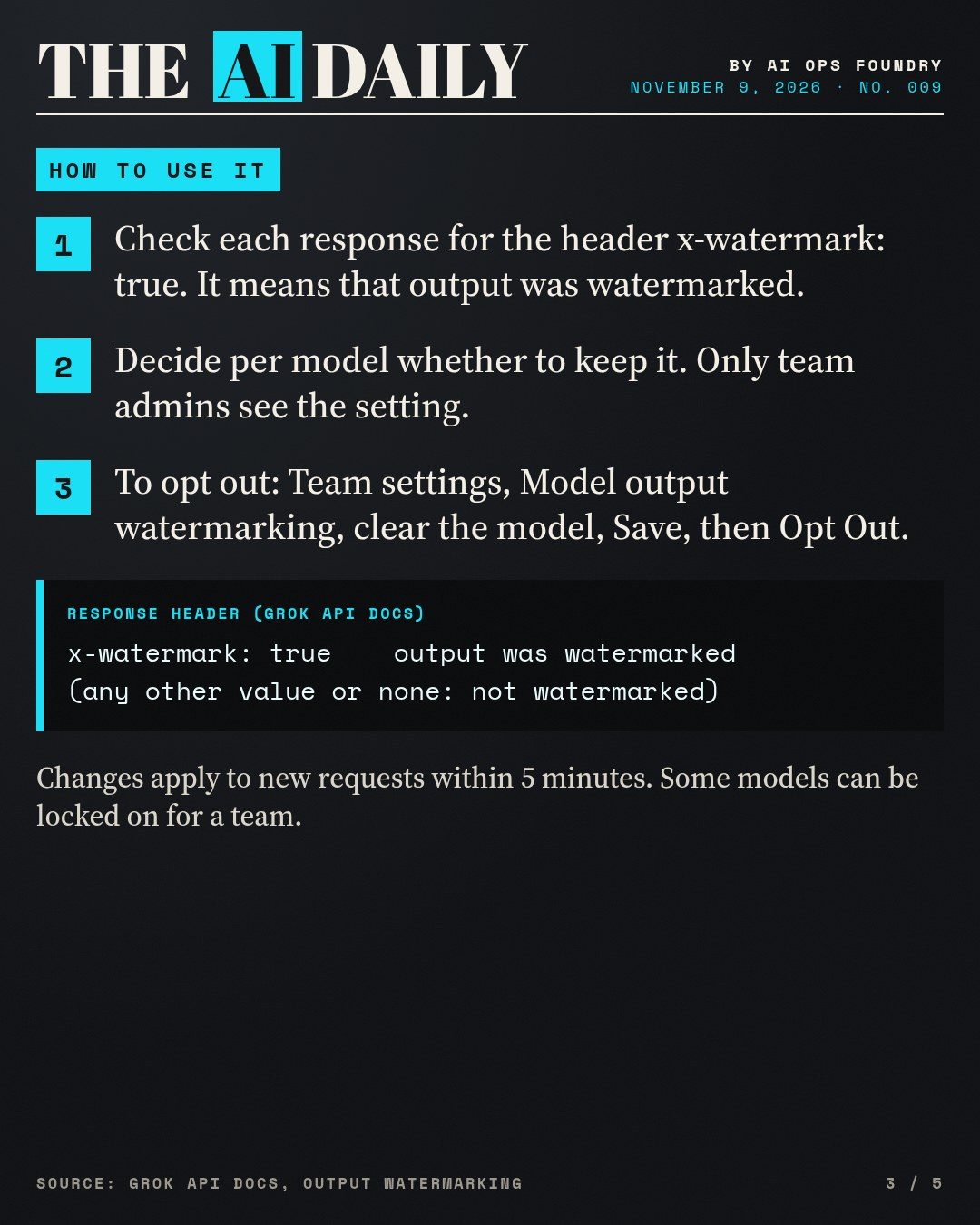
- Check the header. On a Responses API or Chat Completions API response, look for the
x-watermarkheader.x-watermark: truemeans that output was watermarked; any other value, or no header, means it was not. (Grok API docs) - Decide per model. Only team admins see the setting. Turning it off applies to every API key on the team.
- To opt out: open Team settings, find the Model output watermarking row (it shows On, Off or Custom), select the settings icon, clear the checkbox for each model, select Save, then confirm with Opt Out. Changes apply to new requests within 5 minutes. Some models may be locked on for a team and appear without a checkbox. (Grok API docs)
More headlines
You can now text Alexa to shop, by invite
Amazon says Alexa for Shopping can now be reached by text message. It can search for products, compare options, add items to a cart and complete purchases on your behalf, and handle requests like reordering an item, tracking prices or checking package updates. The first rollout is a small group of US customers, by invitation only, with millions more expected "in the coming weeks." Invited customers accept the terms, link a phone number, and see a contact named "Alexa Shopping." (About Amazon, Nov 6, Amazon FAQ)
What to do: if you get an invitation, start with low-risk requests like price tracking and order updates before letting it buy for you.
OpenAI brings in Hacktron to test its systems
OpenAI said on November 6 that it is partnering with security firm Hacktron, whose researchers will work with OpenAI engineers to choose high-priority areas to test together, with a focus on how OpenAI's systems interact with third-party services. OpenAI is also expanding Hacktron's access to its frontier models through Daybreak Red, and says it first got to know Hacktron through its Security Bug Bounty program. (OpenAI, Nov 6)
What to do: if you connect ChatGPT to other apps like your email, calendar or files, review which connections are switched on and remove any you no longer use.
Recommended tools for this week
- Your API response logs: to see whether the
x-watermarkheader appears. - A simple list of your AI-written messages: where they go, which tool writes them.
- Your ChatGPT connected apps settings: to switch off connections you don't use.
What to try today
List every place your business sends AI-written text to customers: emails, replies, product pages. Note which AI tool writes each one and whether it adds a watermark.
The edition in slides
The same story as the Instagram and Facebook carousel. Swipe or scroll; select a slide to open it full size.


Sources
Every fact is from the official sources listed above, checked on the day of publication. See how we label AI news.