

Get ready for ChatGPT's shared usage limit
If you pay for ChatGPT Plus, Pro or Business, the way your usage is counted is about to change. OpenAI's Help Center says that starting in December, those plans' usage allowance will be shared across ChatGPT and Codex as OpenAI brings the agentic capabilities of Work into the main ChatGPT experience. Usage will be measured in tokens, the units of information a model processes and generates. (OpenAI Help Center)
This weekend tutorial shows how to sort your everyday ChatGPT jobs so the change doesn't catch you in the middle of a busy week.
What changed
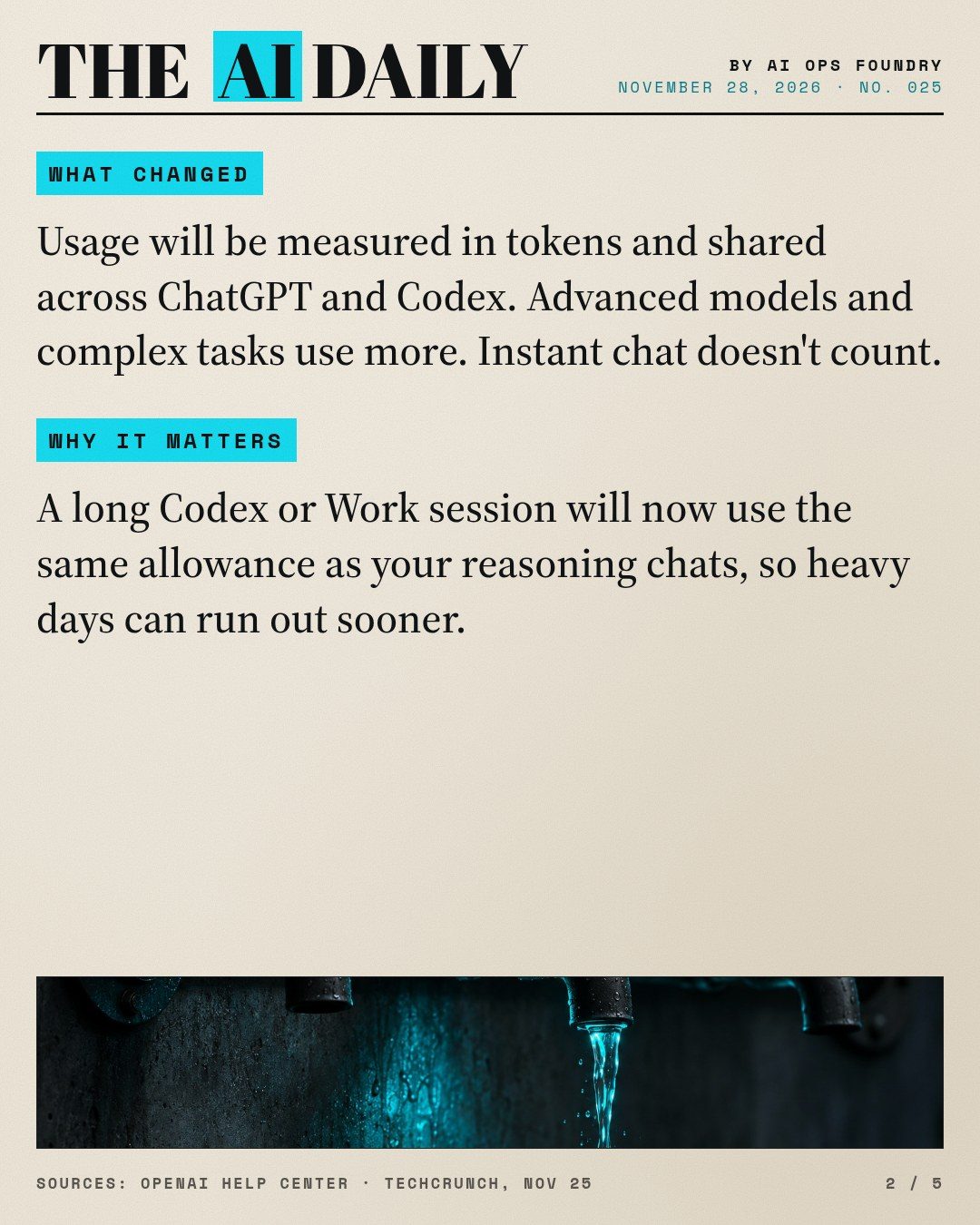
- One allowance instead of separate ones. From December, Plus, Pro and Business plans share one usage allowance across ChatGPT and Codex. How much you use depends on the model you choose and the task you give it. More advanced models and complex tasks generally use more. (OpenAI Help Center)
- Instant chat doesn't count. OpenAI says Instant chat will not draw from your usage. An OpenAI spokesperson told TechCrunch that Instant conversations stay unlimited and that you can keep using Instant after reaching your other limits. (OpenAI Help Center, TechCrunch)
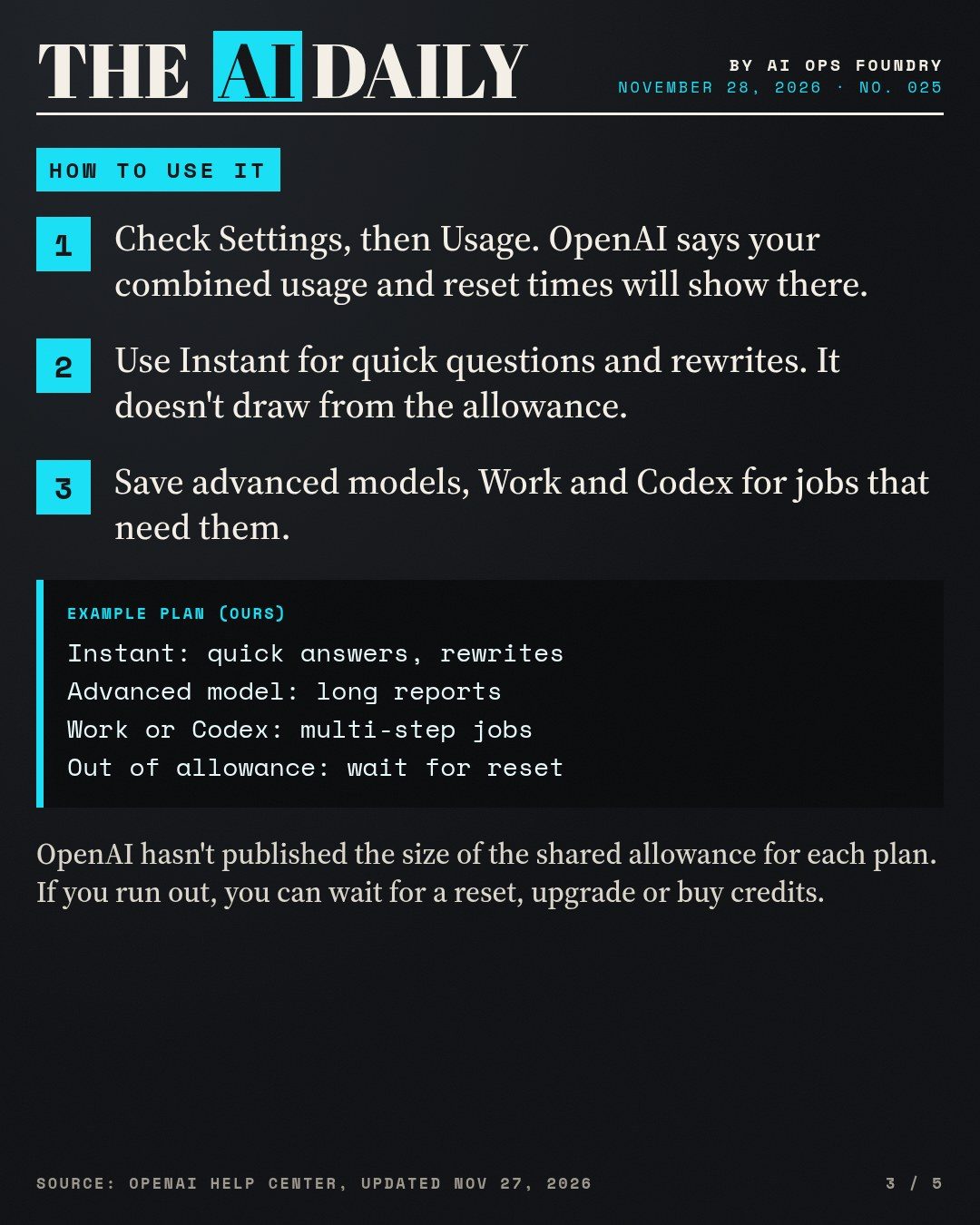
- One place to check. You will be able to see your combined remaining usage and reset times in Settings, then Usage. If you reach your limit, you can wait for it to reset, upgrade your plan, or buy credits for eligible features. (OpenAI Help Center)
- Some people see it early. OpenAI says a small group of users may see the usage changes before December. TechCrunch reports that a combined Chat and Work experience has started rolling out to a small group of users. (OpenAI Help Center, TechCrunch)
Why it matters
OpenAI says it expects most users won't need to wait for their usage to reset more often than they do now. (OpenAI Help Center) But the spokesperson told TechCrunch that a small fraction of the heaviest users may hit their limits sooner. (TechCrunch) If you run long Codex sessions or Work tasks on the same days you use reasoning chats, those now come out of the same allowance. OpenAI hasn't published how large the shared allowance is for each plan, so the safest plan is to use the bigger models only where they make a difference.
How to use it: sort your ChatGPT jobs in 20 minutes
- List your regular jobs. Write down the 10 things you ask ChatGPT for most in a normal week, such as replying to customer emails, summarizing a long document, writing social posts or fixing a spreadsheet formula.
- Put each job in one of three groups. For example (our grouping):
Instant: quick answers, rewrites
Advanced model: long reports
Work or Codex: multi-step jobs
Out of allowance: wait for reset
Quick rewrites, short replies and simple questions usually go to Instant. Long reports, careful analysis and tricky reasoning go to an advanced model. Multi-step tasks that take actions, or coding, go to Work or Codex.
- Check your usage page. Open Settings, then Usage. OpenAI says this is where your combined remaining usage and reset times will appear. (OpenAI Help Center)
- Plan your heavy days. If you have a big Codex or Work job coming, start it early in the week so a reset isn't in your way when a deadline arrives.
- Know your fallback. If you run out, OpenAI lists three choices: wait for a reset, upgrade, or buy credits for eligible features. Decide now which one you'd pick so you don't spend money in a rush. (OpenAI Help Center)
Tutorial variations
- Solo consultant: Instant for email replies, an advanced model for proposals, Work for research tasks.
- Online shop: Instant for product description tweaks, an advanced model for monthly sales summaries.
- Small team on Business: agree as a team which jobs go to which group, so one person's coding day doesn't surprise everyone else's chats.
Also today
Google's Gemini team shares a free deep-research skill
On November 27, Google's Gemini team added a deep-research skill to its public DemoLab repository on GitHub. A skill is a short instruction file that a coding agent loads when a task needs it. This one tells the agent to split a broad question into 3 to 5 sub-questions, send parallel helpers to research each one with a budget of 8 to 12 searches, check claims against primary sources rather than search snippets, and finish with a two-sentence summary, clickable citations and a short section on anything unresolved. The README gives install steps for Claude Code, Cursor, OpenAI Codex, Antigravity and two skills command-line tools, and says judges preferred output made with the skill more than 90% of the time in hundreds of blind evaluations with Gemini 4 models. That figure is Google's own. The repository is Apache 2.0 licensed and says it is not an officially supported Google product. (GitHub: google-gemini/demolab, deep-research skill file)
What to do: if you already use a coding agent, read the skill file first. It's short, and the source-checking rules are worth copying into your own research prompts even if you don't install anything.
OpenAI starts testing Private Inference with business customers
On November 25, OpenAI CEO Sam Altman wrote that OpenAI is now testing Private Inference, part of OpenAI Private Intelligence, with a small group of customers. (Sam Altman on X) OpenAI's Private Intelligence page lists it as Alpha and describes it as combining confidential computing with strict controls designed to protect your prompts and responses while the model processes them. (OpenAI Private Intelligence) OpenAI has not published a price, a list of supported models or a date for wider availability.
What to do: nothing for most small businesses yet. If you handle sensitive client data and already use OpenAI's business products, OpenAI has a page where you can register interest. (OpenAI)
Recommended tools for today
- ChatGPT Settings, then Usage: the page OpenAI says will show your combined remaining usage and reset times.
- A simple note or spreadsheet: for your three-group list of ChatGPT jobs.
- Google's deep-research skill file: a short example of clear rules for AI research.
What to try today
This weekend, list the ChatGPT jobs you do most and sort them into three groups: Instant, advanced model, and Work or Codex.
The edition in slides
The same story as the Instagram and Facebook carousel. Swipe or scroll; select a slide to open it full size.


Sources
- OpenAI Help Center
- TechCrunch, Nov 25
- GitHub: google-gemini/demolab, Nov 27
- OpenAI Private Intelligence
- Sam Altman on X, Nov 25
Every fact is from the official sources listed above, checked on the day of publication. See how we label AI news.