

Custom GPTs retire Dec 11: plan your move
If you built a custom GPT for your business, or your team relies on one, you have less than two weeks to plan. OpenAI's Help Center says custom GPTs are scheduled to retire on December 11, 2026, and that the change affects all ChatGPT plans. OpenAI is helping creators move their GPTs to plugins, which bring reusable instructions, reference files and connected apps together. (OpenAI Help Center)
This Week Ahead edition covers what happens on the 11th, what moves across and what doesn't, plus the other dates worth knowing this week.
What changed
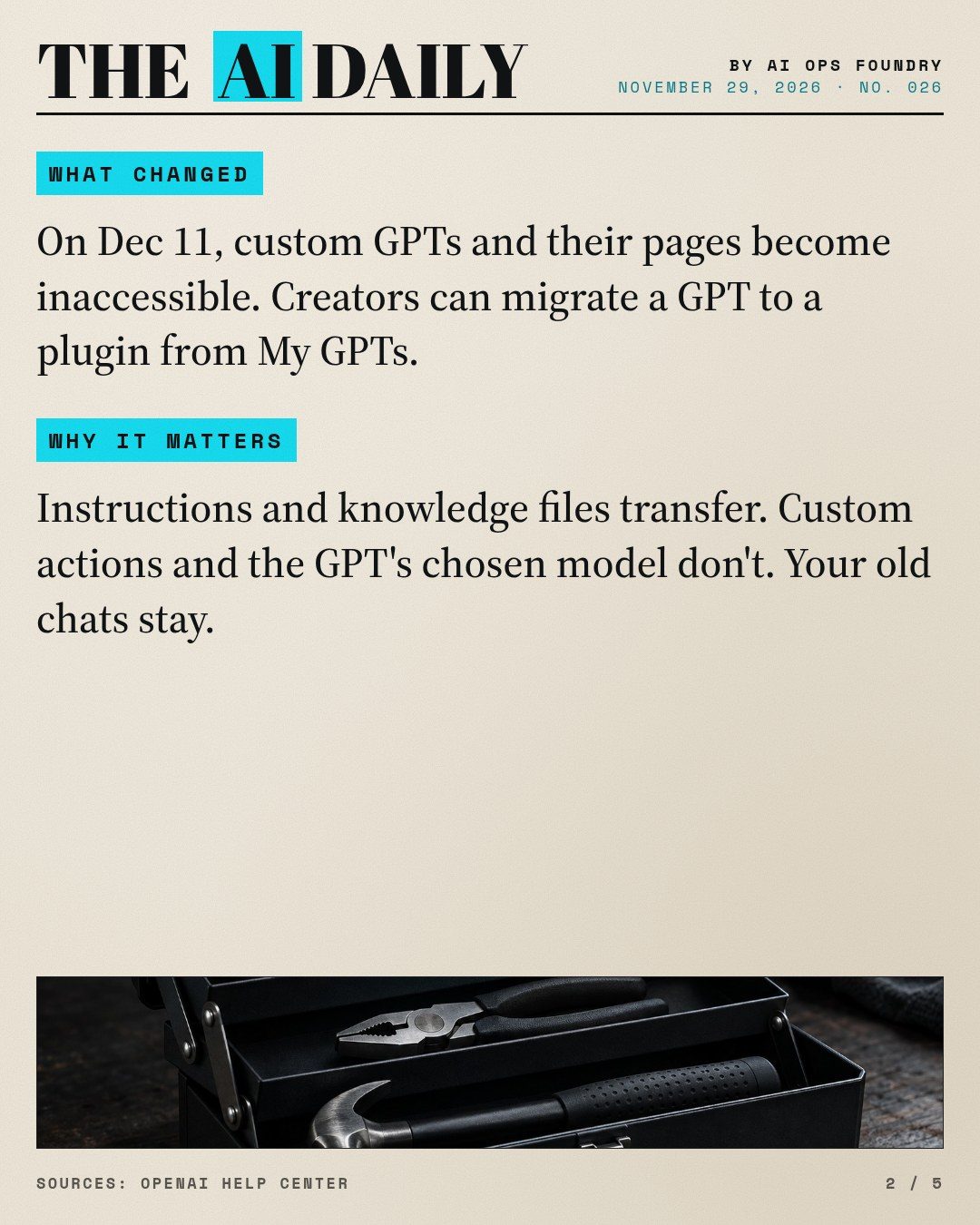
- A retirement date. Custom GPTs are scheduled to retire on Dec 11, 2026. On the retirement date, custom GPTs and their GPT pages become inaccessible. FedRAMP workspaces and some Enterprise workspaces with an approved deferral have Feb 28, 2027 instead. (OpenAI Help Center)
- A migration button. When migration is available for your account, go to My GPTs and select Migrate to plugin. OpenAI says migration access may arrive at different times for different accounts. (OpenAI Help Center)
- What transfers. The GPT's instructions become a skill in the new plugin, its knowledge files are copied into the plugin's reference files, and connected apps are added as apps. Migration uses the GPT's latest published version, so drafts and unpublished edits don't transfer. (OpenAI Help Center)
- What doesn't. Custom actions don't transfer, and the GPT's selected model doesn't carry over. The new plugin starts private, so people who used your GPT don't get access automatically. (OpenAI Help Center)
Why it matters
Many small businesses use a custom GPT as a house style guide, a customer-reply helper or a product FAQ. If nobody migrates it, it stops working on the 11th. Your existing conversations with custom GPTs stay accessible after retirement, so you won't lose your chat history. (OpenAI Help Center) The bigger risk is a GPT that connects to another service through a custom action, such as a booking system or a spreadsheet. OpenAI says rebuilding that connection may need a custom MCP server and technical setup, so start with those first.
How to use it: a 30-minute GPT check this week
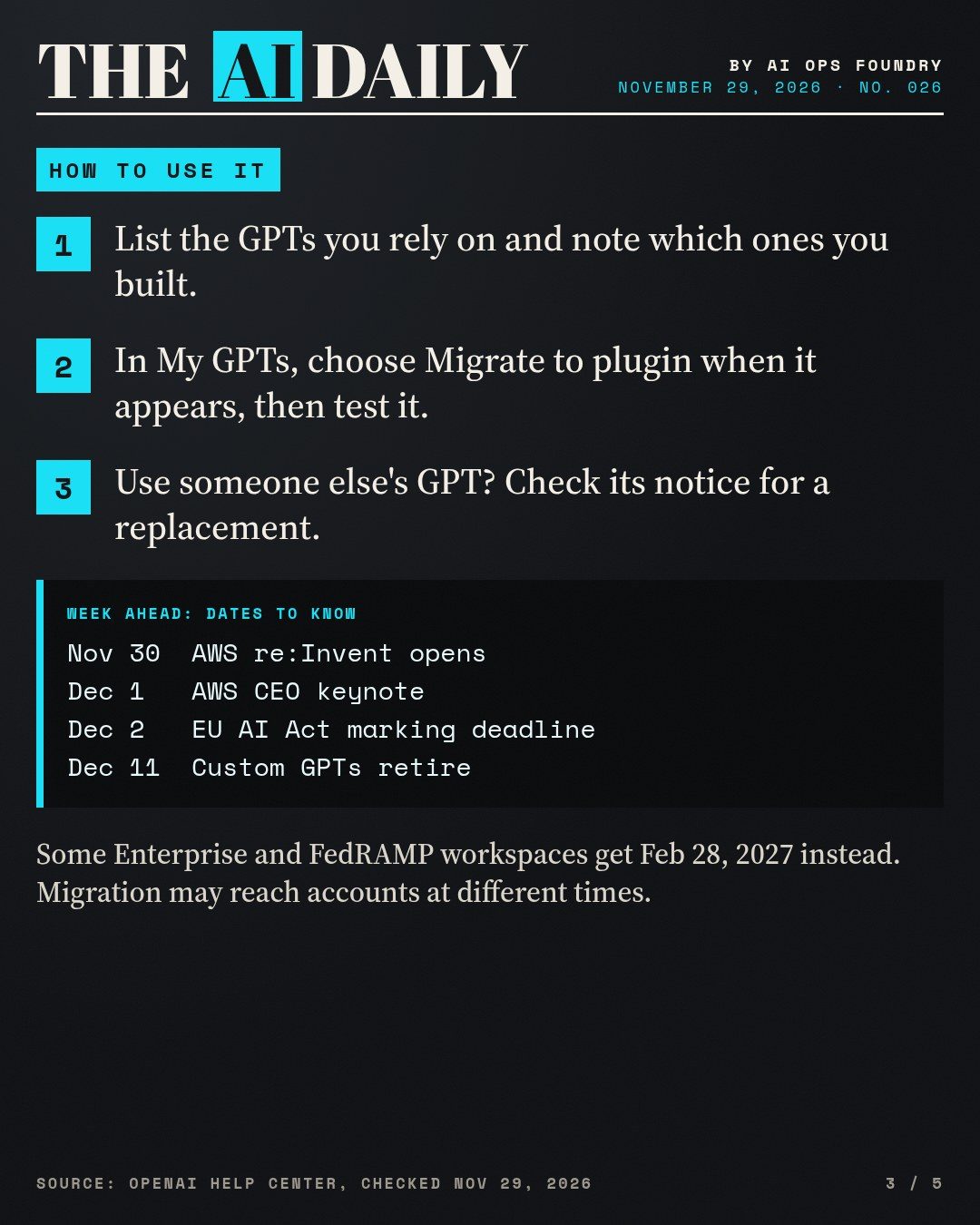
- Make a list. Write down every custom GPT you or your team uses. Next to each one, note whether you built it or someone else did, and whether it uses a custom action.
- Finish your edits first. After migration, the original GPT becomes read-only. Publish any last changes before you migrate. Publishing doesn't require sharing it publicly. (OpenAI Help Center)
- Save three test prompts. Pick two everyday requests and one harder case, so you can compare the old GPT with the new plugin.
- Migrate and test. In My GPTs, choose Migrate to plugin when it appears. Run your test prompts and check that the plugin follows your instructions, uses the right reference files and produces answers in the format you need.
- Pick a different home if it fits better. If you used the GPT for ongoing work like writing or planning, OpenAI says a ChatGPT project can be a good fit: create a new project, add your instructions in Project settings and upload your reference files. (OpenAI Help Center)
- Share it again. A migrated plugin starts private. Share it with the people who need it and ask one of them to install and test it before the 11th.
If you only use someone else's GPT, you don't need to migrate anything. Check the notice on the GPT and any guidance from its creator about a replacement. (OpenAI Help Center)
Week ahead: dates to know
Nov 30  AWS re:Invent opens
Dec 1   AWS CEO keynote
Dec 2   EU AI Act marking deadline
Dec 11  Custom GPTs retire
Also this week
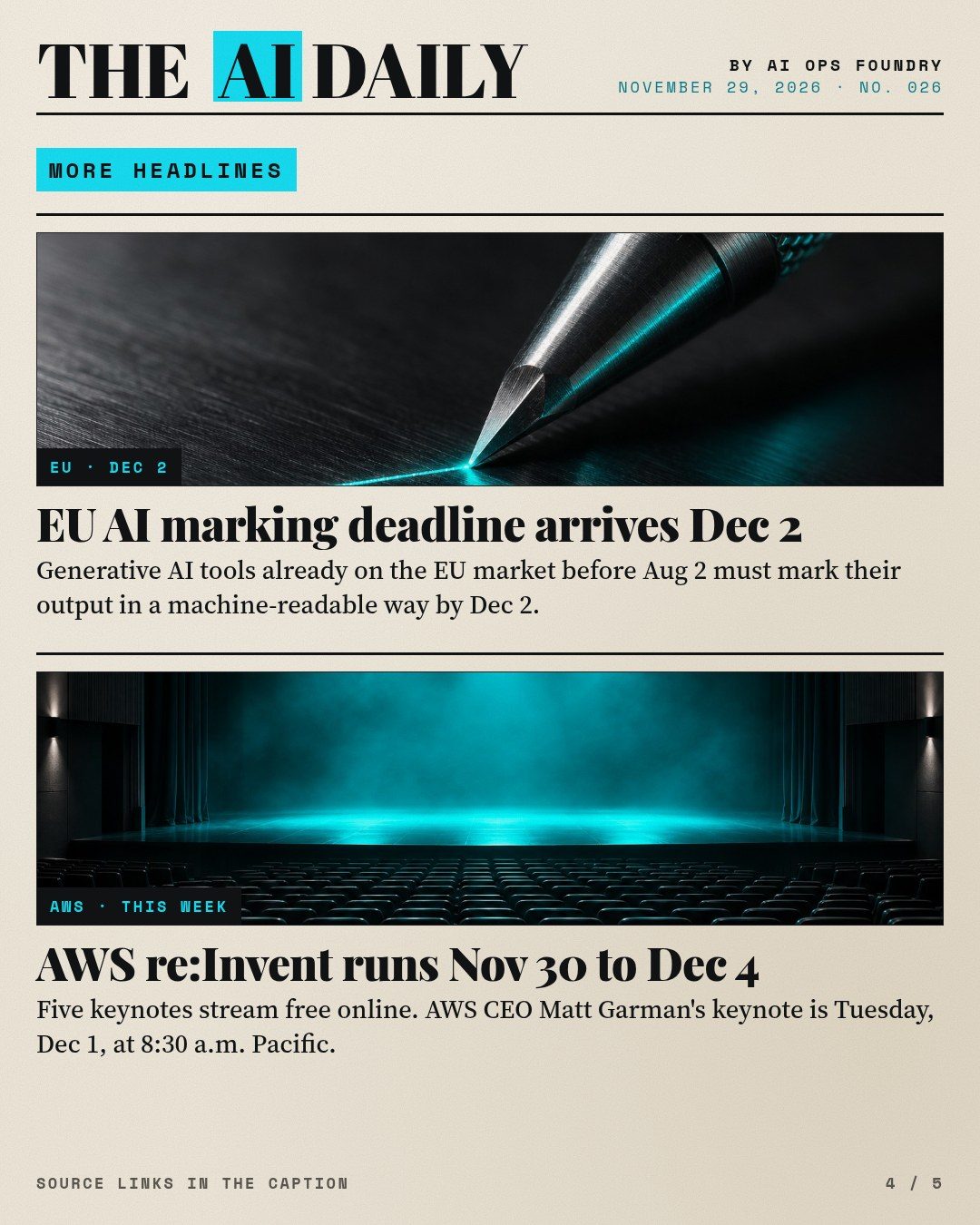
EU AI marking deadline arrives Dec 2
The EU AI Act's transparency rules in Article 50 have applied since August 2, 2026. Providers of generative AI systems must mark AI-generated or manipulated audio, image, video and text in a machine-readable format so it can be detected. The European Commission says systems already on the market before August 2 got a grace period for that marking duty only, and must comply from December 2, 2026. (European Commission AI Act FAQ) The marking duty falls on the companies that provide the AI tools. Separately, businesses that publish deepfakes must disclose them, and AI-generated text published to inform the public on matters of public interest must be labelled. (European Commission AI Act FAQ)
What to do: if you sell in the EU and publish AI-made images, video or audio, check whether your tools add machine-readable marks and keep your own disclosure habits consistent. This is general information, not legal advice.
AWS re:Invent runs Nov 30 to Dec 4
Amazon Web Services holds its yearly cloud and AI conference in Las Vegas this week, with five keynotes across four days. AWS CEO Matt Garman's keynote is Tuesday, December 1, at 8:30 a.m. Pacific, and AWS lists OpenAI CEO Sam Altman among its speakers. The Data and AI keynote follows on Wednesday, December 2, at 8:30 a.m. Pacific. (AWS re:Invent keynotes) AWS says keynotes stream free online. (AWS re:Invent livestream)
What to do: you don't need to watch live. We will cover any launches that matter for small businesses once AWS announces them.
Recommended tools for this week
- My GPTs in ChatGPT: where the Migrate to plugin option appears when it is available for your account.
- ChatGPT projects: a simple home for instructions and reference files you use for ongoing work.
- A short spreadsheet: one row per GPT, with columns for owner, custom action, plan and test result.
What to try this week
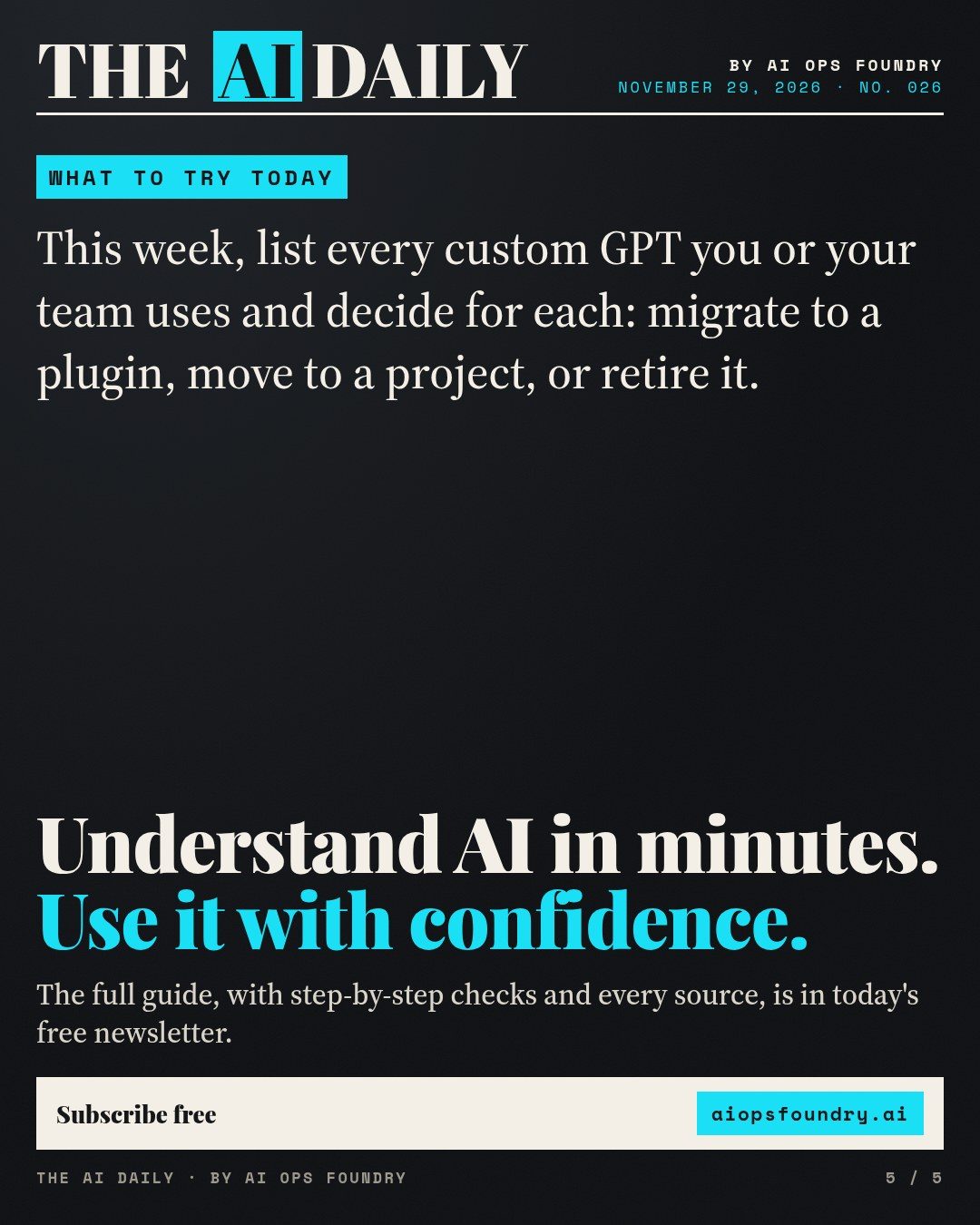
This week, list every custom GPT you or your team uses and decide for each: migrate to a plugin, move to a project, or retire it.
The edition in slides
The same story as the Instagram and Facebook carousel. Swipe or scroll; select a slide to open it full size.

Sources
Every fact is from the official sources listed above, checked on the day of publication. See how we label AI news.