
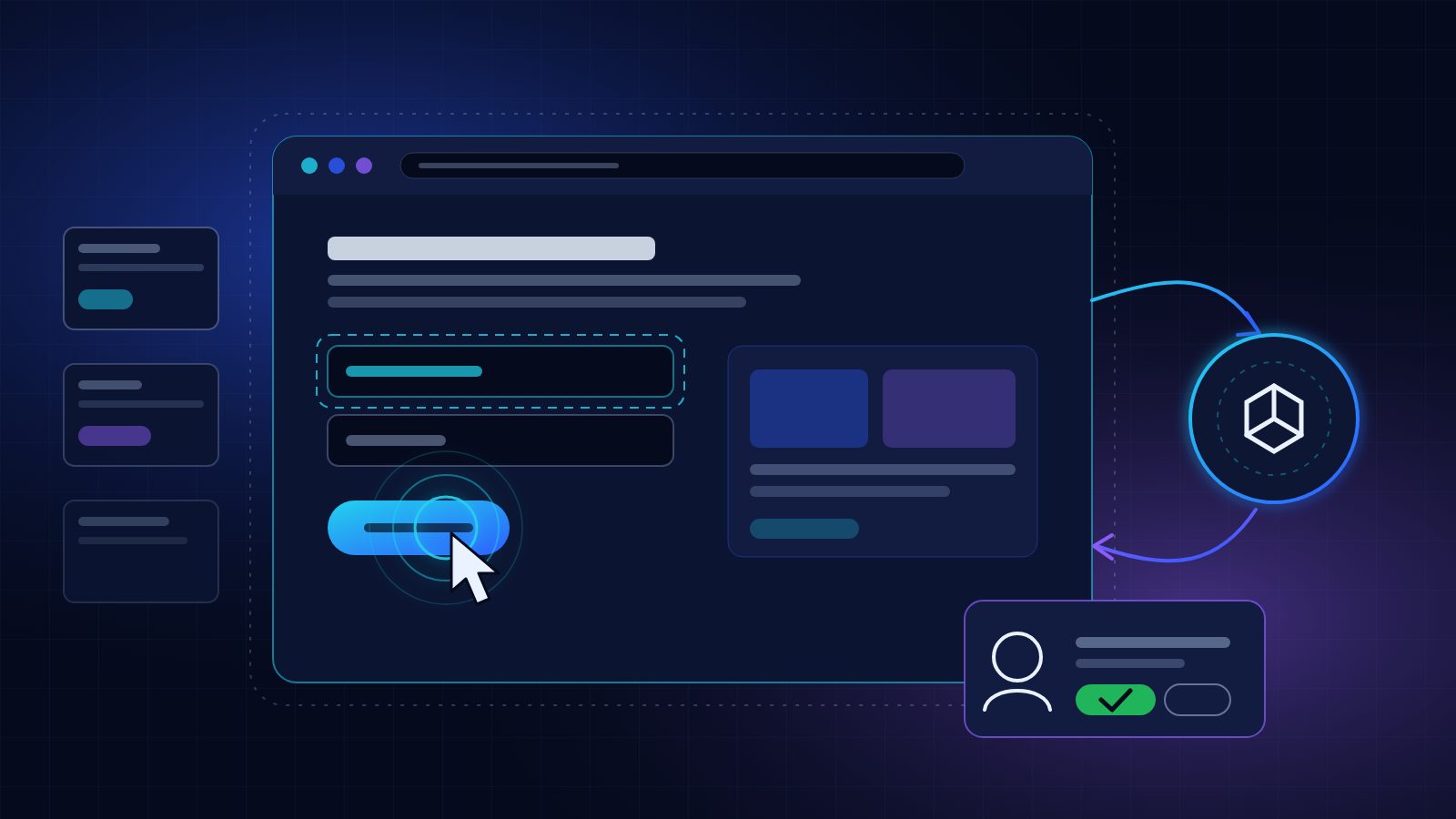
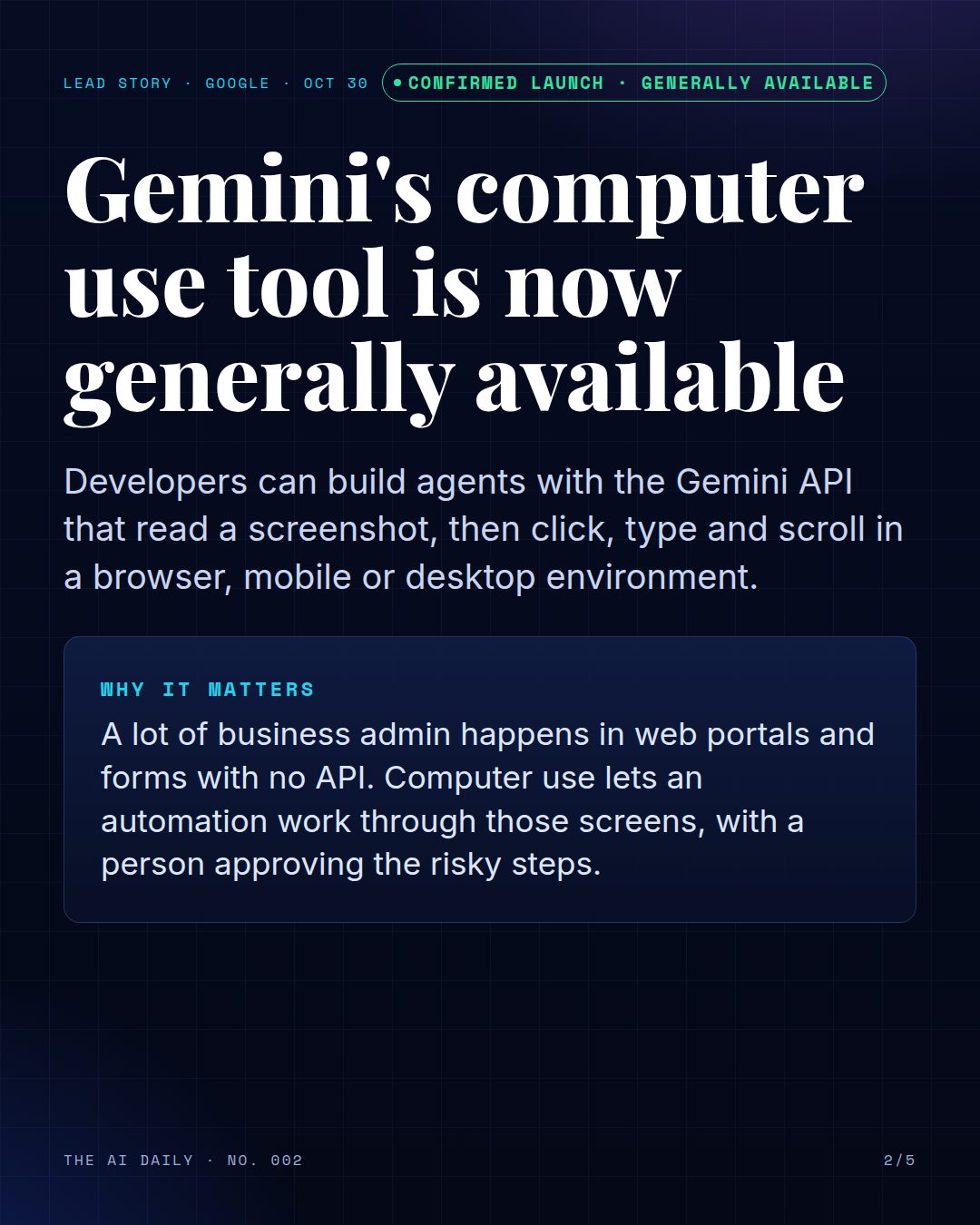
Google released the Computer Use tool in the Gemini API to general availability on October 30, 2026, across both the Interactions and GenerateContent APIs. The tool lets developers build agents that look at a screenshot of a screen and respond with actions such as clicks, typing and scrolling.
It has been in preview since earlier this year. General availability means it is now offered as a standard part of the Gemini API rather than as a preview feature, though Google's documentation still asks developers to supervise it closely.
What it does
Your application sends Gemini a request with the Computer Use tool turned on, the user's goal and a screenshot of the current screen. Gemini replies with a suggested action, such as a click at a position or text to type, along with a short explanation of why it chose that action. Your own code carries out the action, for example with the Playwright browser automation library, takes a new screenshot and sends it back. The loop repeats until the task is done.
Google's documentation says Gemini 4 and Gemini 3.x models support three environments: browser, mobile and desktop.
Where it works
Google lists four supported models: Gemini 4 Argon, Gemini 3.8 Flash (which Google calls the recommended model for computer use), Gemini 3.5 Flash-Lite, and Gemini 3 Flash Preview. Google's pricing page says computer use is charged as regular tokens at the model's normal price and lists it as not available in the free tier.
This is a developer tool. There is no button for it in the Gemini app; you use it through the API, Google's reference implementation or the Browserbase demo environment that Google's documentation points to.
How to use it safely
Google's own guidance is direct: computer use may contain errors and security vulnerabilities, so supervise it closely for important tasks and avoid it for critical decisions, sensitive data or actions where serious errors cannot be corrected. Run the agent in a sandboxed virtual machine, a container or a dedicated browser profile with limited permissions.
Gemini can also flag an action as needing confirmation. When that happens, your application should ask a person before going ahead. For screenshots that might hide instructions aimed at the AI, Google offers an optional prompt injection check on Gemini 3.5 Flash-Lite and later; it is off by default. For a small business, a good first project is a read-only task, such as checking that your opening hours are correct on your own website.
TRY IT TODAY
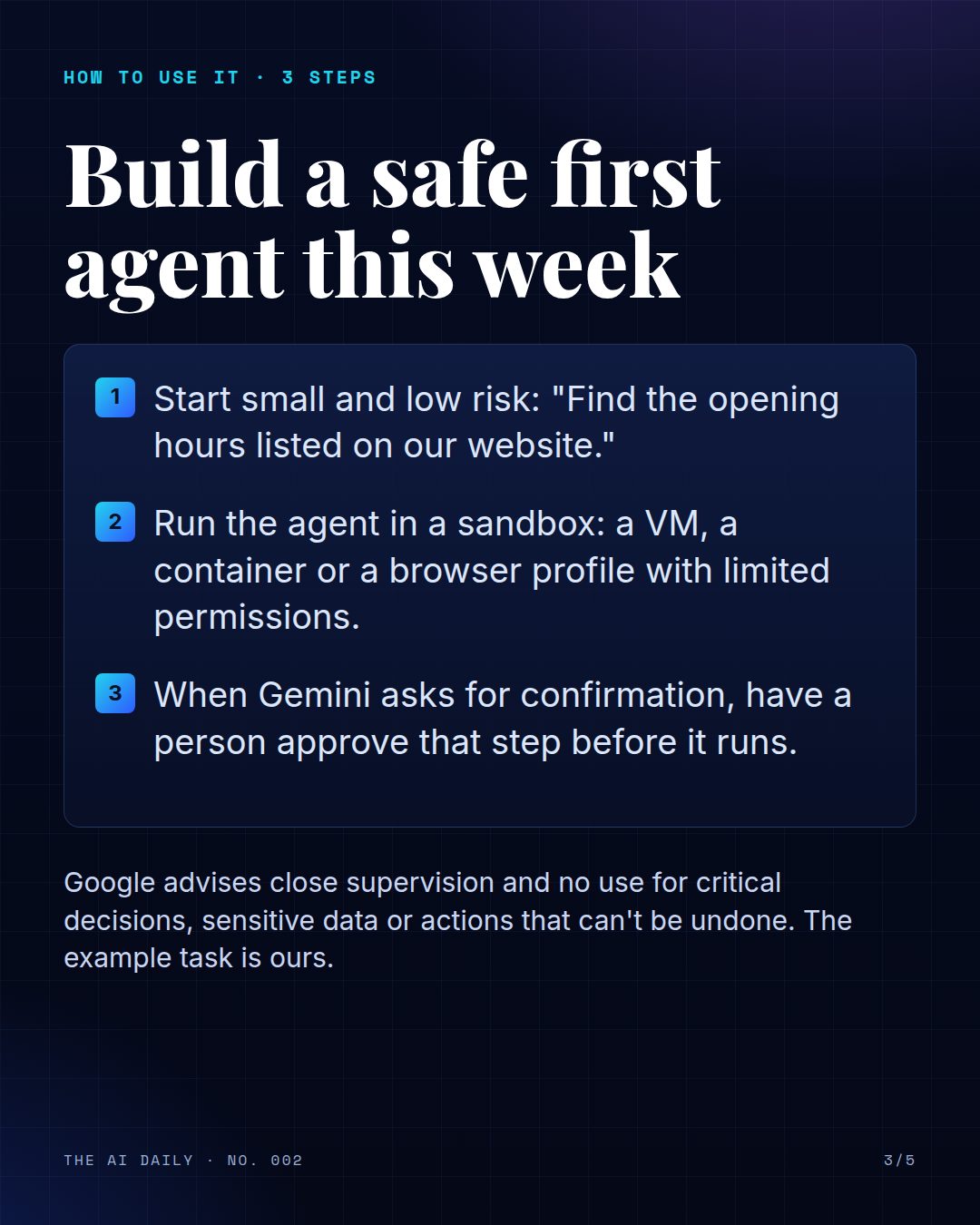
- Start small and low risk: "Find the opening hours listed on our website."
- Run the agent in a sandbox: a VM, a container or a browser profile with limited permissions.
- When Gemini asks for confirmation, have a person approve that step before it runs.
Read the announcement from Google
Also today
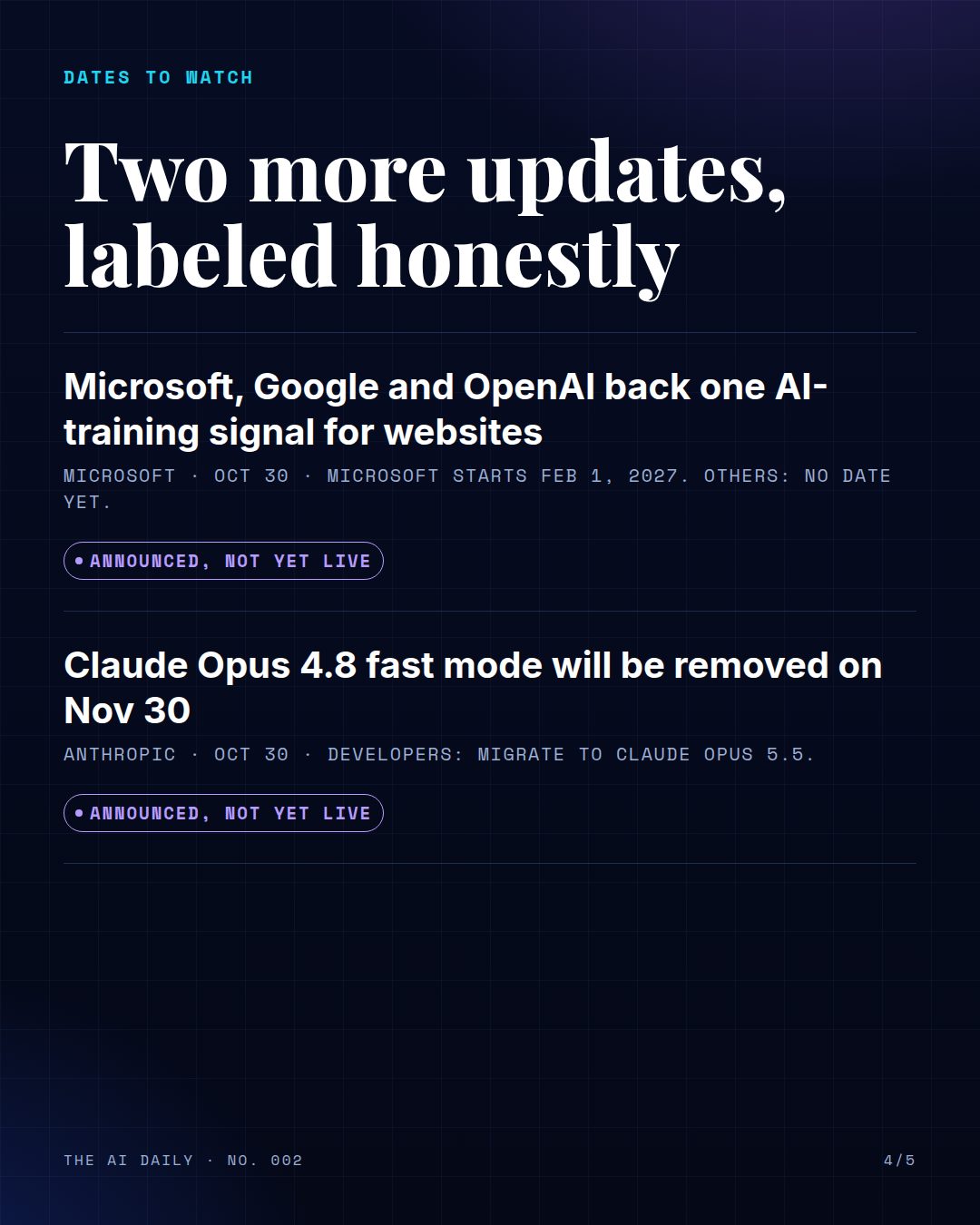
Microsoft, Google and OpenAI back one AI-training signal for websites
On October 30, Microsoft, Google and OpenAI each said they will honor a shared robots.txt signal that lets a website state one AI-training preference for every participating provider, instead of writing separate rules for each one. It builds on work in the IETF AI Preferences working group, and Microsoft notes that the work toward a final standard continues. Microsoft says it will start honoring the preference as it crawls from February 1, 2027, and that it does not change eligibility for Bing search results. Google describes its support as future support, and OpenAI says it aims to implement the signal in the coming months; OpenAI's existing crawler controls stay in place. None of the three has switched it on yet.
Claude Opus 4.8 fast mode will be removed on Nov 30
Anthropic has deprecated fast mode for Claude Opus 4.8 in the Claude API, with removal on November 30, 2026. After that date, requests to claude-opus-4-8 with fast mode turned on will return an error. Anthropic says developers who want to keep using fast mode should migrate to Claude Opus 5.5 and links a migration guide. This only affects developers who call the API with fast mode; it is a date to put on the calendar now so an automation does not stop working at the end of the month.
The edition in slides
The same story as the Instagram and Facebook carousel. Swipe or scroll; select a slide to open it full size.
Sources
- Gemini API release notes: Computer Use generally available (Oct 30, 2026)
- Bing Blog (Microsoft): Your content, your choice: clearer preferences for training and grounding (Oct 30, 2026)
- Claude Platform release notes (Anthropic): fast mode for Claude Opus 4.8 deprecated (Oct 30, 2026)
Sources: Gemini API docs (Google), Bing Blog (Microsoft), Claude Platform release notes (Anthropic). Checked Nov 1, 2026. Every story is labeled for what it really is; see how we label AI news.