

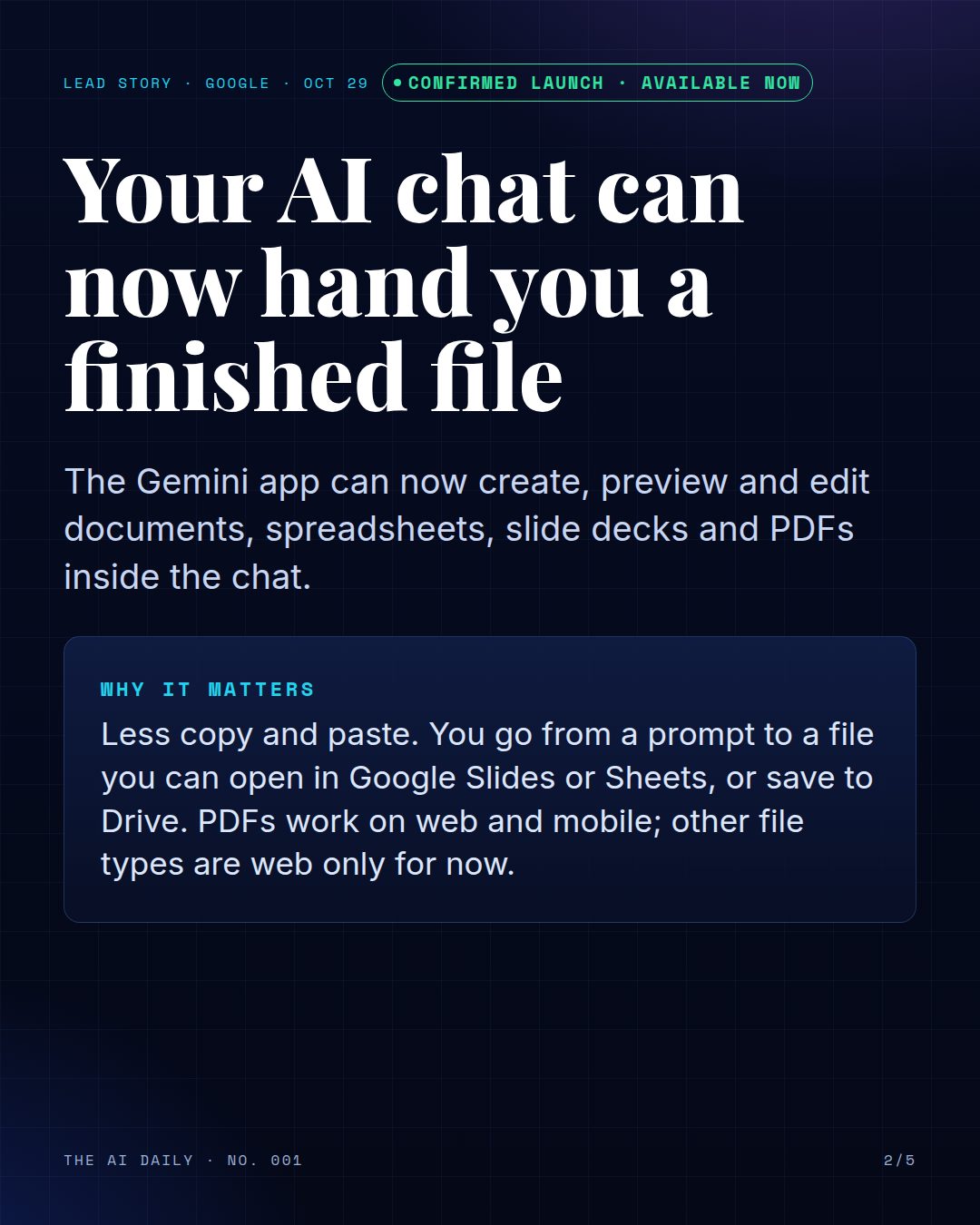
Google says the Gemini app can now create, preview and edit files right inside the chat. You ask for a document, spreadsheet, slide deck or PDF, see it in the conversation, and keep working on it there instead of copying text into another app.
Google announced the change on October 29, 2026. It is available now to all Google Workspace customers, Workspace Individual subscribers and people with personal Google accounts, in every language where the Gemini app is offered.
What you can make
Google lists documents, spreadsheets, slide decks, PDFs, Markdown and plain text files, and code. For slides, you can preview the layout in the chat, edit it yourself or ask Gemini to adjust the tone and structure, then open it in Google Slides or download it as a PPTX or PDF.
For spreadsheets, Gemini can build trackers, tables and simple data models from a prompt, which you can open directly in Google Sheets. Documents and PDFs can be edited inline or in a full-screen view and saved to Google Drive.
Where it works
PDF preview and editing work on the web and on mobile. Every other file type, including documents, spreadsheets and slide decks, works on the web only for now. Google says there is no separate admin switch for this feature; it follows whether the Gemini app is turned on for your account.
Why it matters for a small business
The slow part of using an AI chat is often the last step: moving the answer into a file you can actually send. Being able to ask for a finished price list, schedule or slide outline, check it and fix it in one place cuts out most of that copy and paste.
As with anything an AI drafts, read the file before you share it. Check prices, names and dates against your own records.
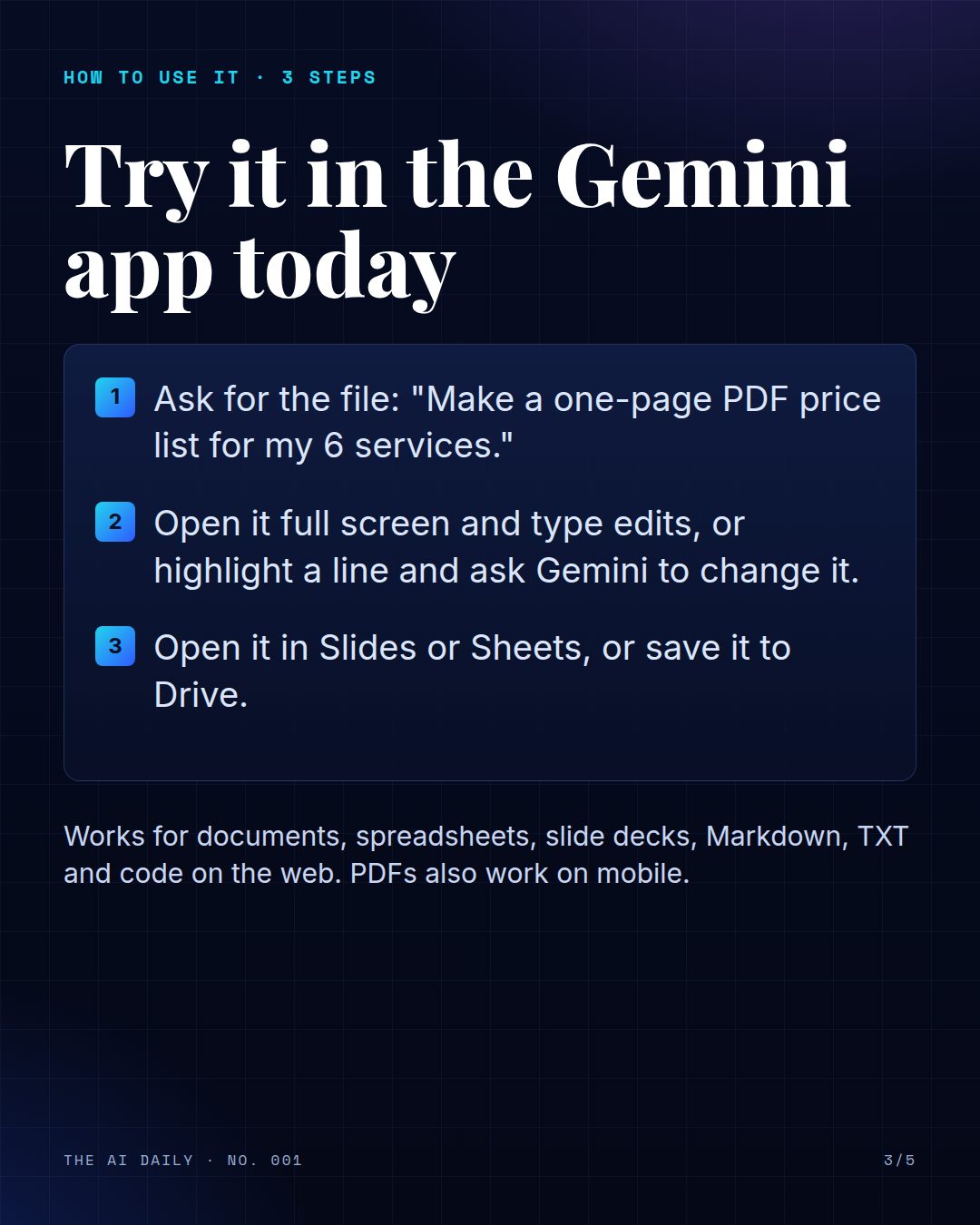
TRY IT TODAY
- Ask for the file: "Make a one-page PDF price list for my 6 services."
- Open it full screen and type edits, or highlight a line and ask Gemini to change it.
- Open it in Slides or Sheets, or save it to Drive.
Read the announcement from Google
Also today
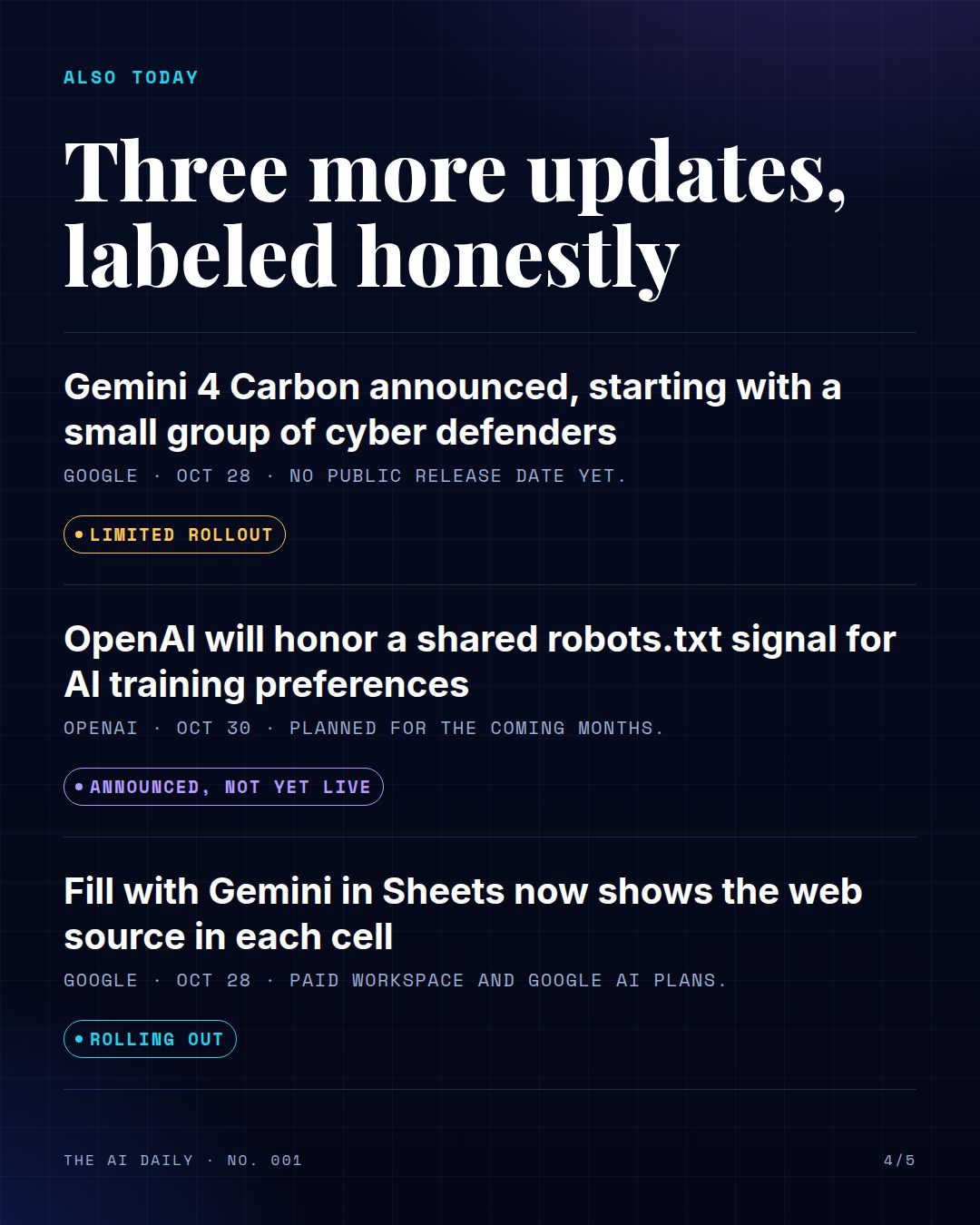
Gemini 4 Carbon announced, starting with a small group of cyber defenders
Google announced Gemini 4 Carbon on October 28 and calls it its strongest model, with a focus on cybersecurity and long, multi-step engineering work. Access starts with a small group of cyber defenders and will widen gradually to trusted partners. Google says it will reach developers, businesses and consumers later, but it has not given a date. There is nothing to try yet.
OpenAI will honor a shared robots.txt signal for AI training preferences
OpenAI said on October 30 that it will honor a shared signal in robots.txt, the file websites use to tell automated crawlers what they may do. The signal lets a site state one preference about AI training that several participating AI companies can read, instead of writing separate rules for each one. OpenAI says it aims to implement it in the coming months and will publish details then. Its existing crawler controls stay in place.
Fill with Gemini in Sheets now shows the web source in each cell
Google says Fill with Gemini in Google Sheets now shows the exact web sources it used inside each generated cell, which makes the results easier to check. It also handles up to 3,000 cells per request. The rollout began October 20 and can take up to 15 days to appear. It is for Business Standard and Plus, Enterprise Standard and Plus, Google AI Pro and Ultra, and some education and add-on plans.
The edition in slides
The same story as the Instagram and Facebook carousel. Swipe or scroll; select a slide to open it full size.

Sources
- Google Workspace Updates: Create, preview, and edit files directly in the Gemini app (Oct 29, 2026)
- The Keyword (Google): Gemini 4 Carbon, our next frontier model (Oct 28, 2026)
- OpenAI: Making it easier for websites to express AI training preferences (Oct 30, 2026)
- Google Workspace Updates: Fill with Gemini now provides cell-level citations for web sources (Oct 28, 2026)
Sources: Google Workspace Updates, The Keyword (Google), OpenAI. Checked Oct 31, 2026. Every story is labeled for what it really is; see how we label AI news.