

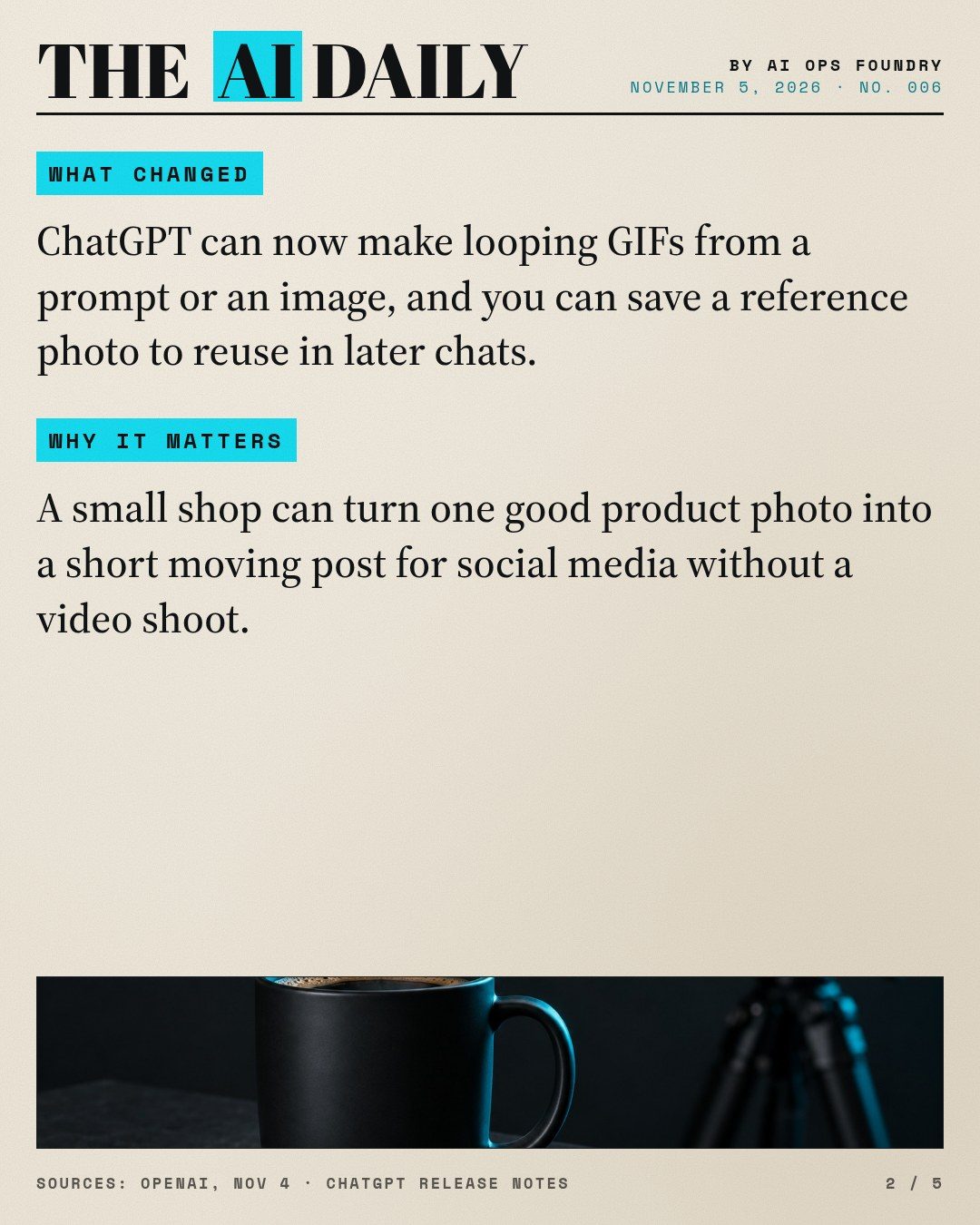
OpenAI released Images 2.6 on November 4. It's a new image model for ChatGPT, Codex and the API that OpenAI says generates images 50% faster and keeps characters, products and brand details more consistent as you edit. It also adds two features in ChatGPT: GIF creation, which is rolling out, and saved reference images. OpenAI's own example of what GIFs are for is "turning a product shot into an eye-catching loop." (OpenAI, ChatGPT release notes)
What changed
- GIF creation: ask ChatGPT for a looping animation, or upload an image or sketch and ask it to animate it. You can adjust the playback speed and share the GIF. (ChatGPT release notes) OpenAI's community announcement adds that you can edit individual frames. (OpenAI Developer Community)
- Saved reference images: save a photo once and reuse it in later chats by name, without uploading it again. OpenAI's example: save a photo of your dog as Pepper, then ask for a watercolor portrait of @Pepper. (ChatGPT release notes)
- Faster and more consistent edits: images generate 50% faster, and details such as a product or an outfit hold up better when you change something else, such as the background. (OpenAI)
- Availability: OpenAI says Images 2.6 is available globally in ChatGPT and Codex on all subscription tiers, on desktop, mobile and web. Developers get two API models, GPT-Image-2.6 Flare and Sunburst, plus SVG export and image markup. (OpenAI, OpenAI API changelog)
- Provenance: OpenAI says Images 2.6 output carries C2PA metadata and SynthID watermarking. (Images 2.6 system card)
Why it matters
Short moving images get noticed in a feed, but a video shoot is a big ask for a small business. With Images 2.6, one good product photo can become a short loop, like steam rising from a coffee, a candle flame flickering or a slow turn of a bottle, in a few minutes. Saved reference images also mean you can keep using the same product photo across posts without uploading it every time.
Use case: a product GIF in five steps
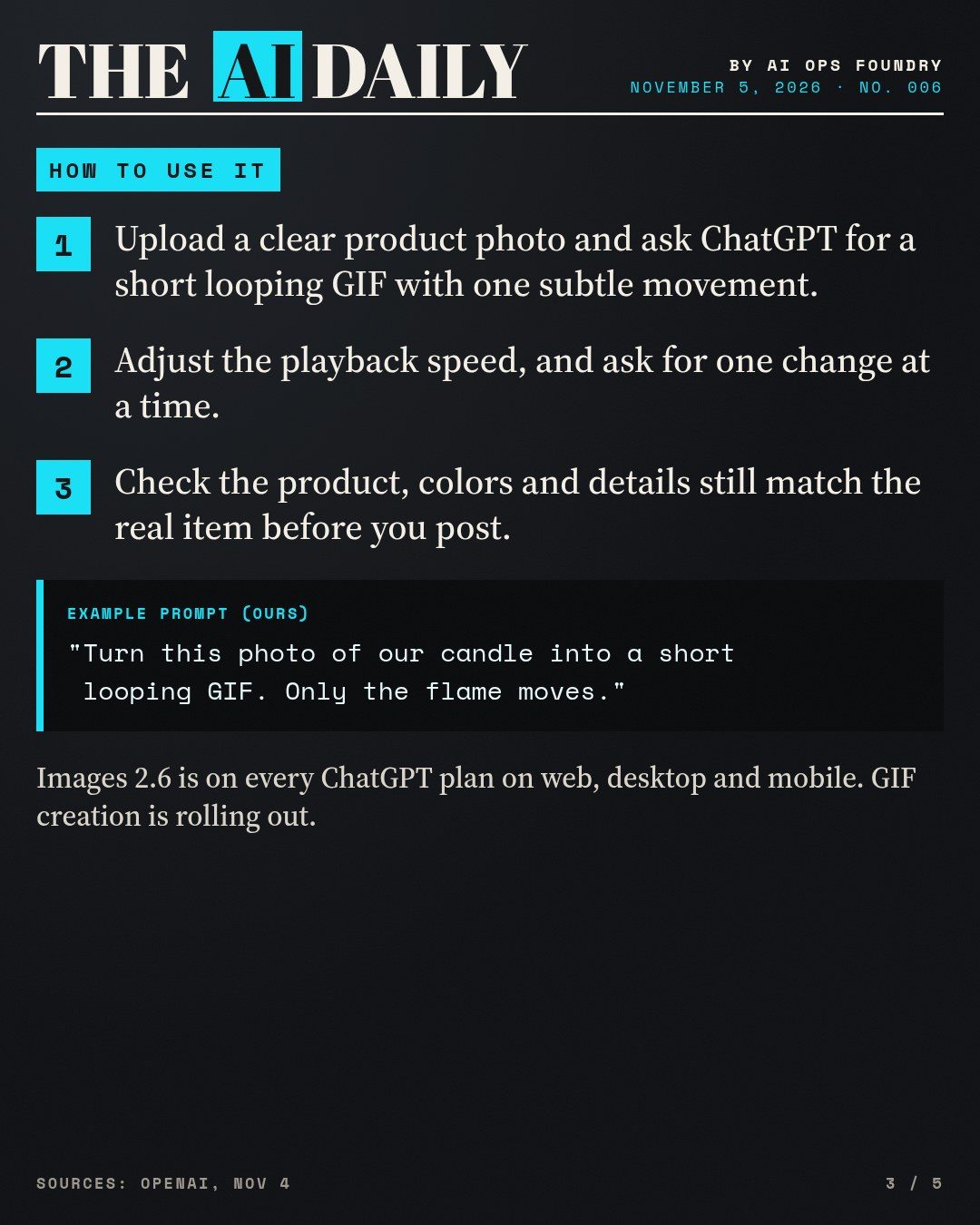
- Start with a real photo. Pick a sharp, well-lit photo of the actual product on a plain background. The better the photo, the less the model has to invent.
- Ask for one subtle movement. In ChatGPT, upload the photo and ask for a short looping GIF. Example prompt (ours): "Turn this photo of our candle into a short looping GIF. Only the flame moves." Keeping everything else still makes the product less likely to drift.
- Adjust the speed, one change at a time. Use the playback speed control, and ask for single, specific changes such as "slower" or "keep the label exactly as in the photo."
- Save the product as a reference. If you'll make more posts, save the product photo as a reference image so you can call it by name in later chats. (ChatGPT release notes)
- Check it against the real product before posting. Compare color, shape, size and any label or text frame by frame. If the GIF shows something the product doesn't have, don't use it; customers should get what the image shows.
If GIF creation isn't showing for you yet, it's still rolling out. You can use the same steps to make still images with Images 2.6 in the meantime. (ChatGPT release notes)
Also today
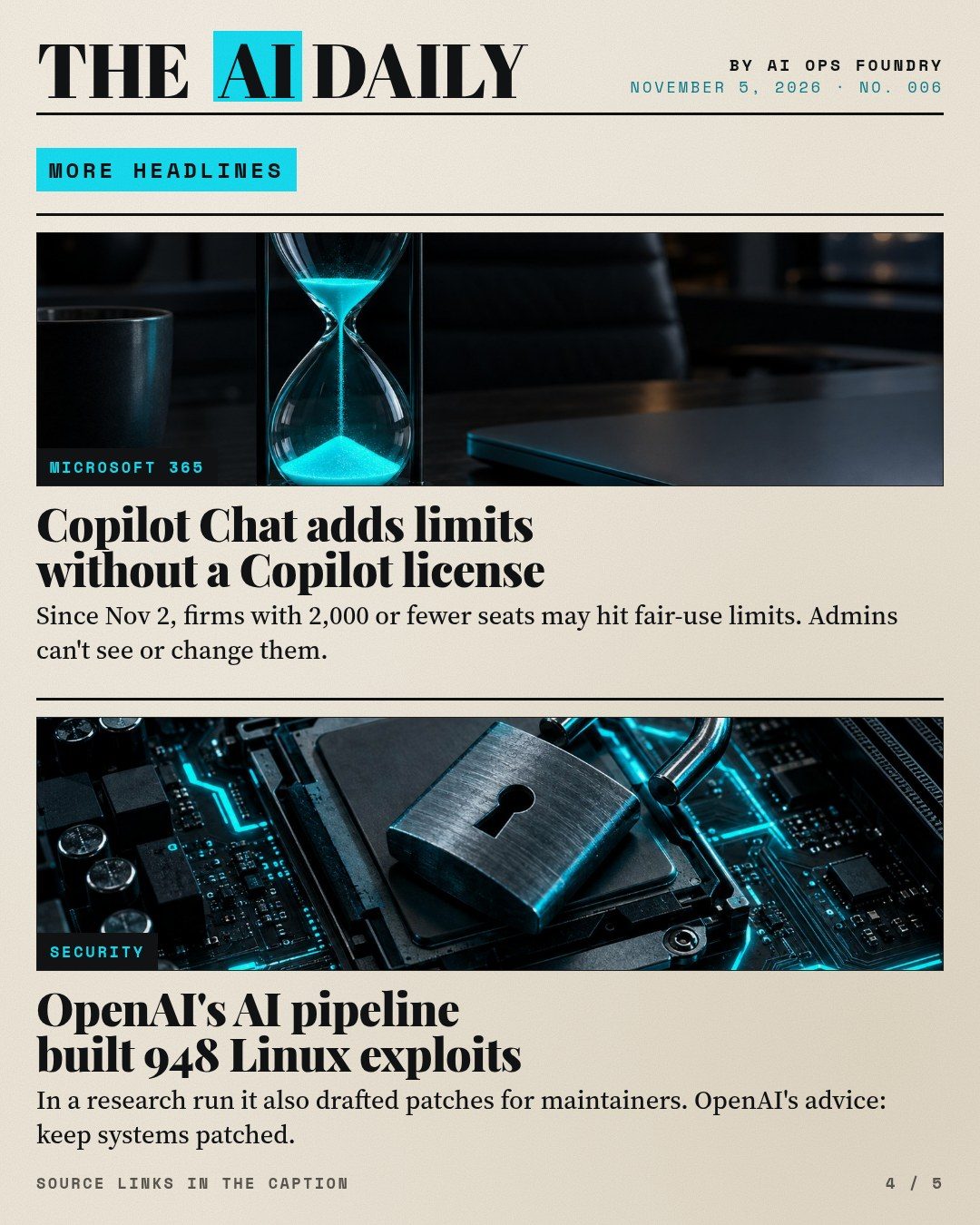
Copilot Chat adds limits without a Copilot license
Microsoft says it is adding fair-use limits to more Copilot Chat features for users who don't have a Microsoft 365 Copilot license. The limits started November 2 for organizations with 2,000 or fewer Microsoft 365 seats and start November 9 for larger ones. Copilot Chat stays included in Microsoft 365 subscriptions, and work already in progress isn't cut off. Microsoft doesn't publish the limits, they can vary through the day, and admins can't view or change them. When users hit one, the product shows when the feature will be available again, and in most organizations offers a way to request a license. (Microsoft Partner Center)
What to do: if your team relies on free Copilot Chat, tell staff that a limit message is expected behavior, and decide in advance whether license requests should come to you. Admins can also turn off direct license purchases for each product.
OpenAI's AI pipeline built 948 Linux exploits
OpenAI described an automated security pipeline, powered by an upcoming cyber model, that in a mid-October research run on a commonly used Linux distribution produced 948 distinct, working local privilege-escalation exploits and drafted candidate patches for maintainers. OpenAI says it has sent hundreds of reports and patches for critical vulnerabilities. It warns that, for now, a low-privileged account on a system without current patches could be close to full control for a well-resourced attacker. (OpenAI)
What to do: turn on automatic updates for the computers, servers and phones your business uses, and apply pending security updates this week.
Recommended tools for today's lesson
- ChatGPT with Images 2.6: for the GIF and saved reference images.
- Your phone camera and a plain backdrop: a clean starting photo matters more than the prompt.
- A simple checklist: color, shape, label, size. Check each one before you post.
What to try today
Pick one product photo and ask ChatGPT for a short loop with a single movement. Compare it with the real product before you post it.
The edition in slides
The same story as the Instagram and Facebook carousel. Swipe or scroll; select a slide to open it full size.


Sources
Every fact is from the official sources listed above, checked on the day of publication. See how we label AI news.