

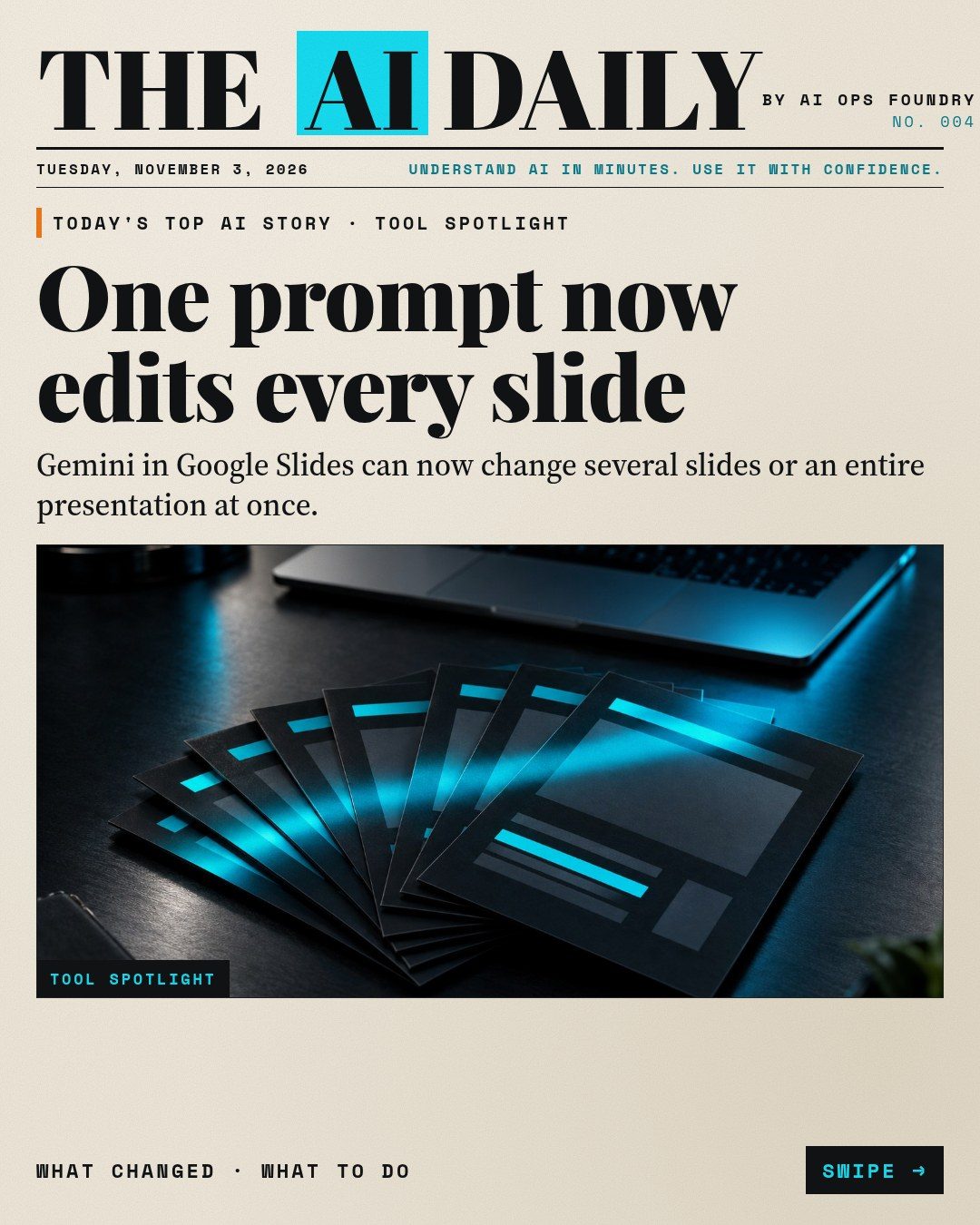
Google says Gemini in Google Slides can now edit multiple slides, or an entire presentation, from a single prompt in the Slides side panel. Instead of fixing one slide at a time, you describe the change once and Gemini works out which slides need it. The rollout started on October 29, 2026. (Google Workspace Updates)
What changed
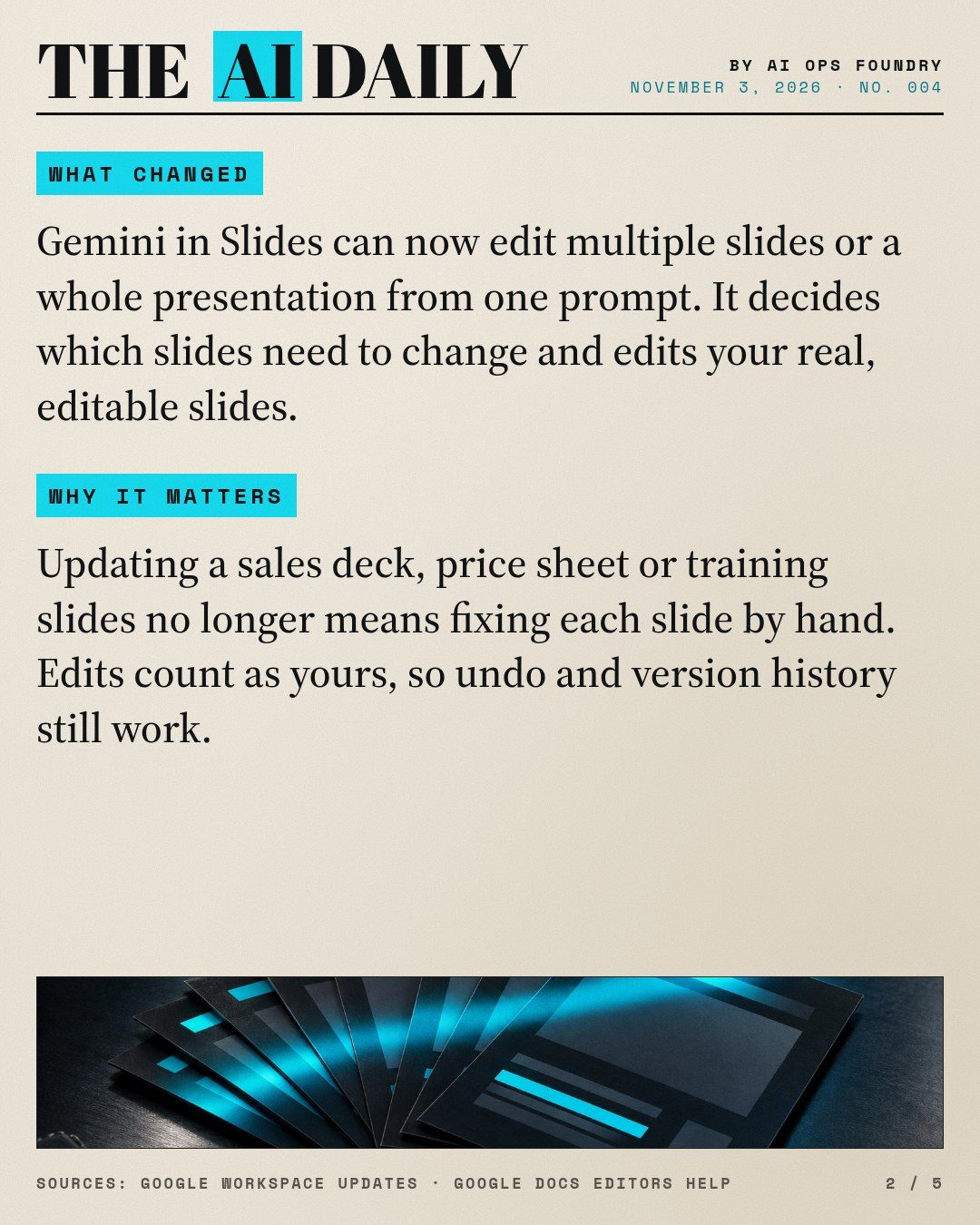
- One prompt can now refresh visual styles, update content using files from your Google Drive, combine or expand slides, and make styling consistent across a deck. (Google Workspace Updates)
- After it makes the edits, Gemini shows a summary of what it changed in the side panel. (Google Workspace Updates)
- The edits land on your real, editable slides as if you had made them yourself, so undo and version history work as usual. (Google Workspace Updates)
- At launch it works on desktop and in English only. (Google Docs Editors Help)
Who gets it
Google lists Business Standard and Plus, Enterprise Standard and Plus, Google AI Pro and Ultra, and Google AI Pro for Education. It is rolling out to Rapid Release and Scheduled Release domains as an extended rollout, which Google says can take more than 15 days, so you may not see it yet. There is no admin setting for it. (Google Workspace Updates) Google's help page words availability differently, describing multi-slide editing for Gemini Beta work accounts and for consumers with Google AI Pro or Ultra. (Google Docs Editors Help)
Why it matters
Most small teams keep a few decks alive for months: a sales deck, a price sheet, onboarding or training slides. Small changes across those decks, such as a new price, a renamed service or a cleaner look, are tedious and easy to get wrong when done slide by slide. Because Gemini's edits count as your own and come with a summary, you can make a deck-wide change in one step and still review and undo it.
How to use it: step by step
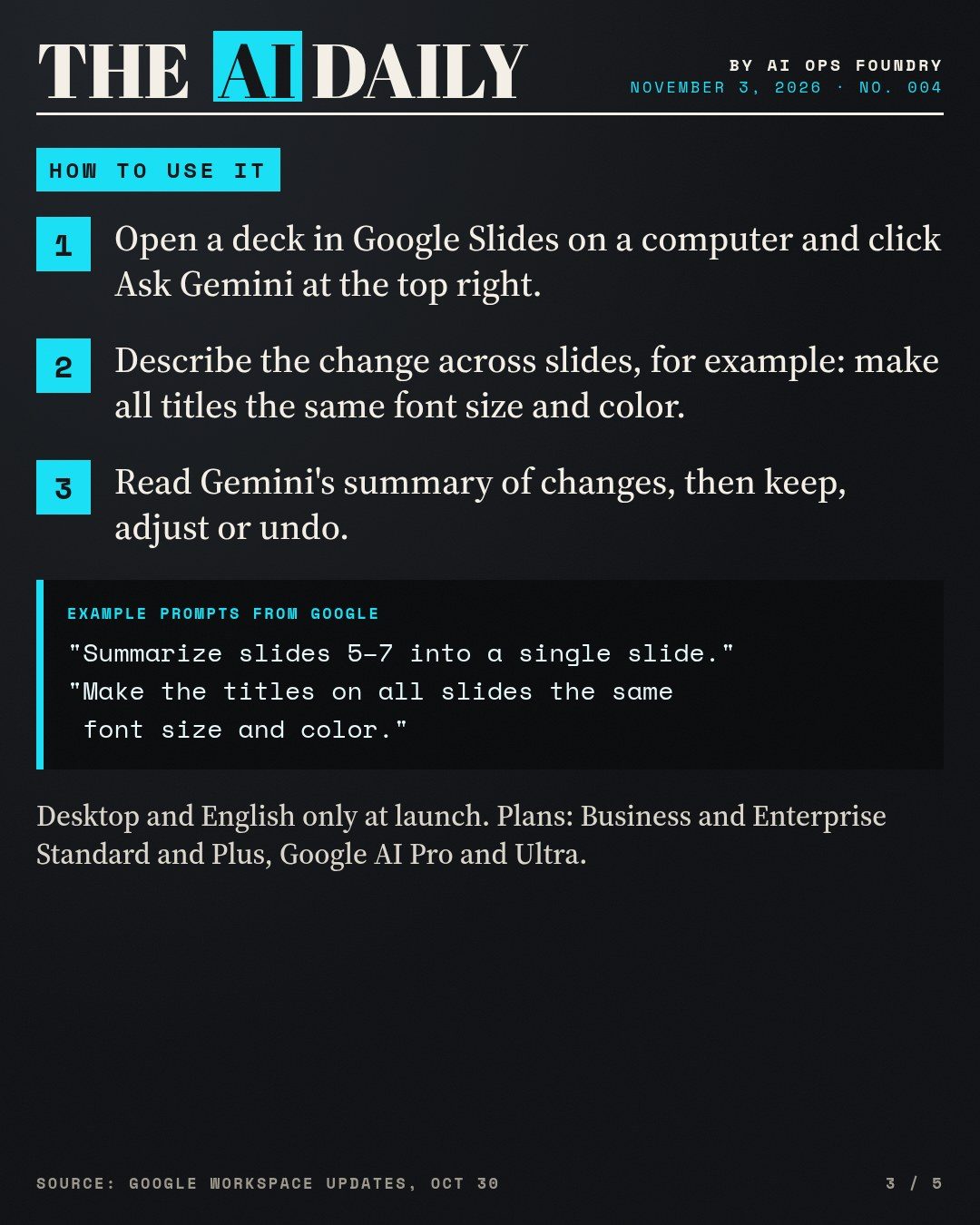
- Open the deck on a computer. Open your presentation in Google Slides and click Ask Gemini at the top right. (Google Docs Editors Help)
- Make a copy first if the deck matters. Edits apply straight to your slides. Version history lets you go back, but a copy is the safest way to try your first prompts.
- Describe the change across slides, then submit. Be specific about which slides and what should change. Examples from Google:
- "Make the titles on all slides the same font size and color."
- "Summarize slides 5–7 into a single slide."
- "Update this whole deck to match the style of this [reference file]."
- "Update this presentation to include more details based on [reference file]."
- "Change bullet points across slides 2 and 4 into concise summaries."
- "Adjust the tone of all slides to be more formal." (Google Workspace Updates, Google Docs Editors Help)
- Read the summary of changes. Check it against your slides, especially numbers, names and prices. If Gemini changed something you didn't want, undo it or ask for a narrower edit.
- If it can't help, Google notes Gemini may not be able to support every request. Split the job into smaller prompts, for example one for styling and one for content. (Google Docs Editors Help)
A practical example: after a price change, open your sales deck, ask "Update the prices on every slide to match the price list in [reference file]," then compare the summary with the price list line by line before you send the deck to anyone.
Also today
ChatGPT's phone apps add account switching
OpenAI says account switching is rolling out in the ChatGPT apps for iOS and Android. You can stay signed in to up to two accounts, for example a personal and a work account, and move between them in Settings > Switch account. Each account keeps its own chats, memory, settings and subscription. (ChatGPT release notes)
What to do: if you use ChatGPT for work and personal tasks, add your work account and check which account is active before you paste anything confidential.
Claude API adds message threads in beta
Anthropic has added message threads to the Claude API as a beta, using the header message-threads-2026-08-12. The server keeps the conversation, so later requests send only the new messages instead of the full history, which Anthropic says lowers time to first token in long conversations and agent loops. A thread expires 5 minutes after its last request and is deleted no more than an hour after last use. It is available on the Claude API, Claude Platform on AWS, Claude Models on Google Cloud (Anthropic managed) and Claude in Microsoft Foundry. (Claude Platform release notes)
What to do: if you run a chatbot or agent on the Claude API, try threads on a test copy and plan for the 5-minute expiry, for example by falling back to sending the full history when a thread has ended.
Recommended tools for today's lesson
- Google Slides with Gemini: the deck-wide editing feature covered above.
- A reference deck or document in Google Drive: gives Gemini a style or source to match.
- Slides version history (File > Version history): to compare and restore after a big edit.
What to try today
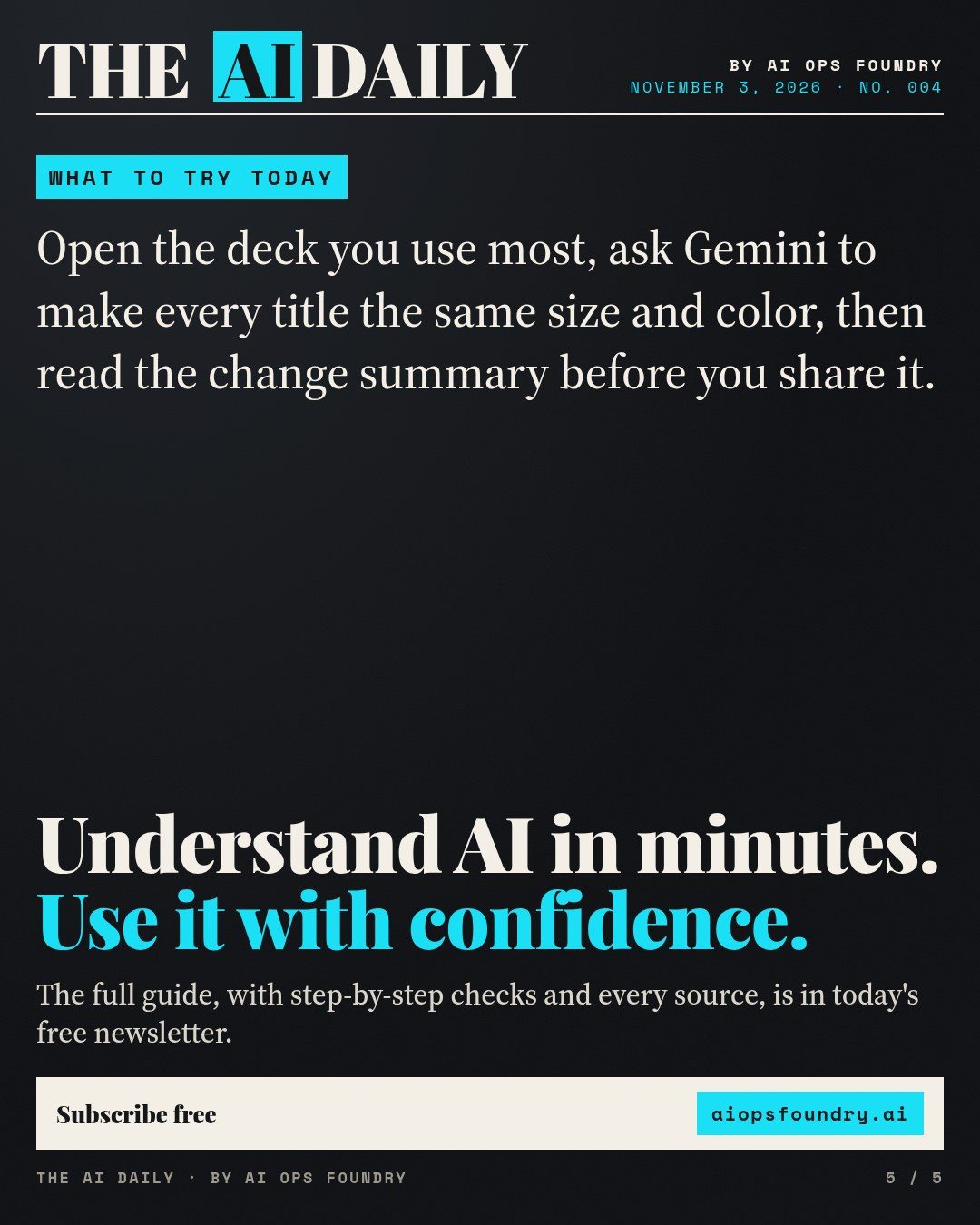
Open the deck you use most, ask Gemini to make every title the same size and color, then read the change summary before you share it.
The edition in slides
The same story as the Instagram and Facebook carousel. Swipe or scroll; select a slide to open it full size.

Sources
Every fact is from the official sources listed above, checked on the day of publication. See how we label AI news.